CONTACT US
How can we help you today?
Our Location
29 Mayflower Gardens, 31
Mayflower Place, Singapore 568894
How Can We Help?
Send us a Message
We accept JPEG, PNG or WEBP formats up to 24MB
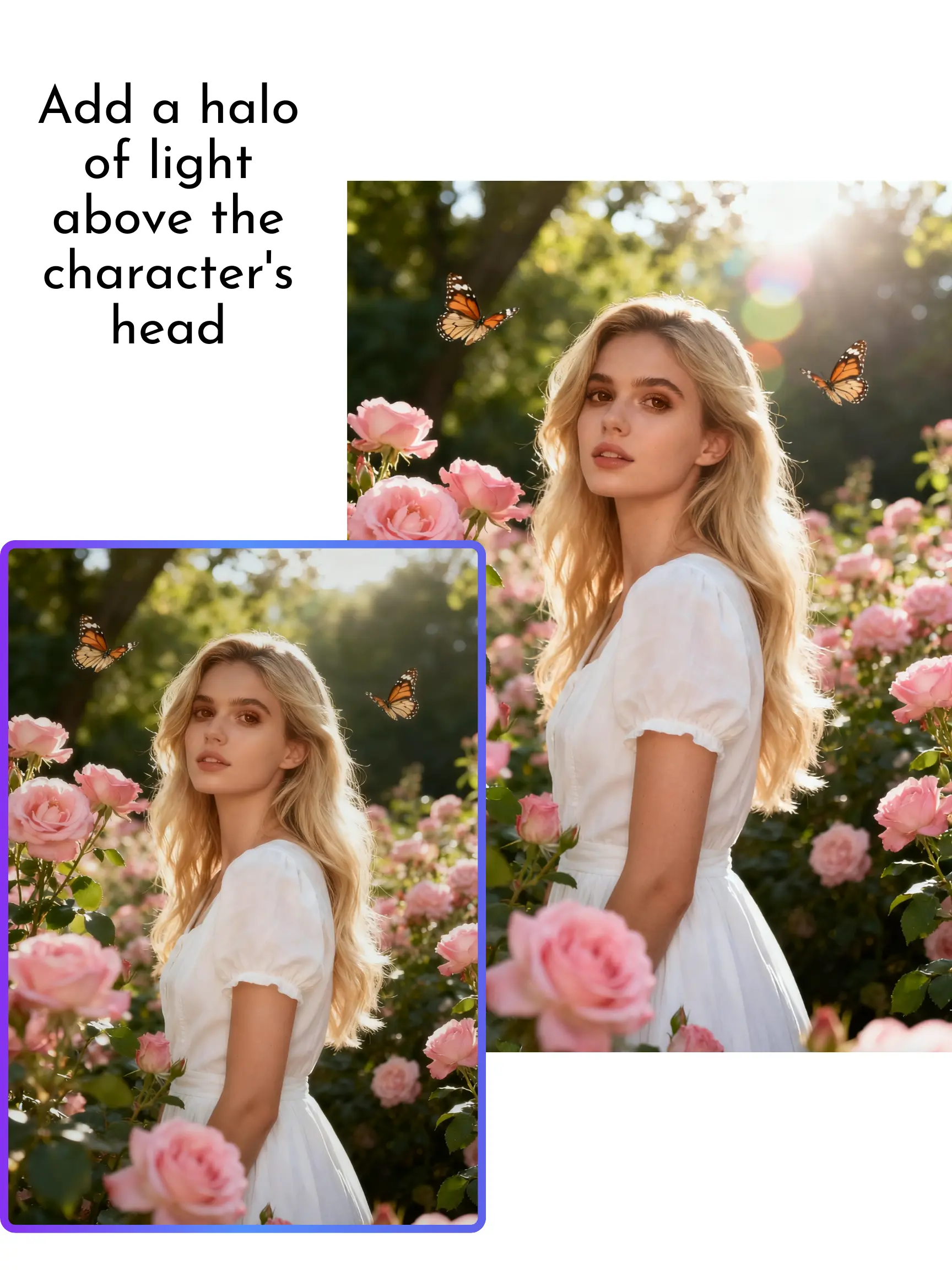
Edit and enhance photos instantly using simple text prompts. The AI automatically adjusts lighting, sharpens details, restores clarity, and even edits text within the image. You can also target specific areas for precision editing without affecting the whole photo—perfect for fixing small imperfections with professional accuracy.

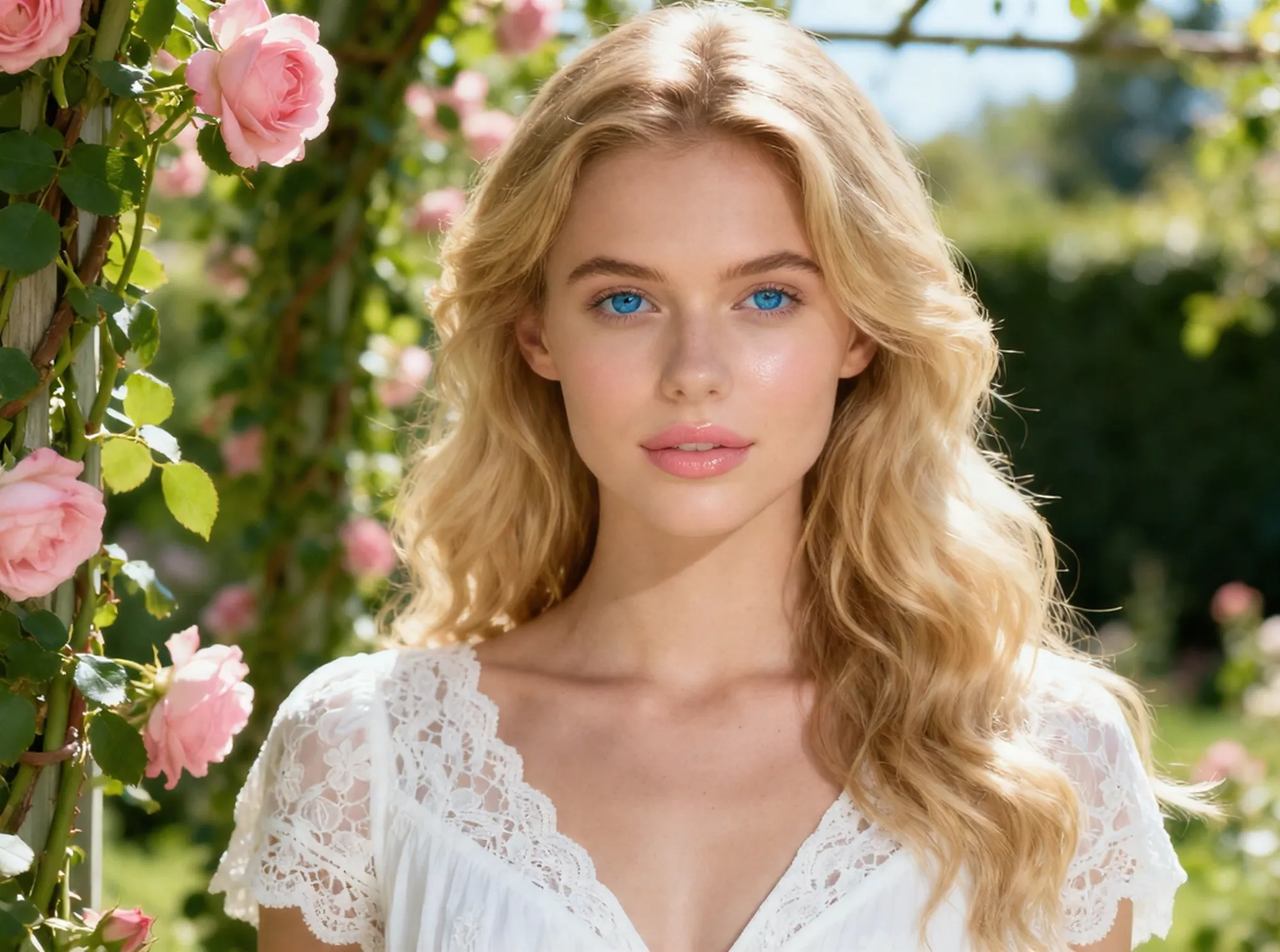
Enhance details, refine textures, and sharpen edges while preserving the subject's natural style and identity. Whether adjusting poses, clothing, or backgrounds, the editor maintains visual consistency and realism. Deep learning models restore micro-details and optimize contrast automatically.
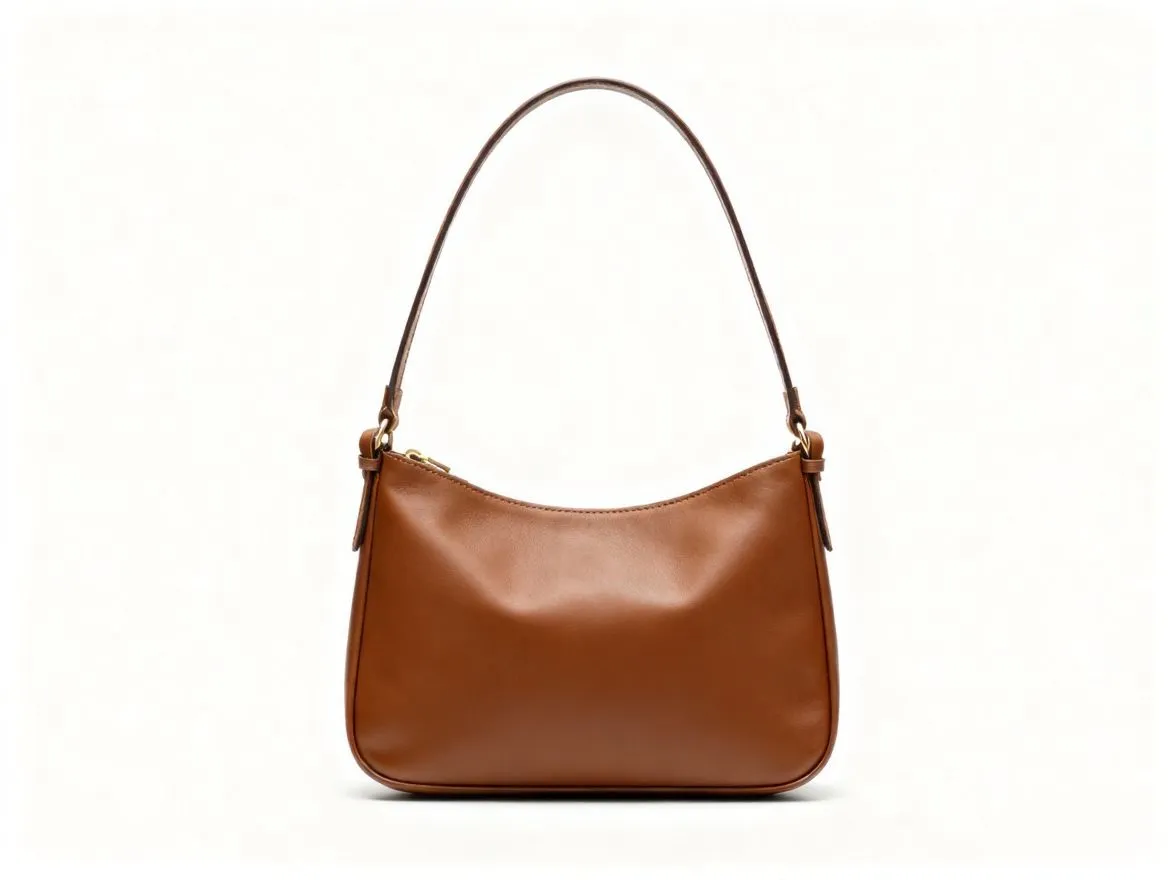
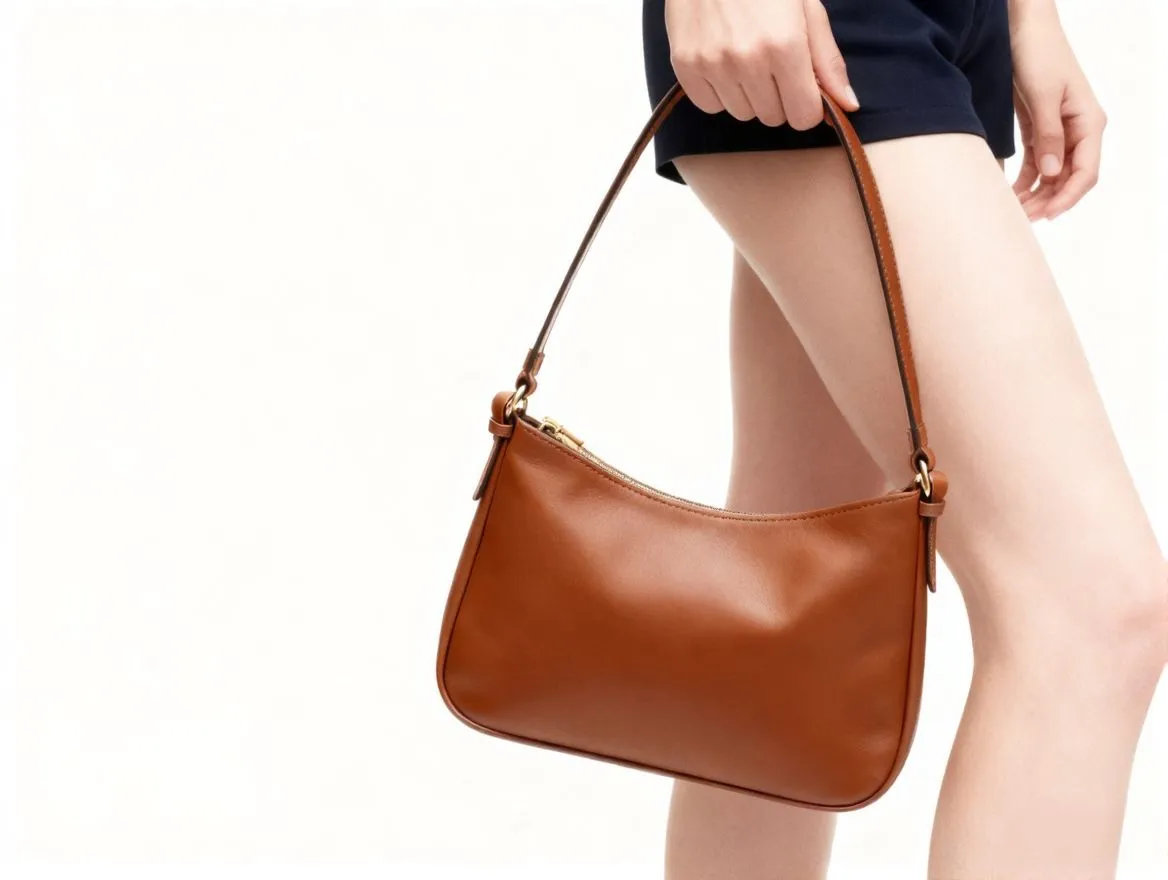
Upscale images to 4K or 8K while keeping every detail sharp. Our tool reconstructs missing textures and clarifies blurry text on labels, signage, and documents. Modify or replace text directly in your photos with perfectly matched lighting and perspective—no design skills needed.
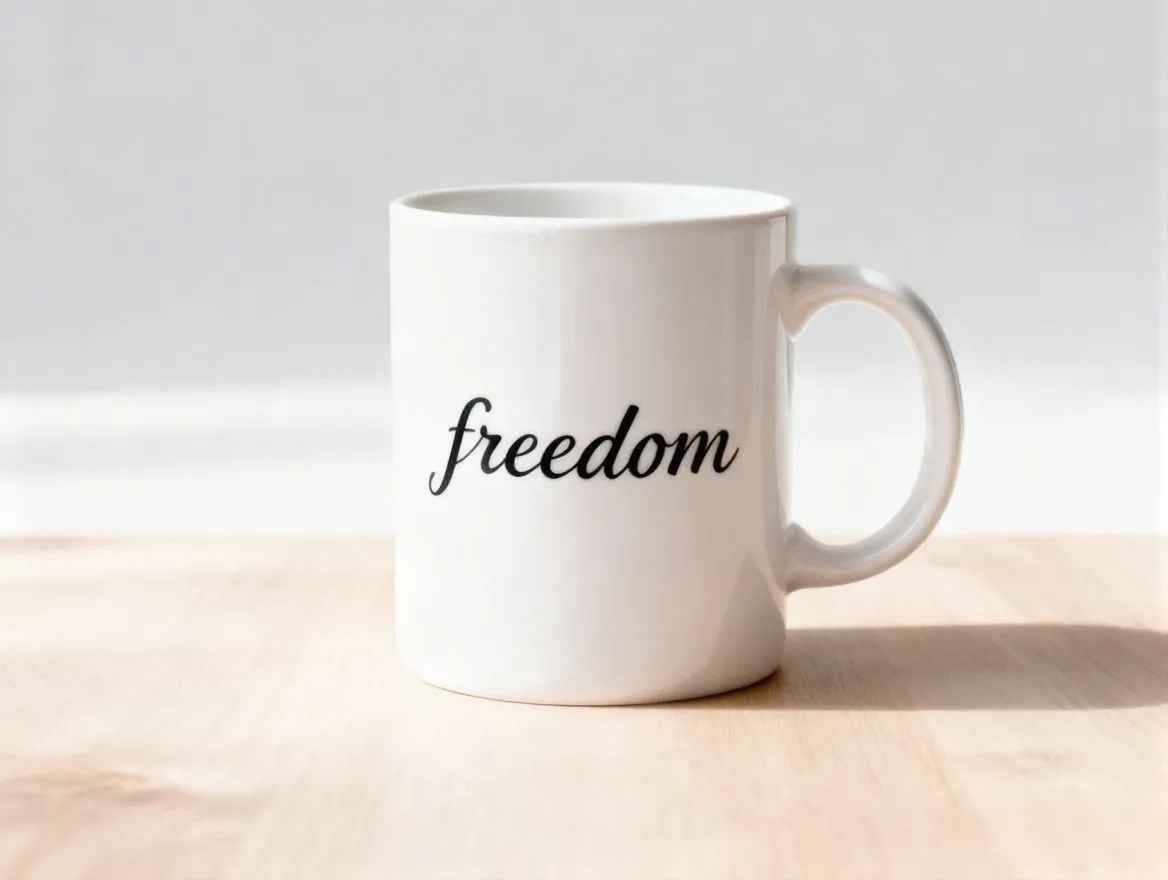
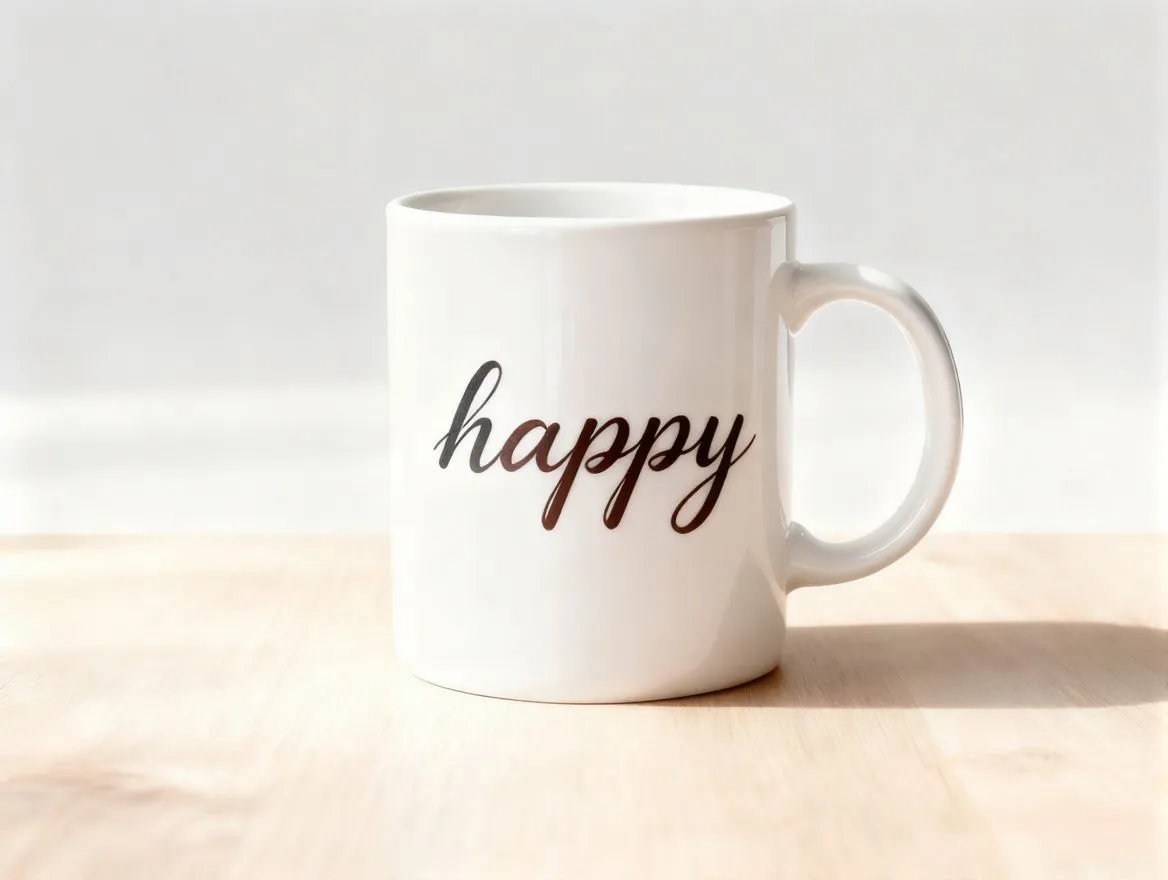
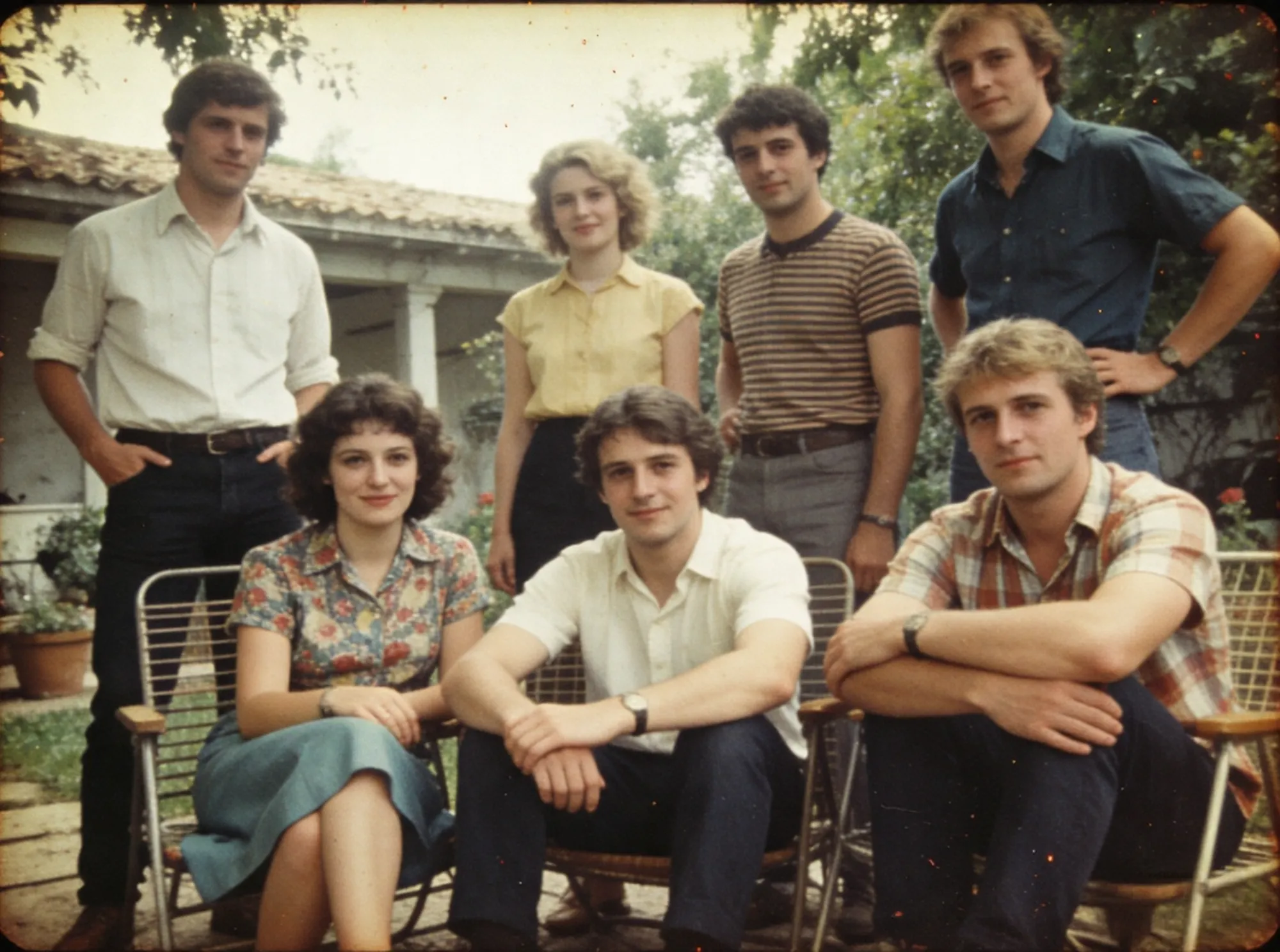
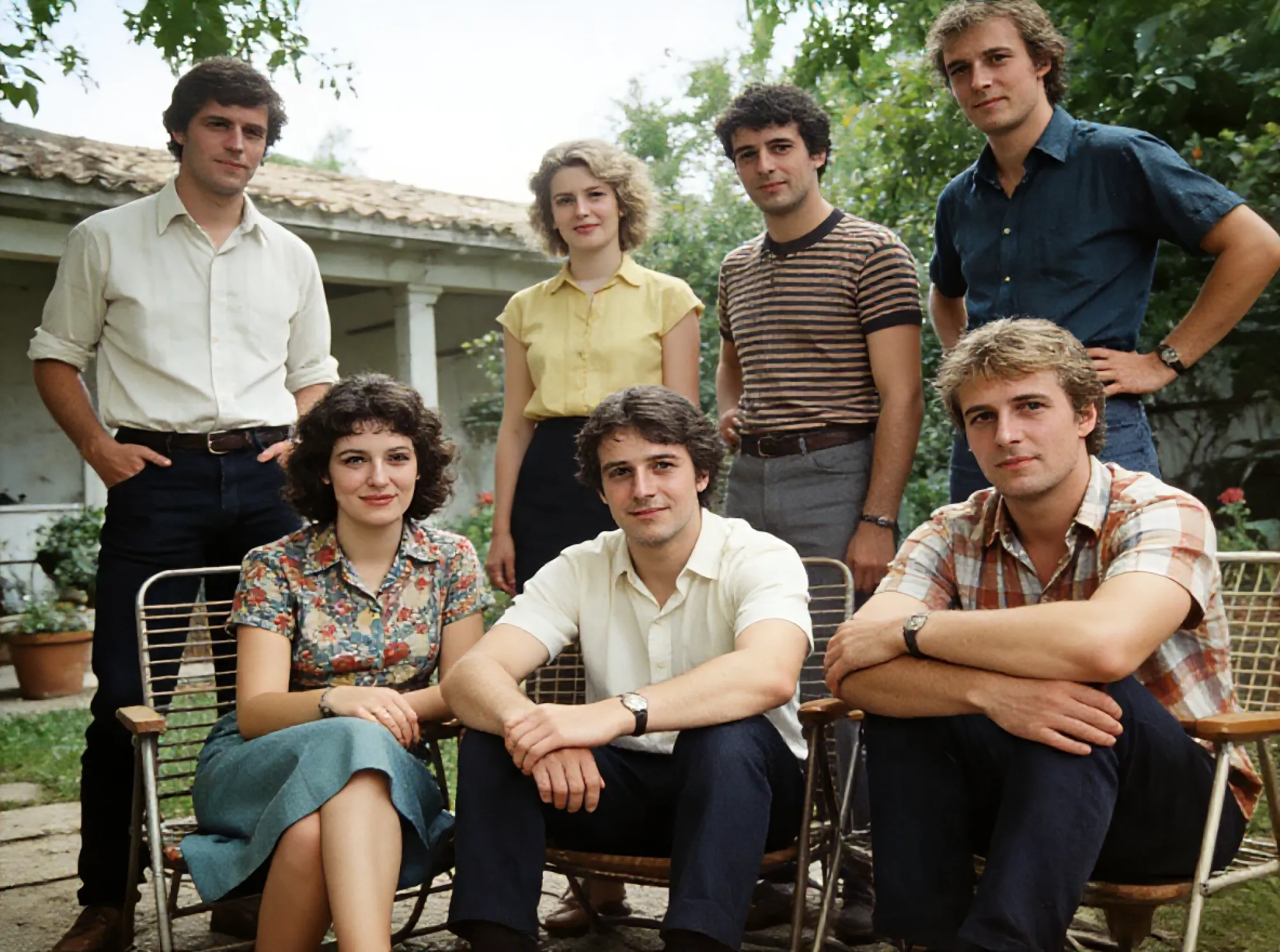
Reduce noise, fix shadows, and correct exposure with a single click. It restores natural colors and reveals hidden details in low-light or faded photos. Ideal for old photo restoration, removing grain, reviving lost clarity, and colorizing black-and-white images to bring memories back to life.
Turn your photos into any artistic or professional style using simple prompts—vintage, cinematic, anime, realistic, 3D, and more. The engine adapts color tones, textures, and composition to match your vision, perfect for marketing, branding, and creative storytelling.
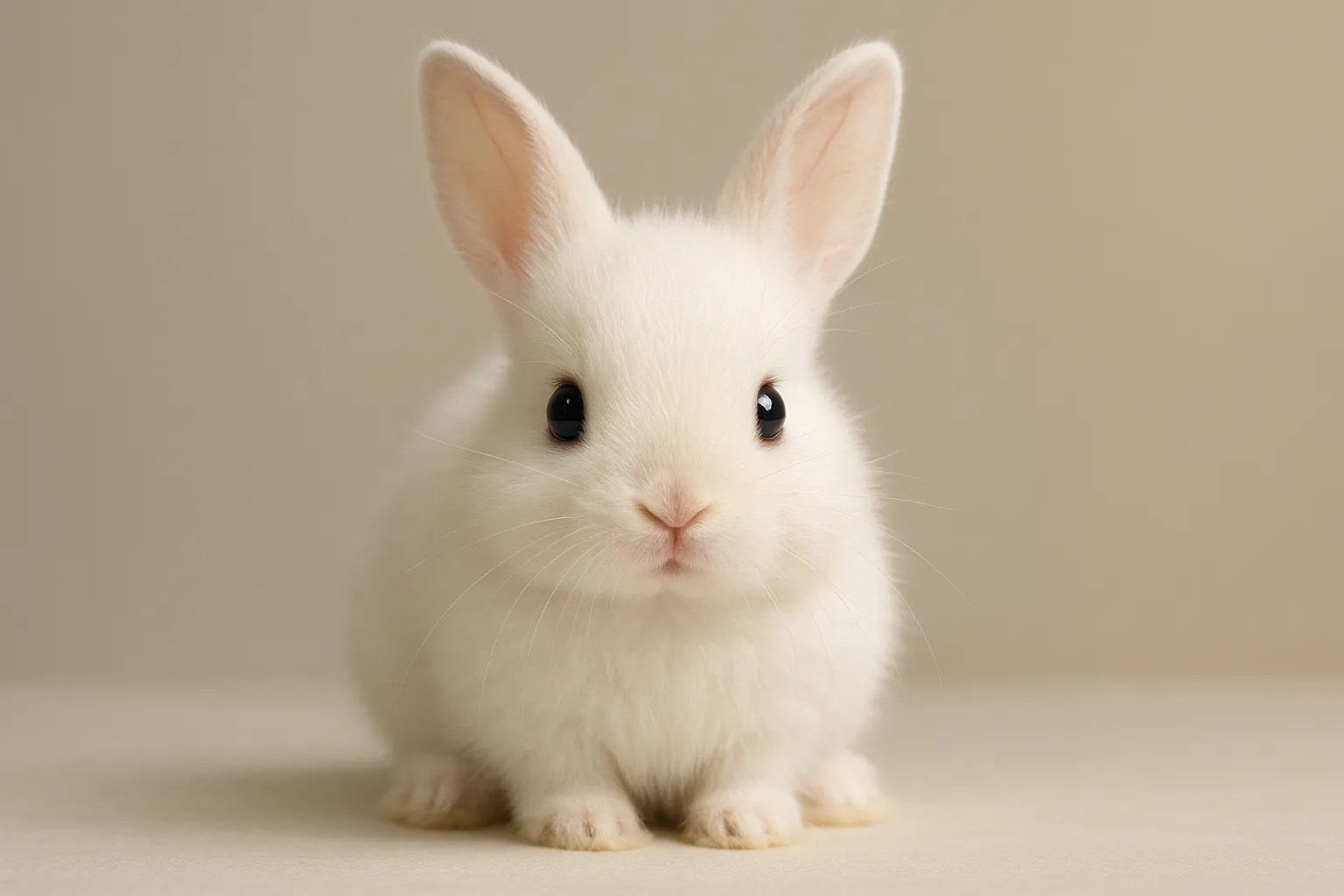
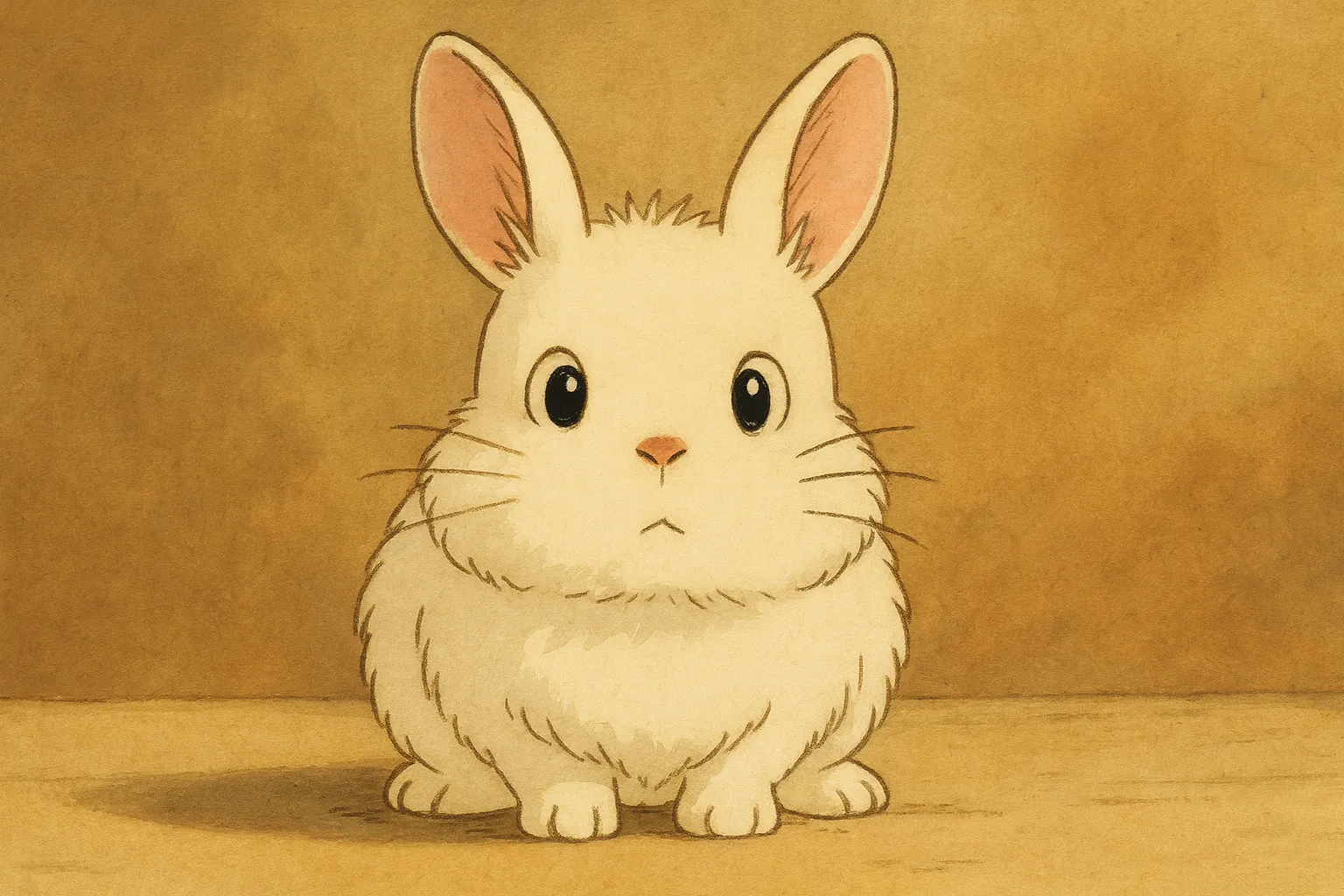
Sharpen details, boost clarity, and refine textures to create crisp, print-ready images with ease.
Produce sharp product photos with higher resolution and cleaner lighting to increase conversion rates.
Instantly refine graphics and sharpen edges to make brand visuals and ad creatives stand out.
Generate high-resolution, eye-catching posts that boost engagement and elevate your visual style.
Restore faded, blurry, or damaged photos by reducing noise and reviving color to save cherished memories.
A fast, free tool for upscaling and enhancing images for projects and presentations effortlessly.
Turn ideas into polished visuals in seconds—generate, edit, and enhance images with powerful AI. No skills needed.
Drag and drop your photo into the editor or select it from your device to begin.
Describe the changes you want (e.g., "remove background," "make it cyberpunk style," "fix lighting").
Preview the AI-enhanced result and download your high-quality image instantly.
Edit unlimited photos online with no ads or watermarks. Enjoy seamless AI-powered enhancements and creative edits without signing up or creating an account.
Enhance your photos in seconds with one-click AI editing. No manual adjustments, no learning curve—perfect for quick, professional results.
Designed for e-commerce, designers, and studios, Imgupscaler.ai delivers sharp details, rich textures, and high clarity for polished, publication-ready images.
Use the AI photo editor on Windows, Mac, iPhone, or Android without installing any software. Edit and enhance images directly from your browser.
Restore clarity, sharpen details, and recover colors in images where traditional software struggles. Perfect for vintage photos, scans, and low-resolution images.
A simple, intuitive interface for beginners, yet powerful enough for professionals needing consistent, high-quality results. Everyone can edit photos quickly and efficiently.
Sarah L.
Photographer
I was skeptical about online editors, but this tool saved my low-light shots. The noise reduction is incredible.
David K.
eCommerce Seller
Upscaling product images to 4K without pixelation has been a game changer for my store listings.
Emily R.
Graphic Designer
The text editing feature is surprisingly accurate. It matches the font and perspective perfectly.
CONTACT US
How can we help you today?
Our Location
29 Mayflower Gardens, 31
Mayflower Place, Singapore 568894
How Can We Help?
Send us a Message