CONTACT US
How can we help you today?
Our Location
29 Mayflower Gardens, 31
Mayflower Place, Singapore 568894
How Can We Help?
Send us a Message
Please contact us directly by email.
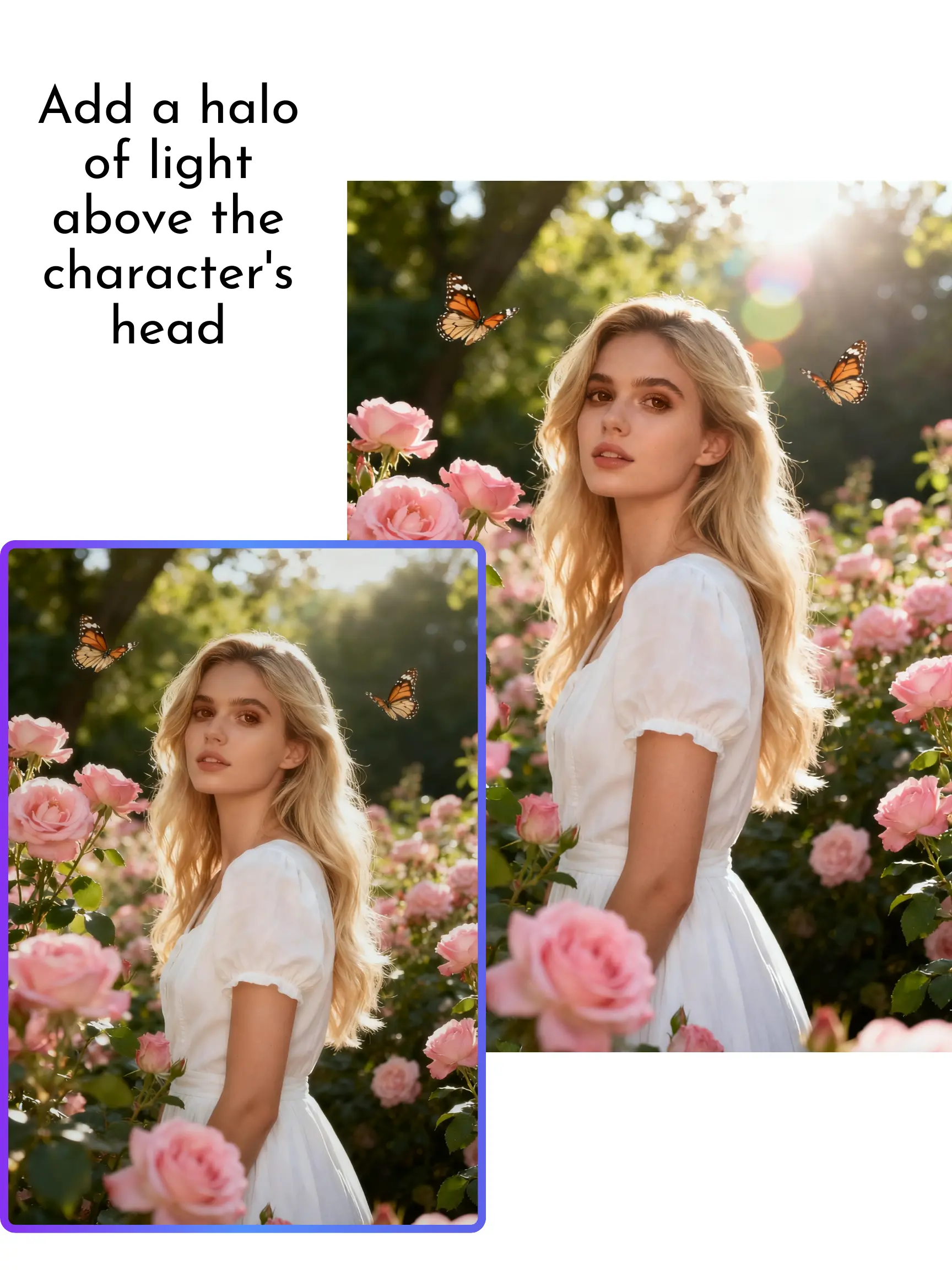
Distracting people, signs, watermarks, and clutter can be removed without rebuilding the image by hand. Brush over the unwanted area with the object remover or magic eraser in our AI photo editor, and AI reconstructs the space using the surrounding colors, textures, and lighting for a clean, natural-looking edit. You can also remove text, tidy minor blemishes, or erase watermarks from images you own or have permission to edit.
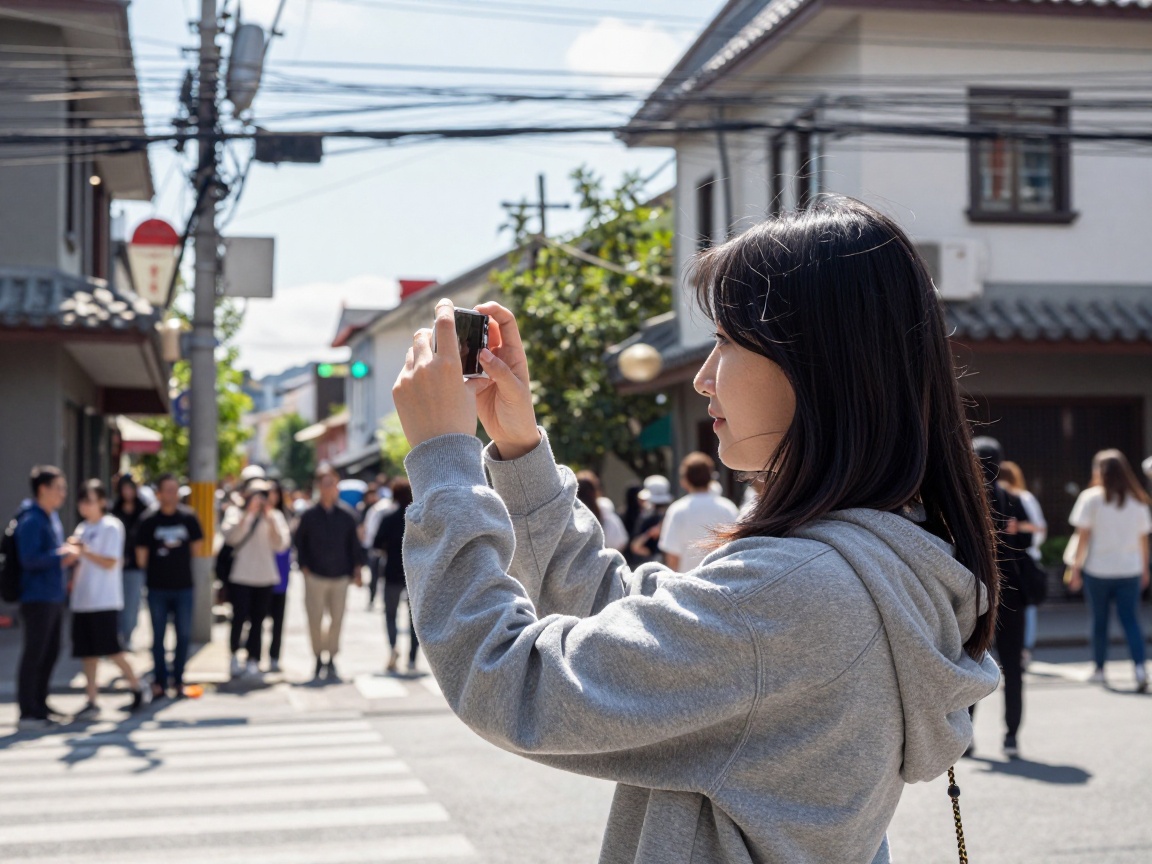
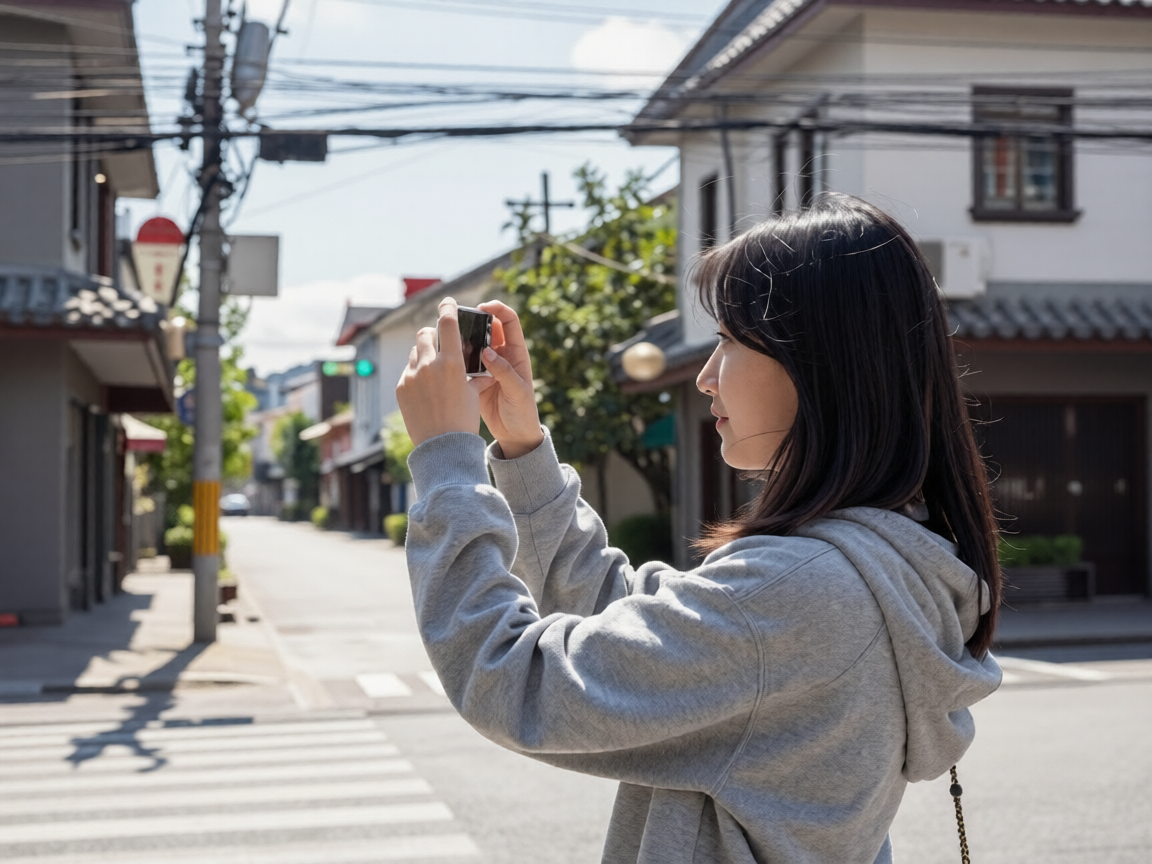
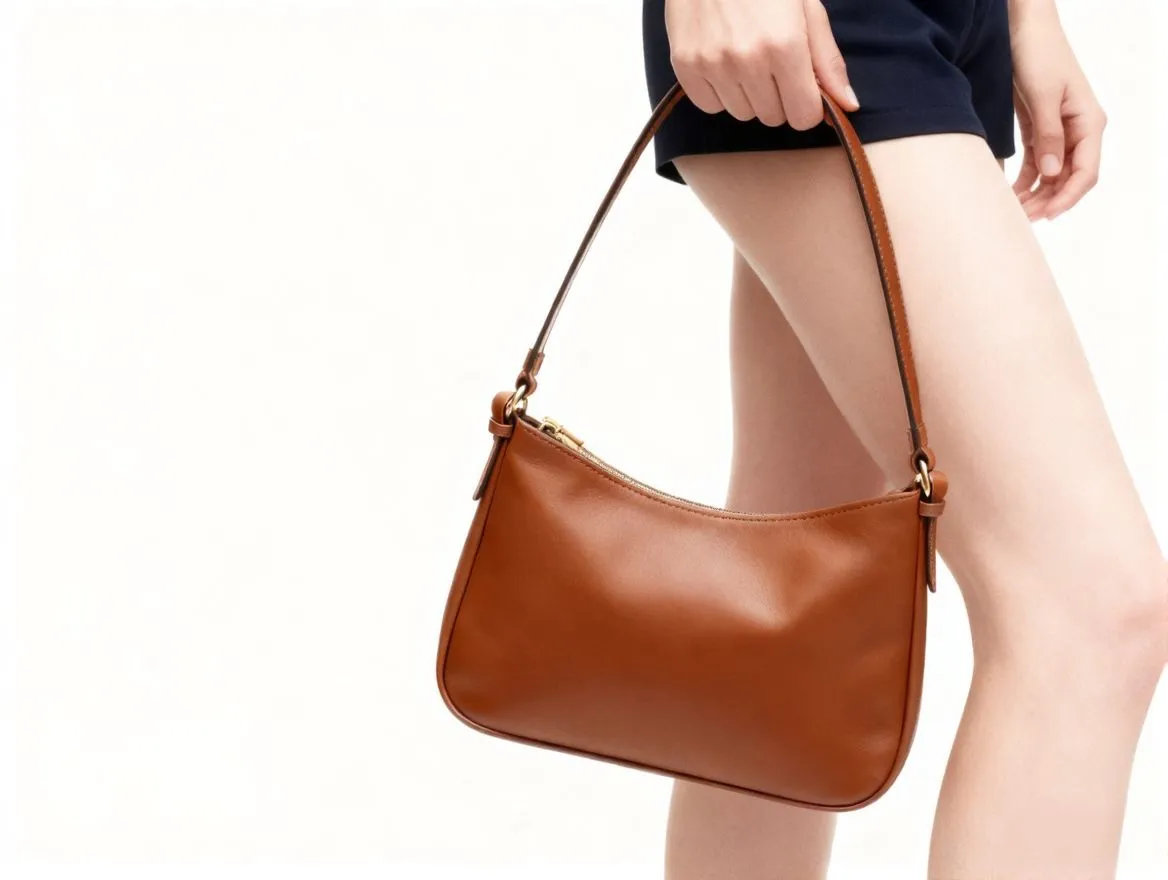
Turn a simple product photo into polished ecommerce visuals with our AI photo editor. Remove or replace the background, generate white, studio, or lifestyle scenes, and adjust the lighting and tone to keep the product in focus. Prepare product images for store listings, ads, marketplaces, and social media campaigns without organizing a new photoshoot.
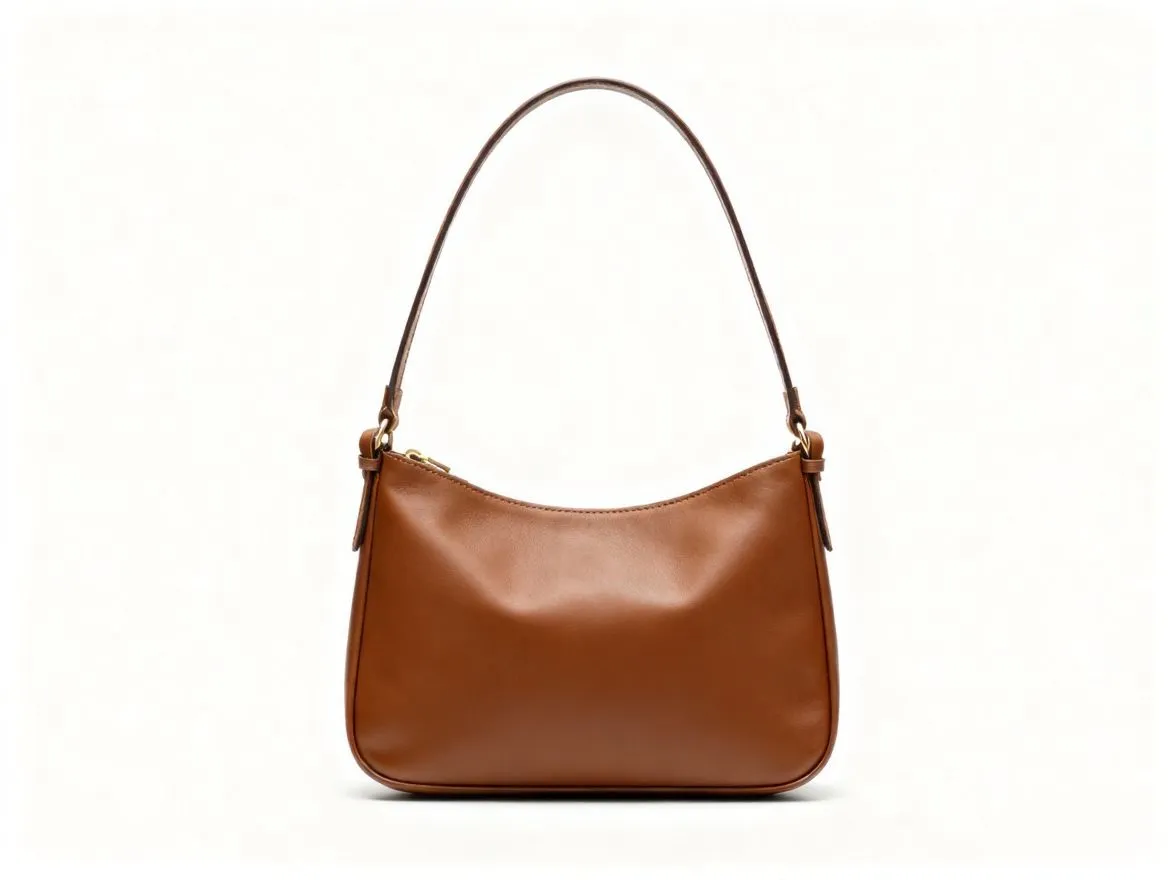
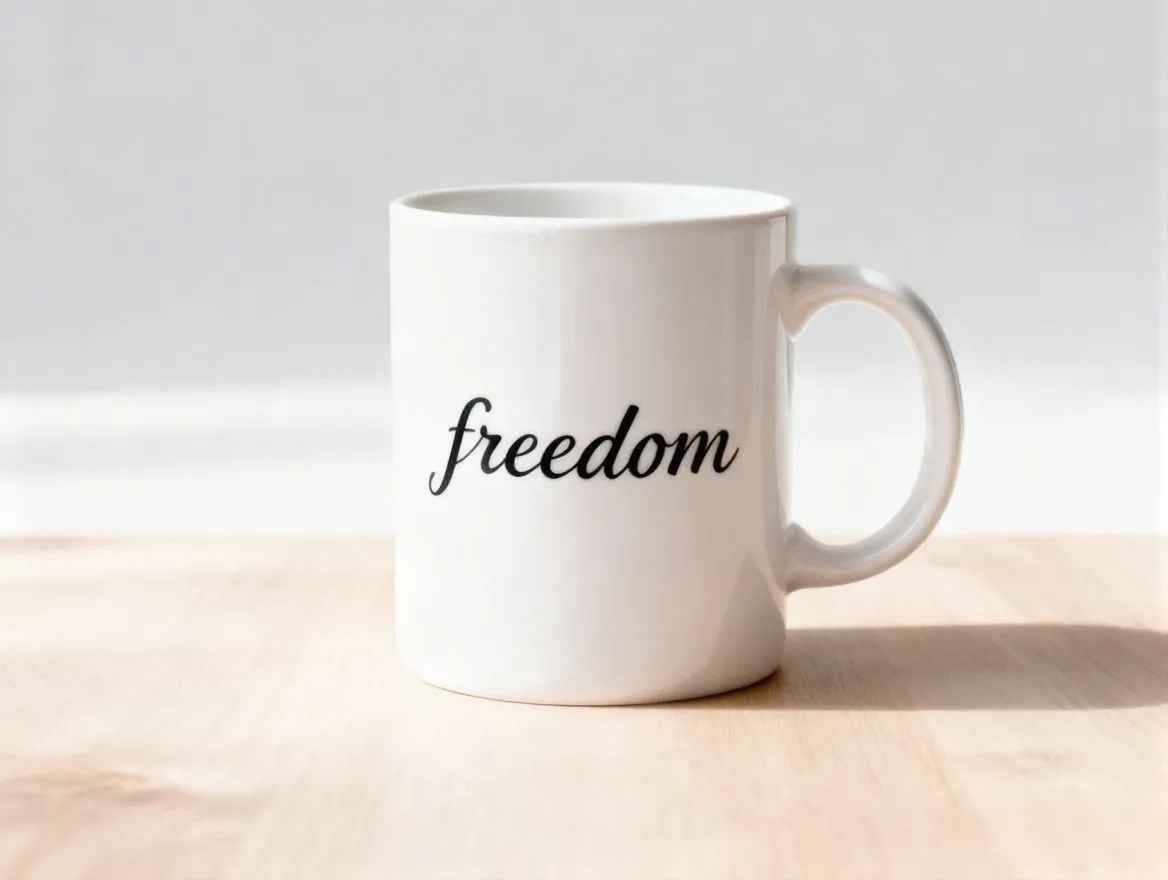
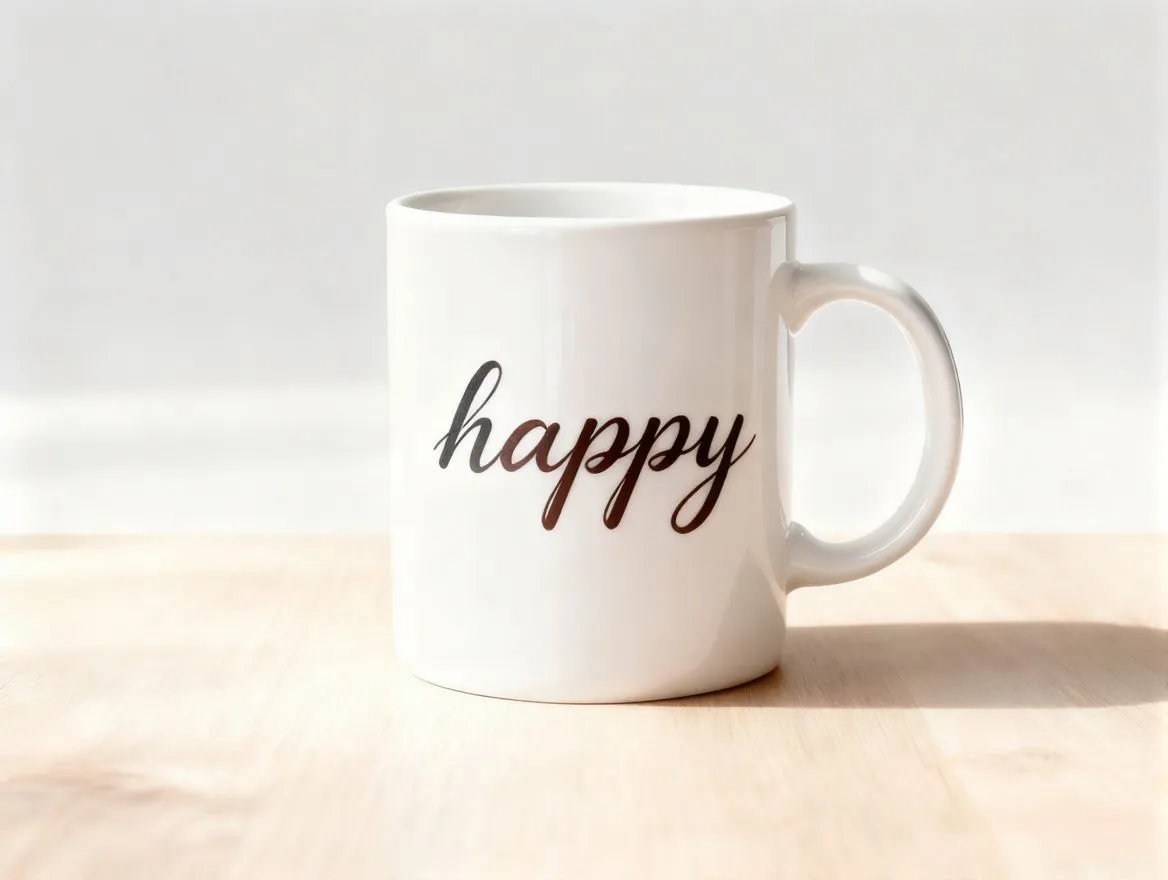
Blurry, distorted, or unreadable text is easier to correct with our AI photo editor while keeping the original layout natural. Clarify labels, signs, screenshots, posters, product packaging, and document photos, or use prompts such as “make the text sharper,” “replace the text on the sign,” and “make the label easier to read.” For text-heavy images, try the dedicated image text enhancer to make small or unclear text easier to recognize.
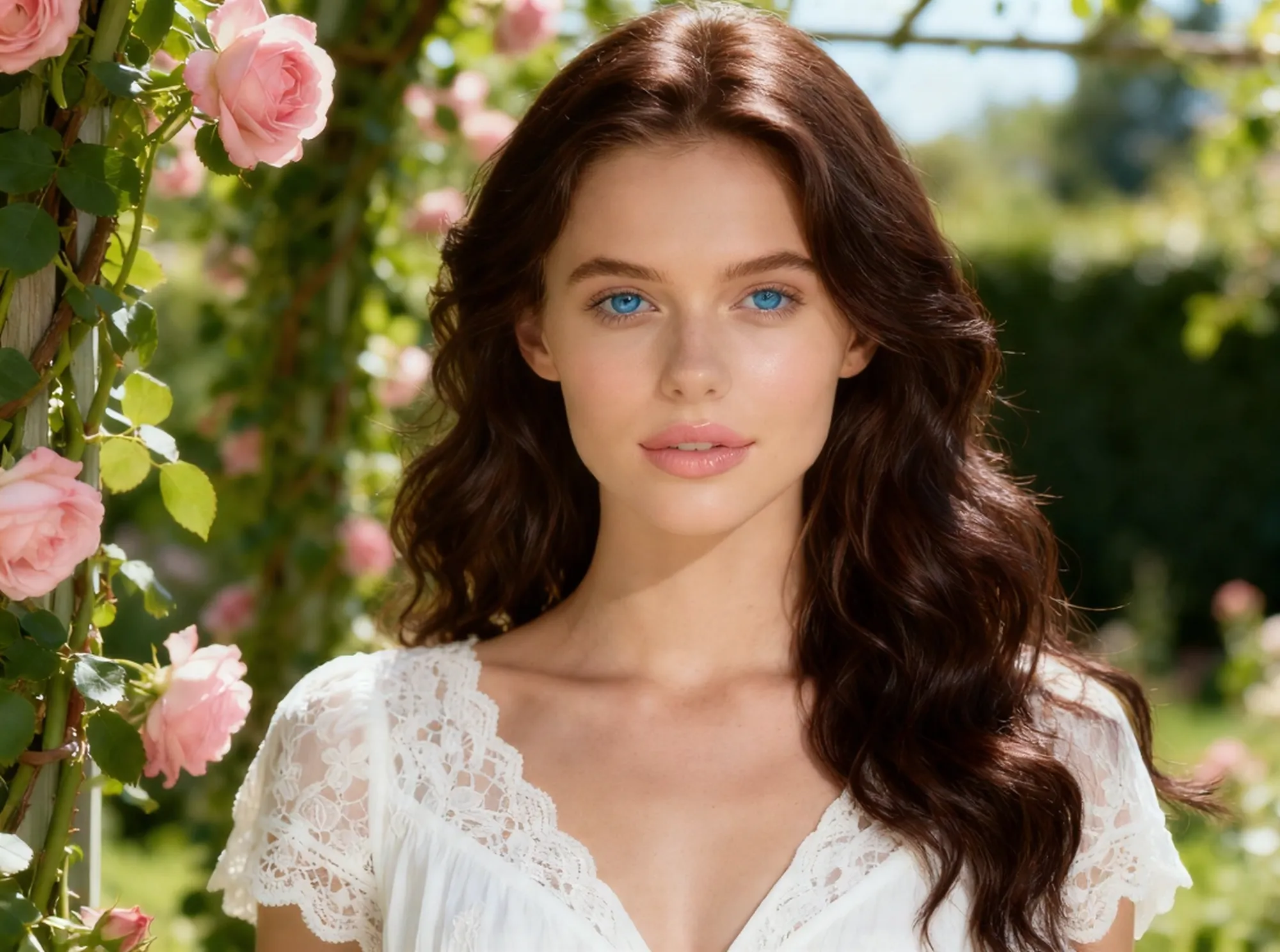
From modern portrait retouching to old photo restoration, our AI photo editor helps you improve faces, lighting, and faded colors in one place. Reduce blur and sharpen facial details with the AI photo enhancer, soften minor blemishes, balance harsh lighting, colorize black and white photos, or restore faded tones while preserving the subject’s identity.
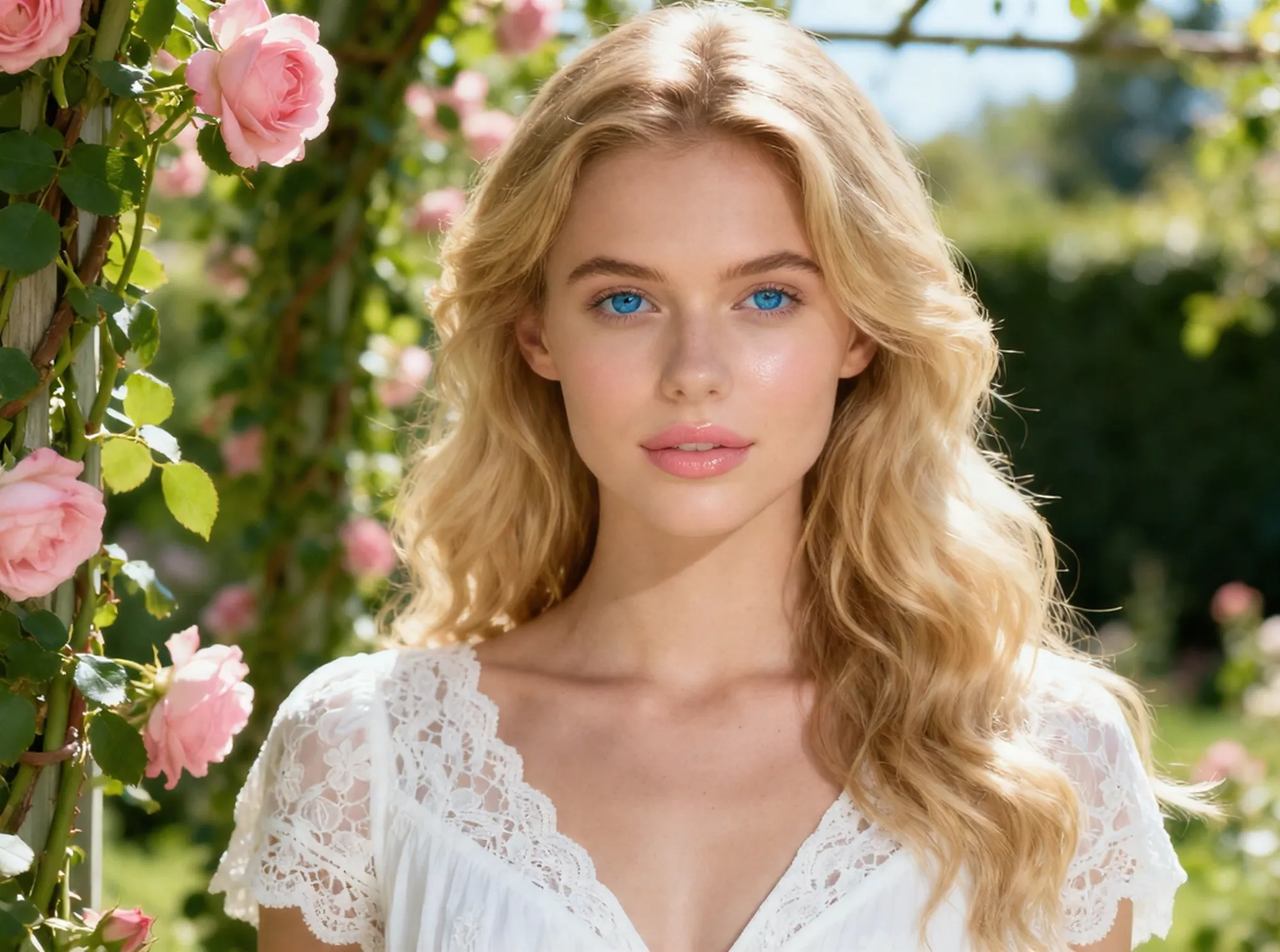
Replace a distracting background with a clean studio setup, lifestyle scene, solid color, or another environment using a simple prompt. This online AI photo editor can adjust the backdrop while keeping the main subject, framing, lighting direction, and edges visually consistent for portraits, product images, and social posts.
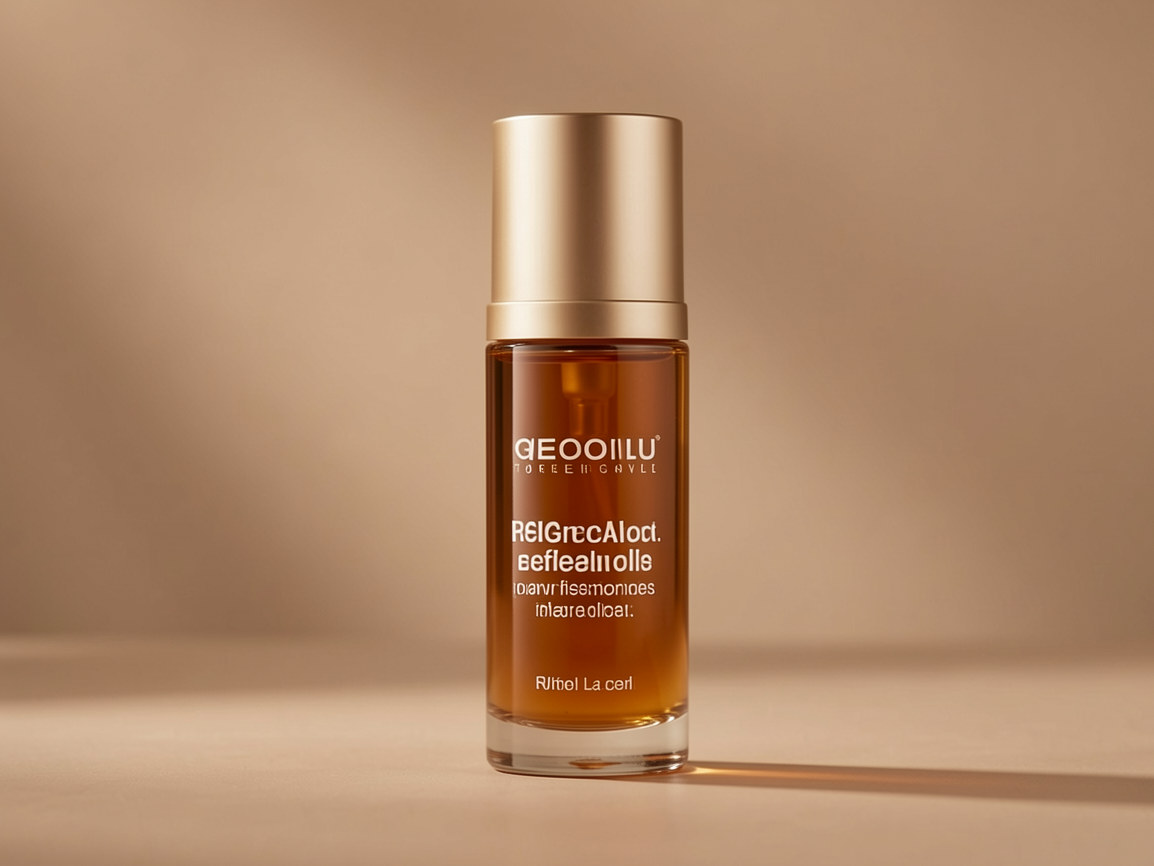
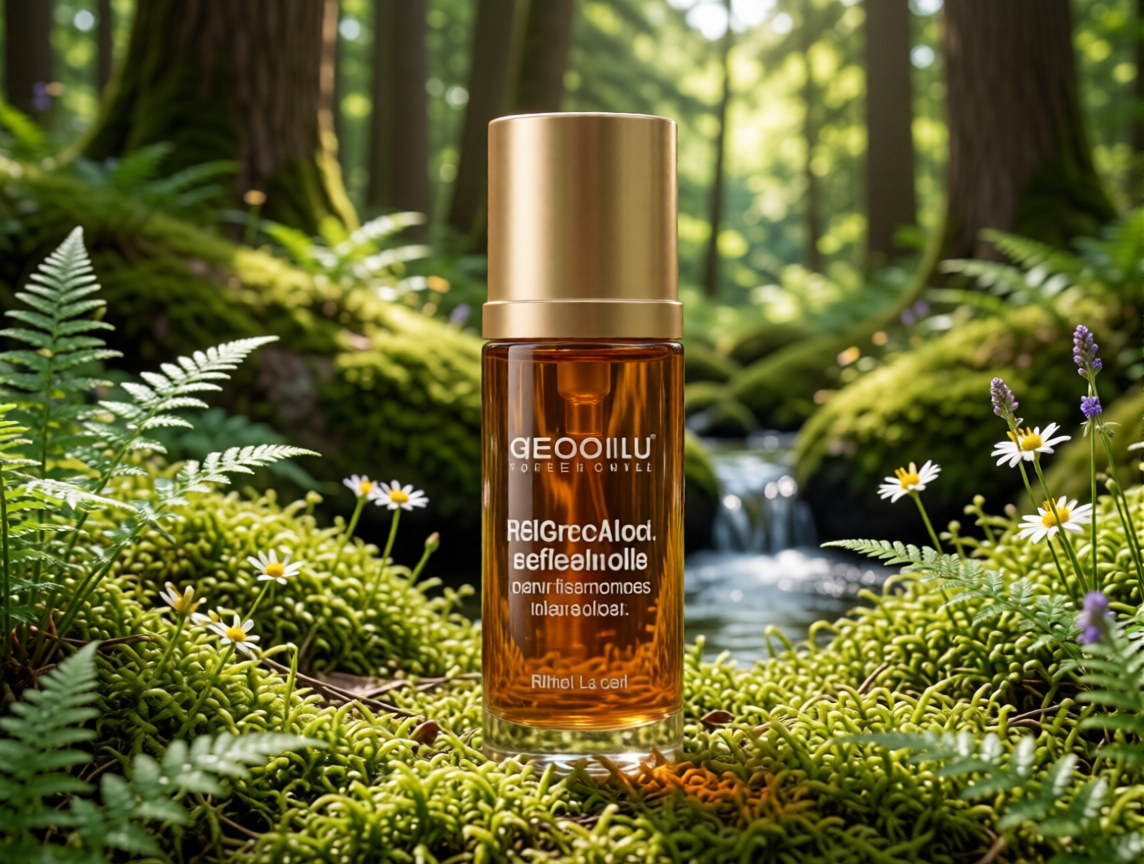
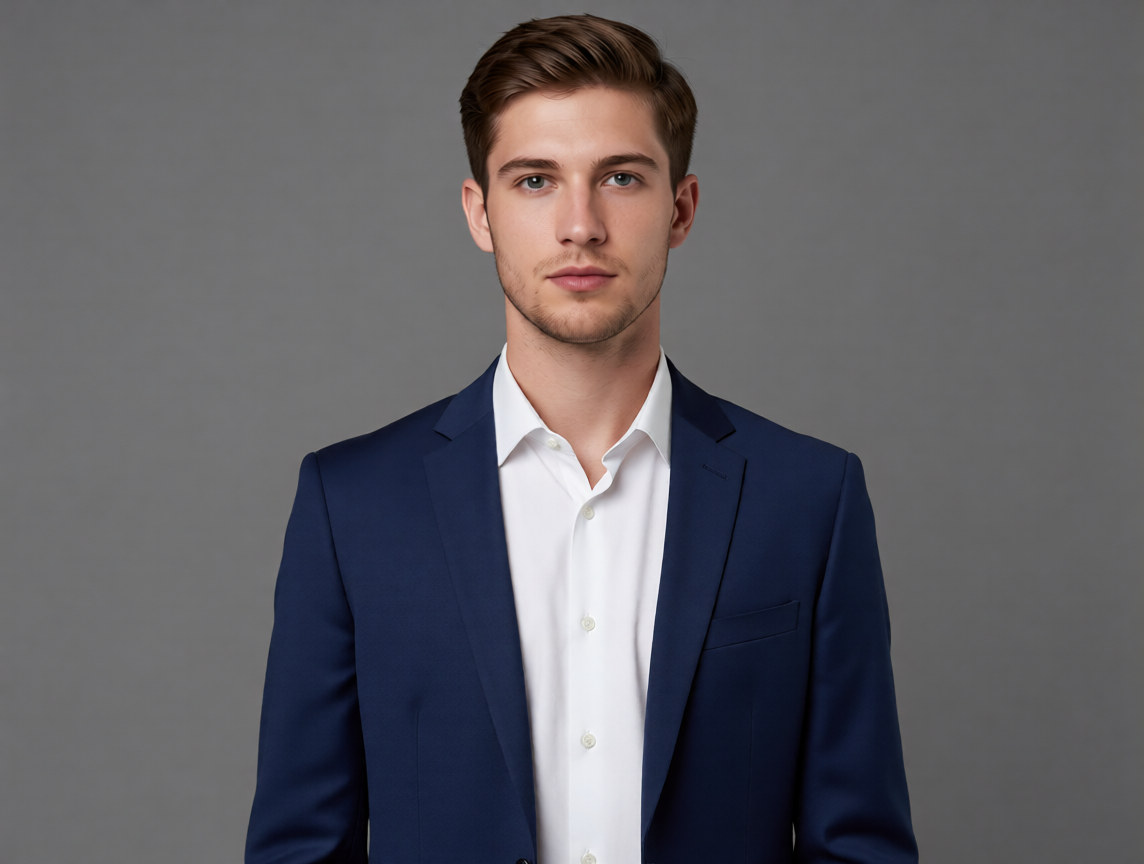
Want to turn a casual shirt into a business outfit or swap furniture in a room? Highlight the person, clothing, or object in our AI photo editor, then describe the replacement you want. AI adapts the new element to the scene’s perspective, colors, lighting, and shadows, helping you create a visually consistent result without reshooting the image.
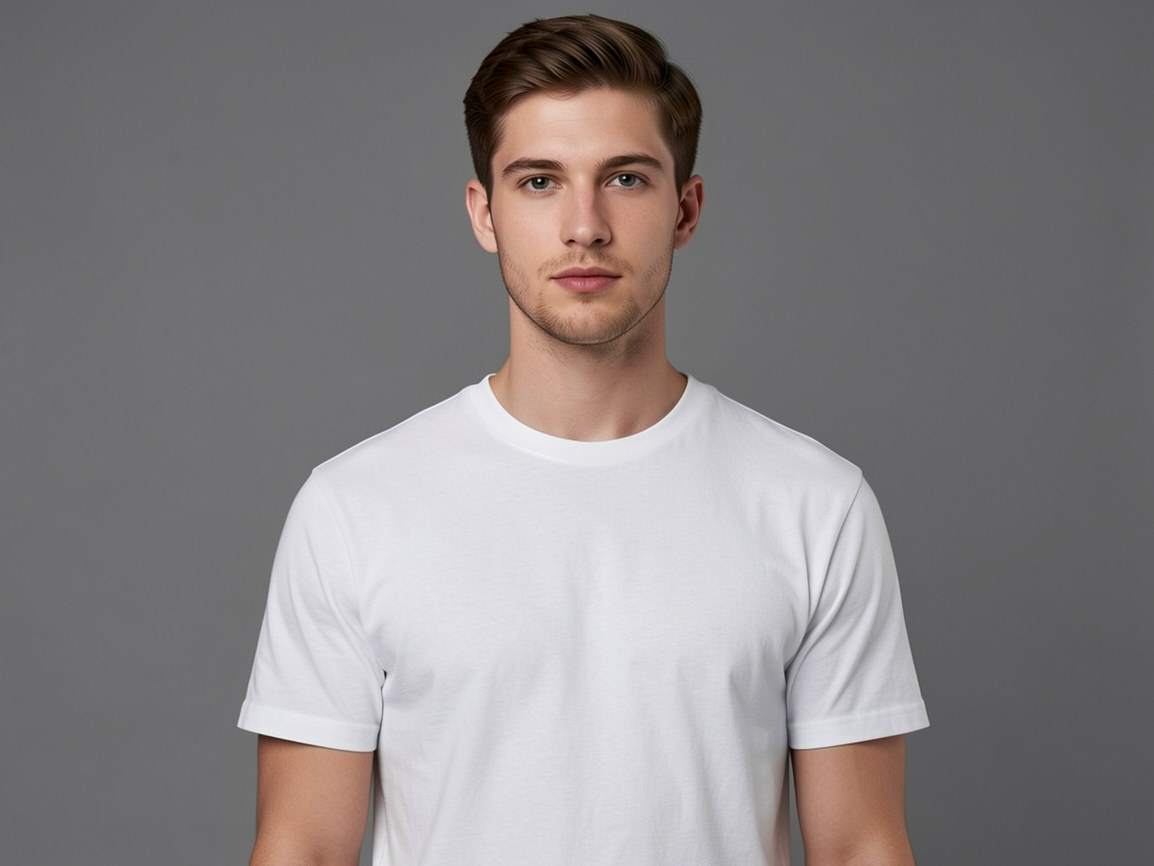
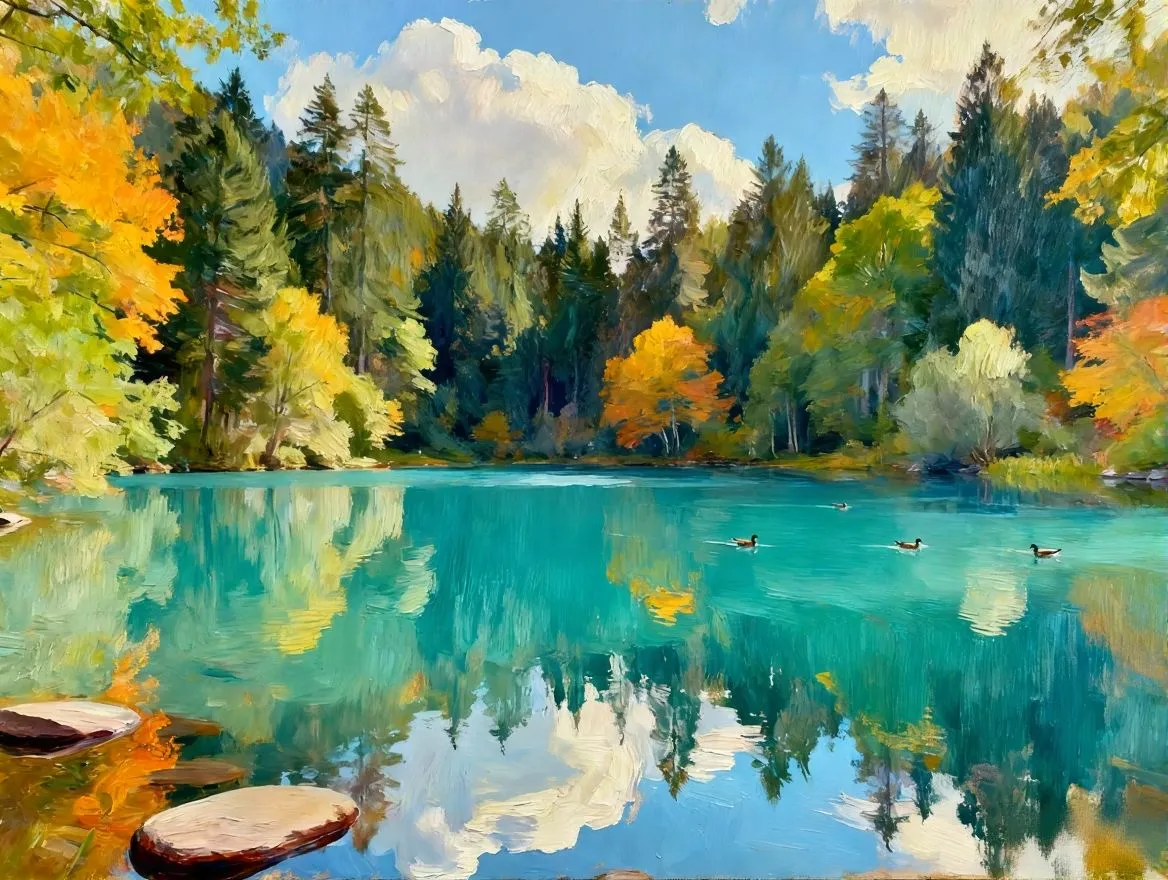
For creative transformations, our AI photo editor can turn ordinary photos into cinematic portraits, anime-style images, stylized product visuals, fantasy edits, or social media-ready artwork while keeping the subject recognizable. For image-to-image style transformation, try the photo to anime tool. For more advanced prompt-based edits, explore Nano Banana Pro.
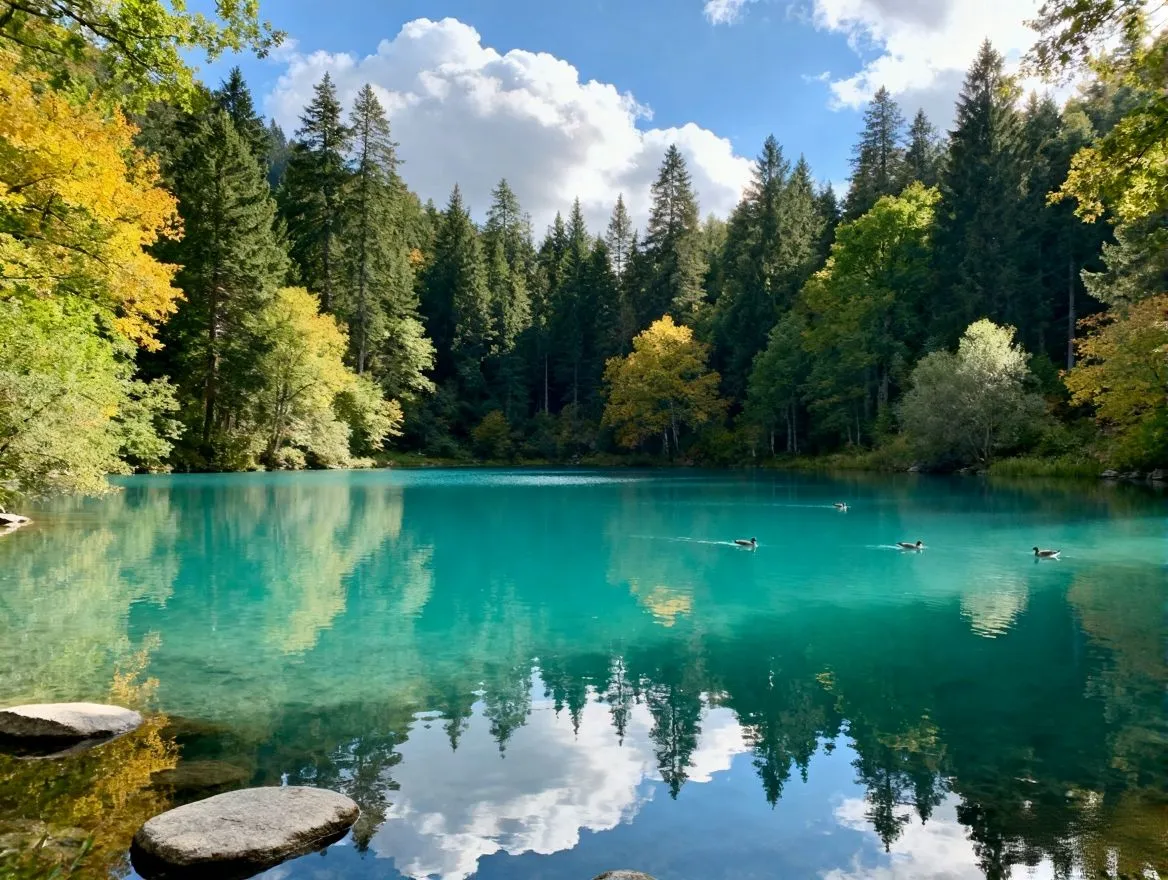
Turn basic product shots into clean ecommerce product photos with the AI product photo editor. Remove or replace backgrounds, create white, studio, or lifestyle scenes, adjust lighting, and prepare polished visuals for product listings, marketplace ads, and social media campaigns.
Clean up travel photos, event pictures, and everyday snapshots with the AI object remover. Use the magic eraser online to remove objects from photos, erase distracting text, clear photobombers, or remove watermarks from images you own or have permission to edit.
Use the AI background remover to remove the background from an image and create a transparent PNG for product listings, profile photos, thumbnails, or design projects. When you need a new setting, combine the AI background generator with generative fill to create a studio, office, outdoor, or custom scene.
Try a new outfit, update furniture in a room, swap a product, or change another selected element without taking a new photo. The AI image changer and AI replace object tools use your text prompt to create a replacement that follows the original perspective, colors, lighting, and shadows.
Prepare LinkedIn headshots, profile pictures, selfies, and professional portraits with the AI portrait editor. Apply photo retouching online to soften minor blemishes, refine facial details, change hair color, correct harsh lighting, and create a polished result while keeping the person recognizable.
Repair faded portraits, scanned prints, and damaged family pictures with AI photo restoration. Reduce blur, recover facial details, apply photo color correction, or colorize black and white photos before sharing, printing, or archiving important memories.
Turn ideas into polished visuals in seconds—generate, edit, and enhance images with powerful AI. No skills needed.
Choose a JPG, PNG, WebP, or HEIC photo from your device. For the best result, upload the clearest original image you have instead of a compressed screenshot or social media download.
Type what you want the AI photo editor to change. You can use prompts like "make this portrait brighter and more professional," "remove the object on the left," "change the background to a clean studio setting," "enhance this blurry image," "restore this old family photo," or "make this product photo look ready for an online store." The AI image editor will understand your instruction and apply the edit automatically.
Review the before-and-after result, make another prompt if needed, then download your edited photo. Use it for social media, ecommerce, presentations, websites, blogs, or personal projects.
Start editing photos online with AI-powered tools for enhancement, retouching, sharpening, restoration, and creative changes.
Instead of adjusting layers and settings manually, describe the edit you want in plain English and let the AI image editor handle the technical work.
Designed for e-commerce, designers, and studios, Imgupscaler.ai delivers sharp details, rich textures, and high clarity for polished, publication-ready images.
Use it to enhance portraits, improve product photos, remove distractions, change backgrounds, restore old pictures, and upscale low-resolution images.
Restore clarity, sharpen details, and recover colors in images where traditional software struggles. Perfect for vintage photos, scans, and low-resolution images.
Get quick results in your browser without learning advanced photo editing software. It is simple enough for beginners and useful enough for creators, sellers, and marketers.
Sarah L.
Professional Photographer
I was initially skeptical about using an online AI photo editor for my professional client work, but this tool completely blew me away. It managed to save a batch of underexposed, grainy wedding shots that I thought were ruined. The noise reduction and image upscaling are incredible. It literally saved me hours of manual editing!
David K.
eCommerce Seller
Running an online store means my visuals need to be flawless. Upscaling blurry supplier photos to crisp 4K without any pixelation has been a total game changer for my Amazon listings. Plus, the one-click background remover makes my products look like they were shot in a premium studio. My conversion rates have actually gone up!
Emily R.
Graphic Designer
As a designer, I'm used to spending hours in complex software masking out objects and fixing backgrounds. This tool cut my workflow in half. The generative fill and magic eraser are surprisingly accurate—it seamlessly removes unwanted elements and replaces objects while matching the original lighting and perspective perfectly.
Marcus T.
Social Media Manager
I constantly need to adapt vertical phone photos into wide horizontal banners for our website, and the AI image expander feature is pure magic. It uncrops the picture and generates the missing scenery so naturally. Having a full-featured AI photo editor right in my browser is an absolute lifesaver for fast ad campaigns.
Jessica W.
Content Creator
I originally tried this site just to colorize and restore some old, faded family photos for my mom, and the results brought her to tears! Now I use it for my travel Instagram. The magic eraser easily wipes photobombers out of my shots, and the portrait enhancer makes my selfies look amazing without looking fake.
CONTACT US
How can we help you today?
Our Location
29 Mayflower Gardens, 31
Mayflower Place, Singapore 568894
How Can We Help?
Send us a Message
Please contact us directly by email.