CONTACT US
How can we help you today?
Our Location
29 Mayflower Gardens, 31
Mayflower Place, Singapore 568894
How Can We Help?
Send us a Message
Please contact us directly by email.
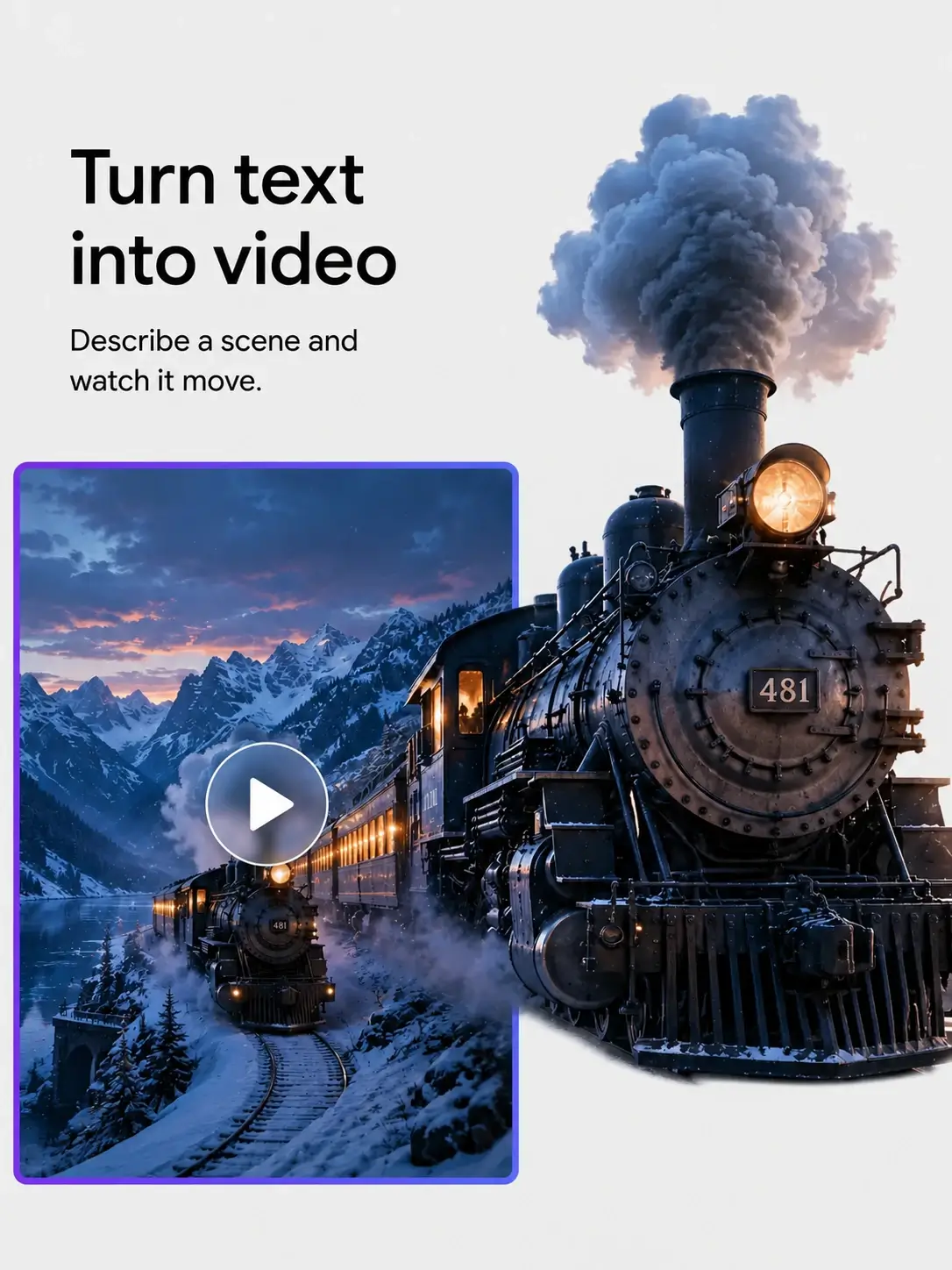
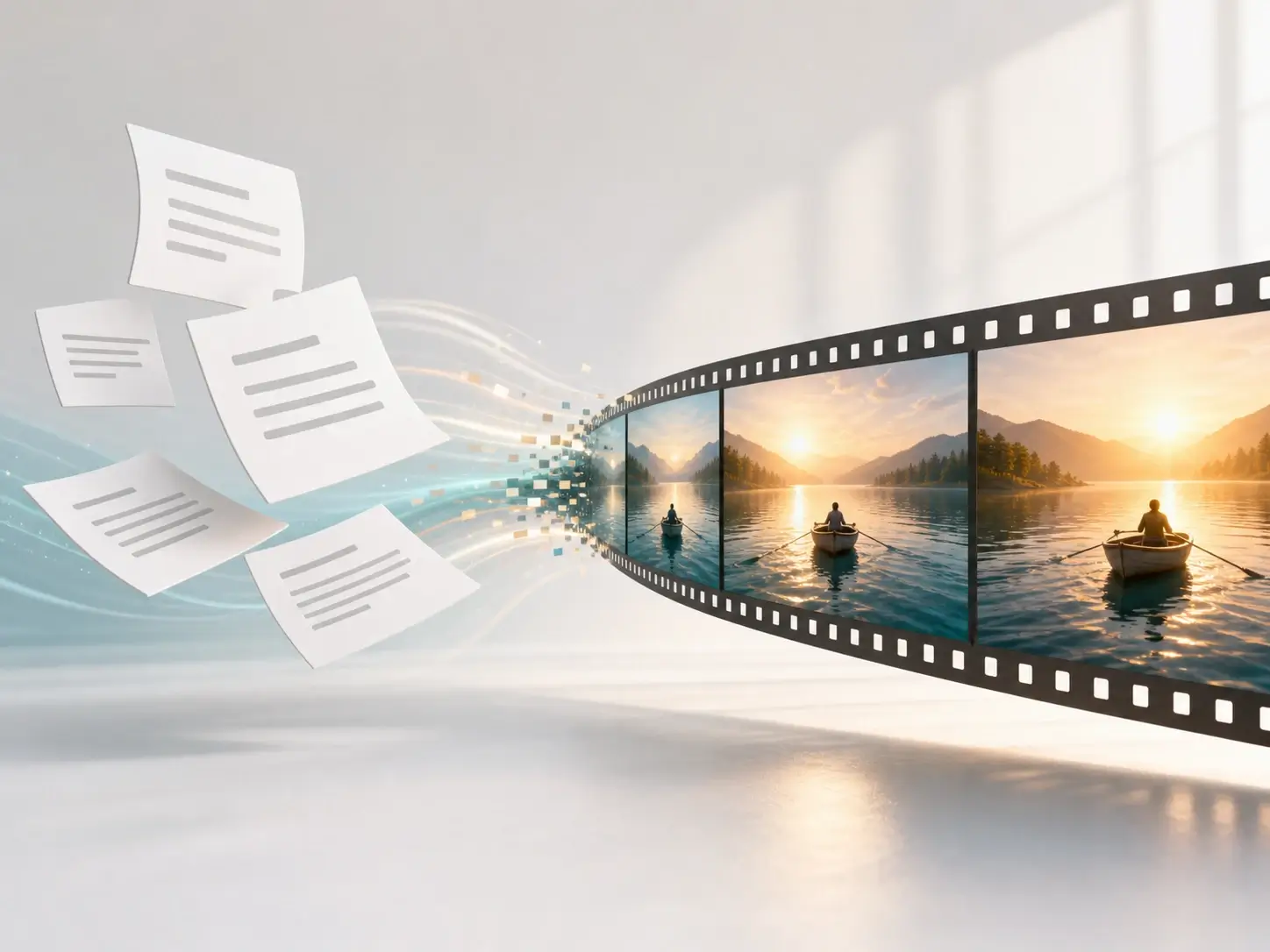
Turn a prompt into a video concept without a full production brief. Describe the subject, setting, camera movement, mood, lighting, and action, then create AI video drafts for ads, storyboards, hero visuals, and short-form content.
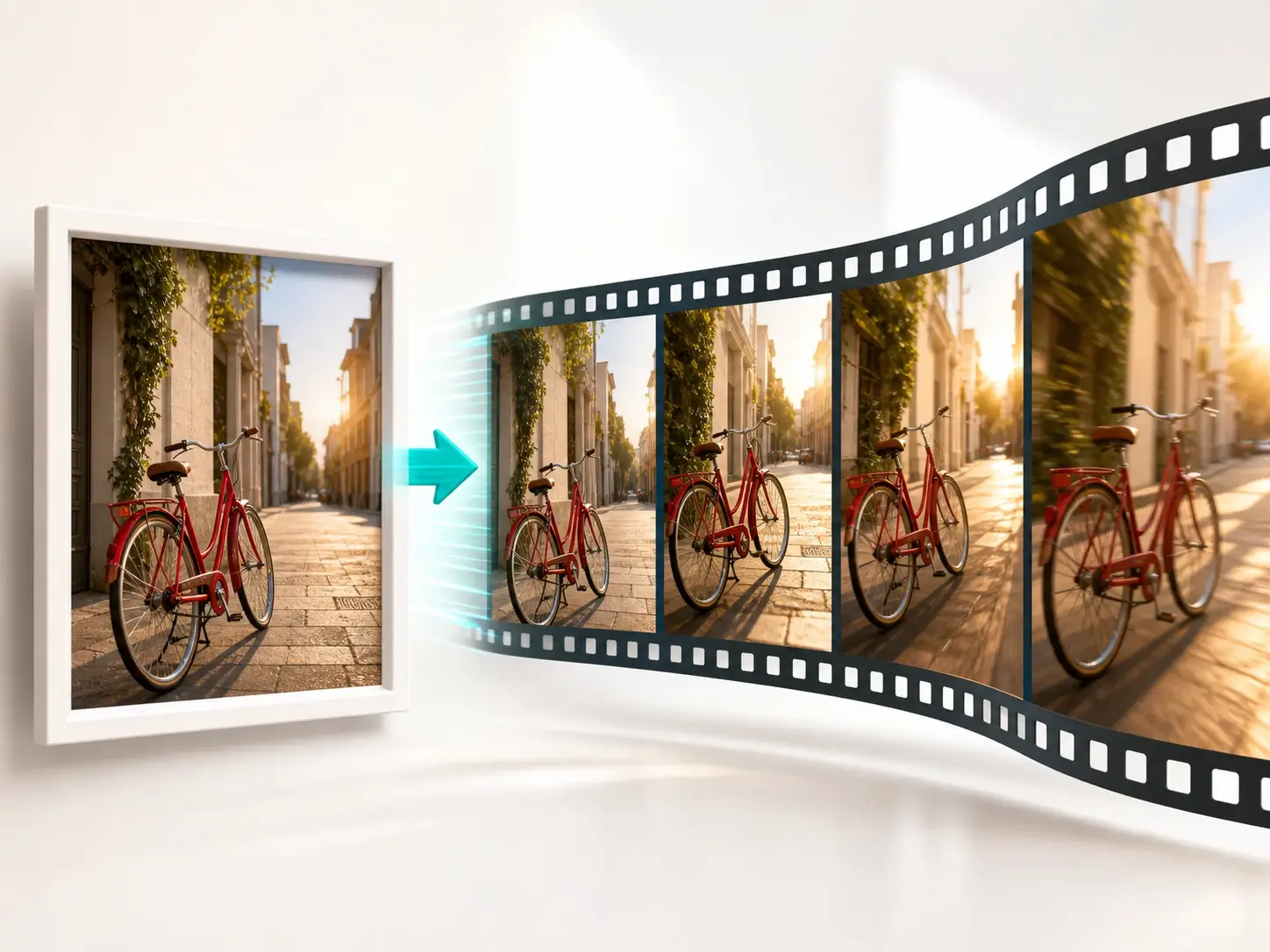
Upload a product photo, portrait, landscape, or concept image and animate it into a moving clip. The image to video AI workflow helps preserve the main subject while adding camera movement, atmosphere, depth, and natural scene motion.
Upload an existing clip and describe the edit you want, from restyling a scene to adjusting motion, replacing details, or refining a shot. For a dedicated workflow, use the AI video editor to keep AI video editing focused and repeatable.
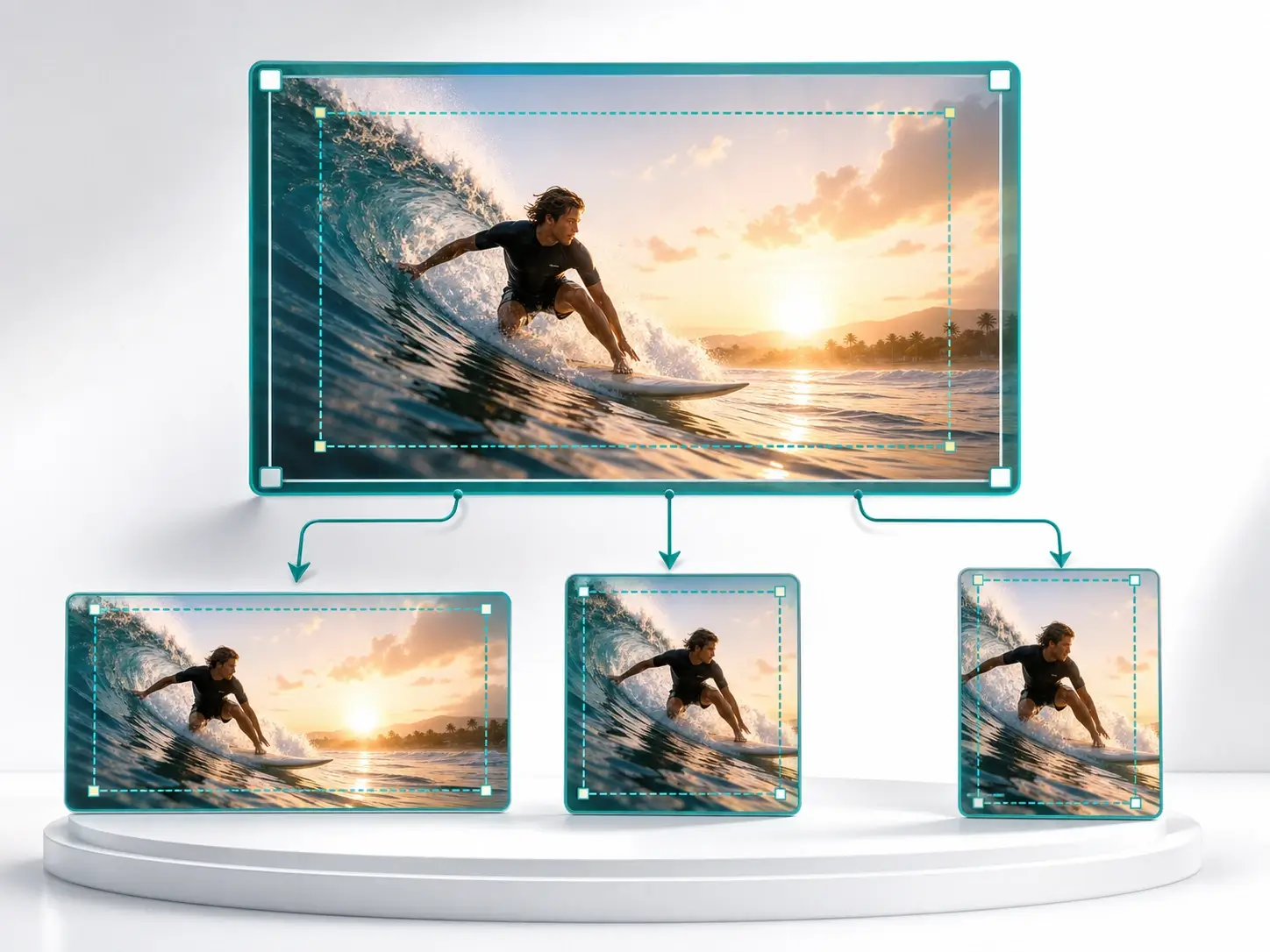
Generate AI video in common aspect ratios, including widescreen, square, portrait, and vertical formats. Build one visual idea, then adapt it for TikTok, Instagram Reels, YouTube Shorts, landing pages, pitch decks, and paid media.
Produce scroll-stopping social media videos for TikTok, Reels, Shorts, and story posts without waiting for a full creative production cycle.
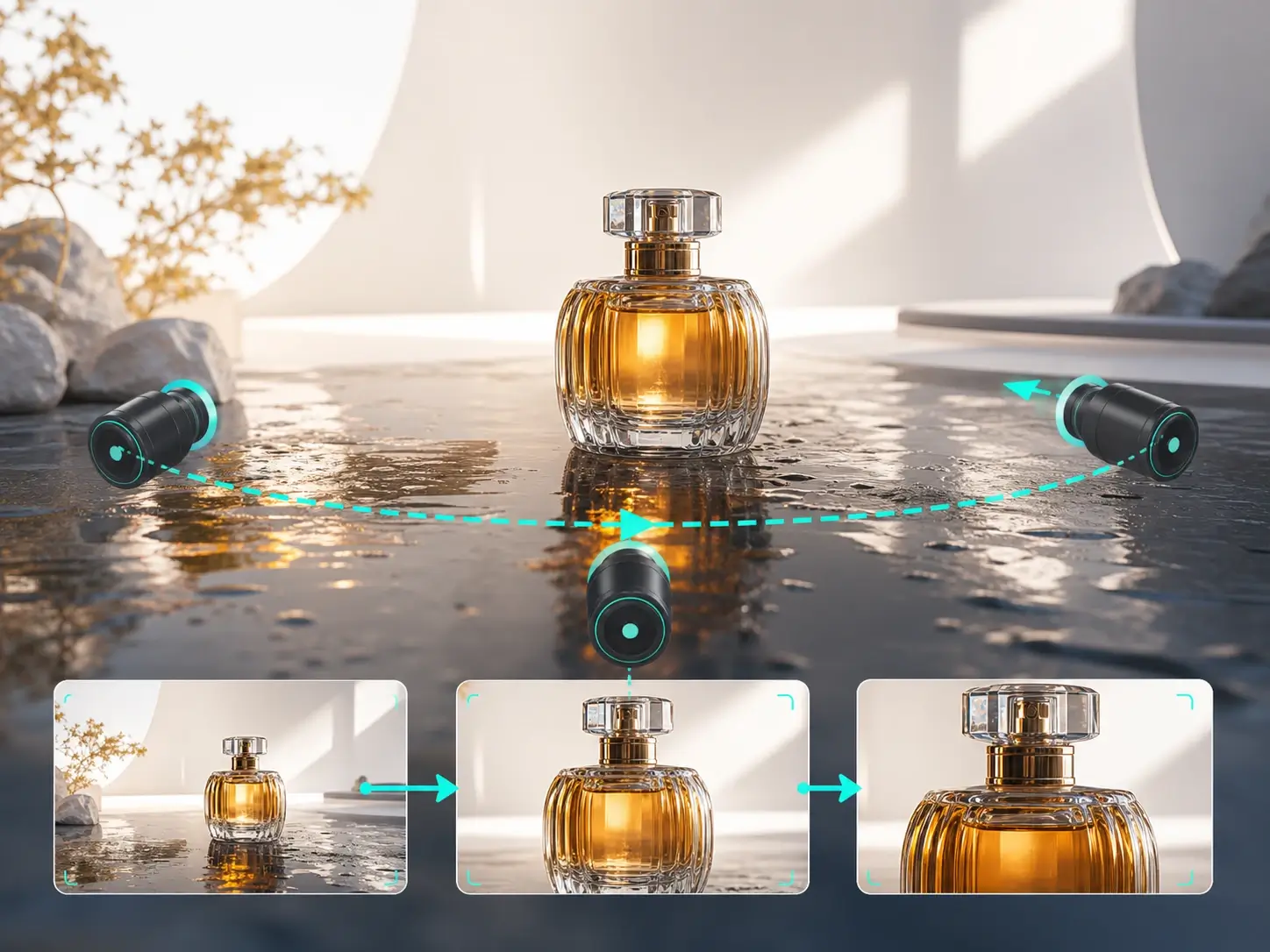
Turn static product photos into product video ads with cinematic lighting, clear subject focus, camera motion, and platform-ready aspect ratios.
Convert campaign angles into marketing video drafts so teams can compare hooks, scenes, visual styles, and messaging before investing in production.
Preview scenes, transitions, environments, and visual rhythm before shooting, editing, or presenting a final creative direction.
Explore different moods, backgrounds, camera angles, color palettes, and scene styles while keeping creative testing simple and repeatable.
Make atmospheric clips, B-roll ideas, intro visuals, and visual hooks for creator channels, tutorials, product reviews, and short-form storytelling.
Create from a prompt, animate an image, or edit a video online. The AI video generator helps you pick a model, choose your format, and turn visual ideas into polished motion for marketing, social media, and creative production.
Start with text to video AI, upload an image for image to video AI, or add a source clip when you want to edit an existing video.
Describe the subject, setting, movement, camera angle, visual style, mood, lighting, and any details the model should preserve or avoid.
Use fast generation for rapid creative drafts or quality generation for a more refined AI-generated video, then choose duration, aspect ratio, and resolution.
Submit the task, follow the processing status, preview the completed clip, and download the result for your next creative workflow.
Create from scratch with a prompt, or animate a reference image when the product, character, scene, brand asset, or visual direction is already clear.
Generate fast drafts for early exploration, or use a higher-quality AI video maker model when the final clip needs stronger detail, motion, and composition.
Create videos for ads, social posts, product showcases, ecommerce campaigns, pitch decks, creative briefs, and visual testing with a repeatable content workflow.
No advanced editing skills are required. Write a prompt, upload a source image or video if needed, select the output format, and generate AI video online.
Prepare widescreen, square, portrait, and vertical clips for social platforms, websites, presentations, and video ads without rebuilding the creative idea from zero.
The AI video generator keeps upload, processing, preview, and download steps clear, so teams can move from idea to usable AI video assets with less friction.
Maya R.
Creative Strategist
Starting from a written prompt helps us test campaign angles before we brief design. It makes early creative review much faster.
Daniel K.
Ecommerce Founder
Uploading a product image and turning it into motion is perfect for ad concepts. I can make static catalog shots feel much more alive.
Priya S.
Content Creator
I use it to generate B-roll ideas, vertical clips, and visual hooks. The aspect ratio options make it easier to plan for each platform.
CONTACT US
How can we help you today?
Our Location
29 Mayflower Gardens, 31
Mayflower Place, Singapore 568894
How Can We Help?
Send us a Message
Please contact us directly by email.