CONTACT US
How can we help you today?
Our Location
29 Mayflower Gardens, 31
Mayflower Place, Singapore 568894
How Can We Help?
Send us a Message
Please contact us directly by email.
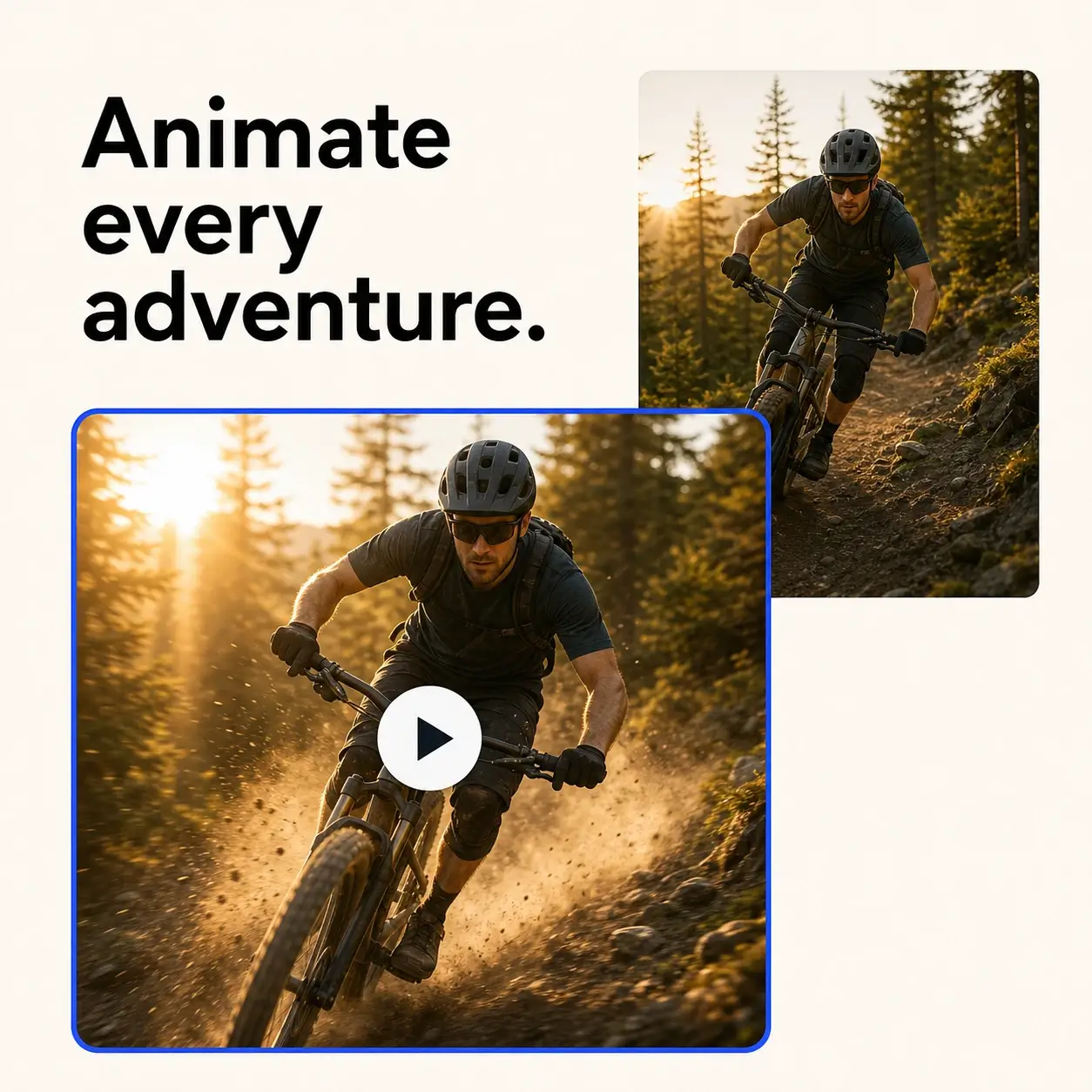
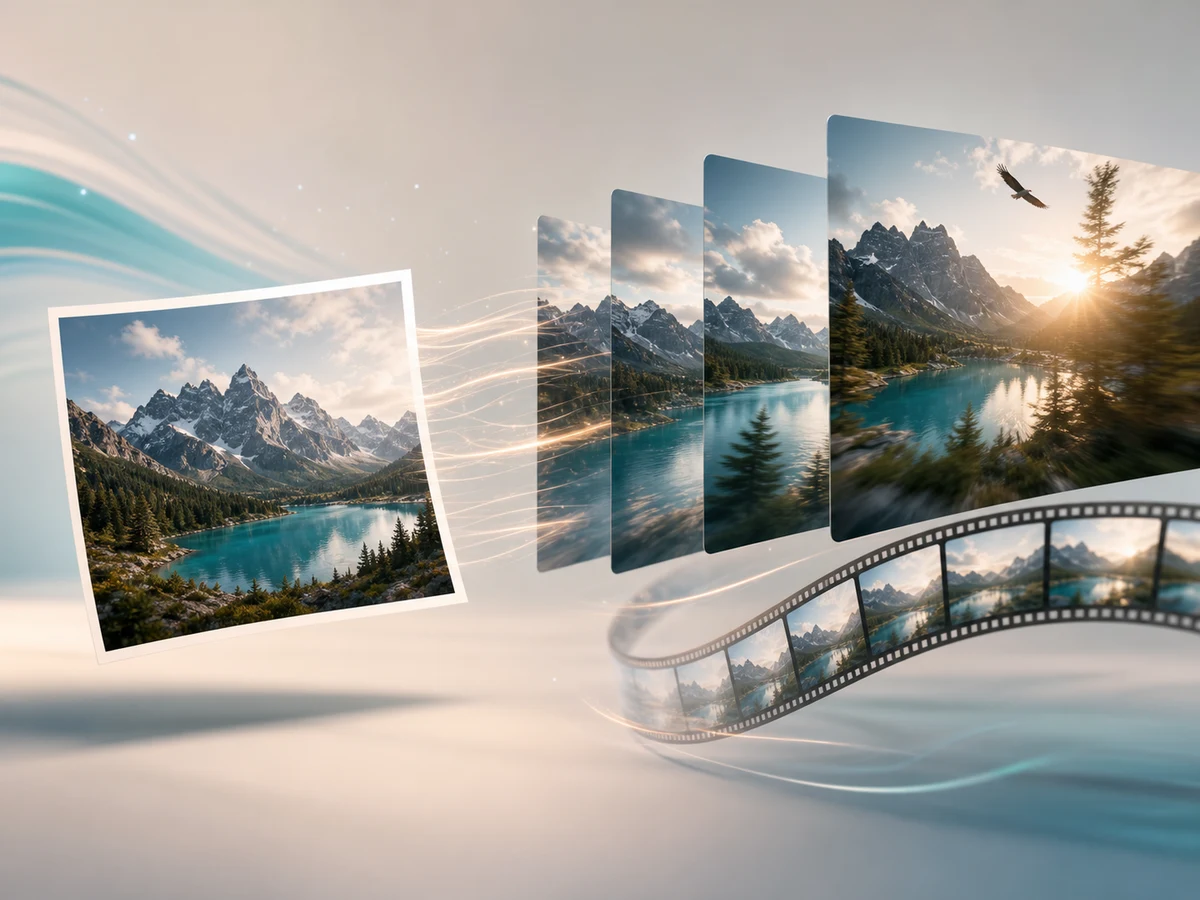
Start from a still image and guide the result with a clear prompt. Describe subject movement, camera direction, lighting, mood, and effects so this focused workflow can turn a static frame into a short, usable clip. On supported model routes, you can use a start frame and an optional end frame to guide the transition, or add reference images to help preserve a subject, style, composition, or visual direction. For broader prompt-first creation, try the AI video generator.
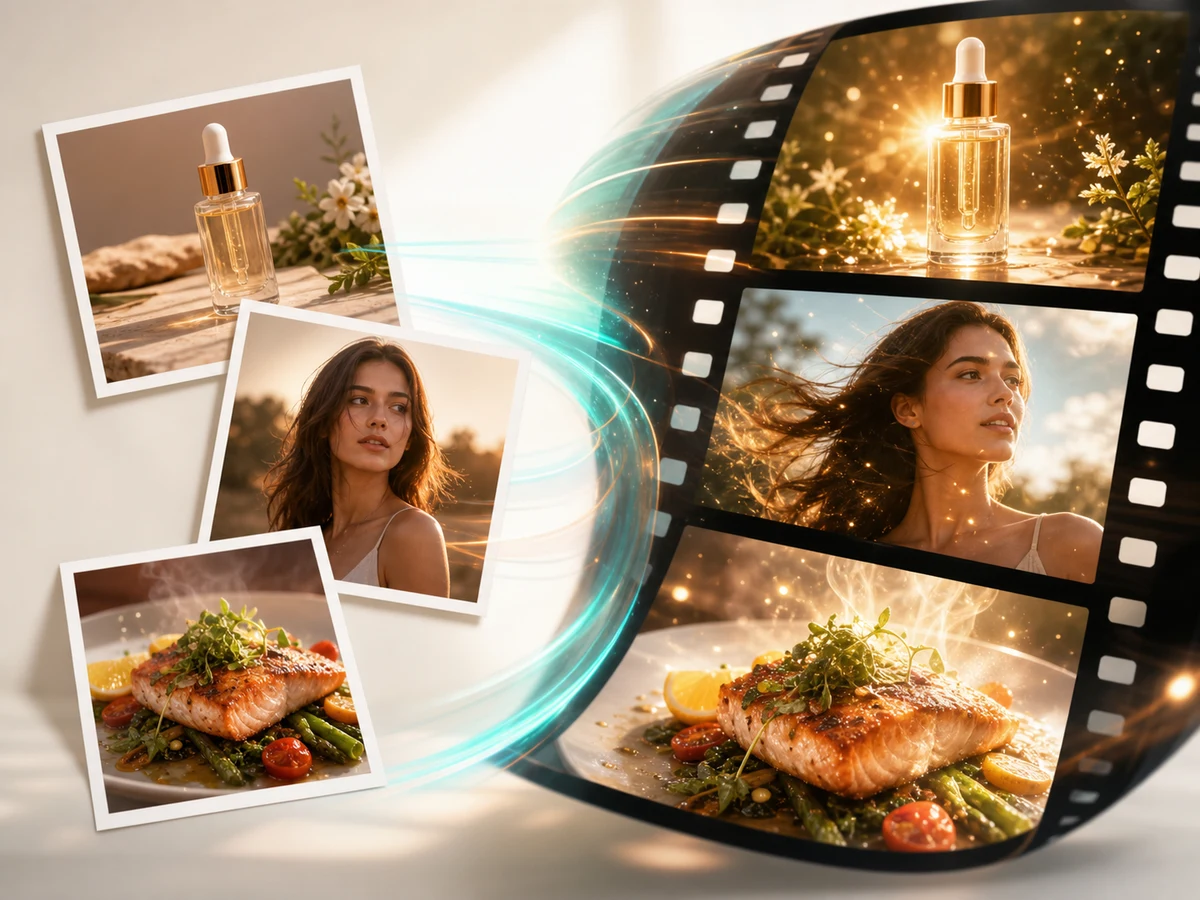
Bring product photos, portraits, food shots, travel images, fashion looks, and concept art to life. The photo to video AI workflow helps you animate photos while keeping your source image as the visual anchor and adding motion, depth, and cinematic energy. Decide which details must stay recognizable, such as a product shape, logo, face, garment, or landmark, then describe one primary motion: a slow product turn, a gentle push toward a portrait, steam rising from food, or water and clouds moving through a landscape.
Add pans, zooms, orbits, push-ins, parallax, atmospheric motion, glowing details, or subtle background movement. Choose one main camera action first: use a slow push-in to highlight a subject, an orbit to reveal a product, or a gentle pan to show more of a scene. Pair it with only one supporting movement, such as flowing fabric or moving water, so faces, logos, and compositions stay more stable. Use natural language instead of building keyframes by hand, then refine future clips with the AI video editor.
Create short videos from images for TikTok, Instagram Reels, YouTube Shorts, product ads, website visuals, creator hooks, and campaign concepts. Choose a duration, aspect ratio, and model route before generation so each clip matches the channel where it will be published. Use a vertical frame when the subject needs to fill a phone screen, a square format for feed posts, or widescreen for website banners and product storytelling. Keep the main subject visible from the opening frame, then use the prompt to define the first movement or visual hook your audience should notice. After generating, use the AI Video Enhancer when you need to sharpen the clip, reduce visible noise, or prepare a higher-resolution version for publishing.
Use ImgUpscaler image to video AI to animate photos, product images, portraits, landscapes, and AI artwork. Create a photo to video clip from a still image with prompt-controlled camera movement, subject action, and visual effects.
Add a photo, product shot, portrait, landscape, design, or AI-generated image. Begin with the subject, composition, or brand visual you want the video to preserve; clear images with a strong subject usually produce better image-to-video results.
Describe what should move, how the camera should behave, and what style or atmosphere you want. Keep the prompt focused on the one outcome you need, such as a slow zoom, orbit shot, drifting light, or cinematic product reveal.
Select the generation route, video length, resolution, and aspect ratio that match your target channel, from widescreen landing-page clips to vertical social videos. Choose the model route that offers the image controls you need, then review the displayed credits before generating.
Start the AI video generator from image workflow, watch the processing status, preview the generated clip, and download the result when it is ready. If the motion or framing needs adjustment, refine the image input, prompt, or settings and generate again.
Once you have defined the image, motion, and output settings, use the same workflow to create a video that fits a specific creative or marketing goal.
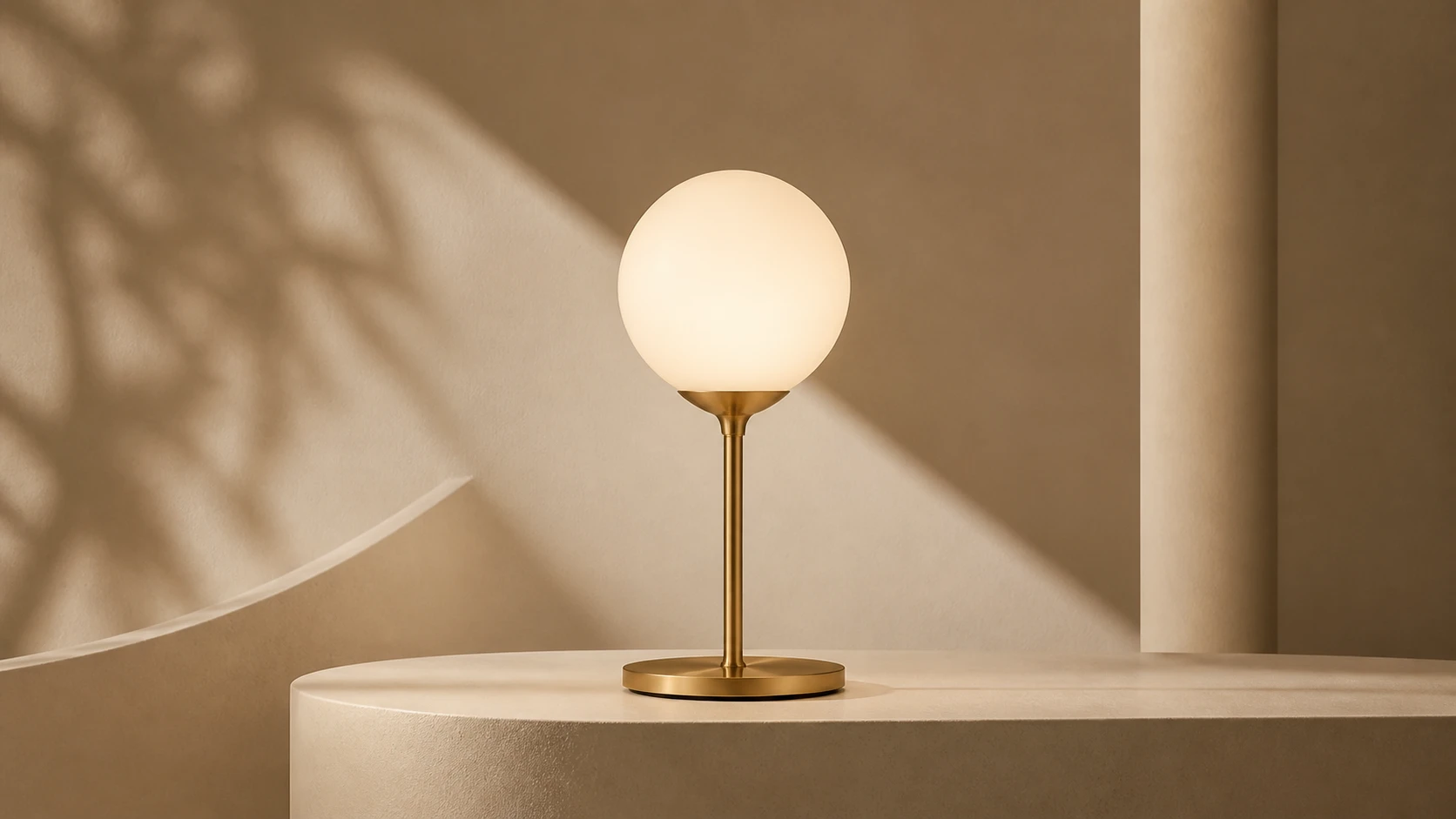
Turn an approved product image into a short clip with a slow rotation, controlled push-in, or moving light. Keep the product shape and label stable, then use the result in a product detail page, launch post, or ad variation.
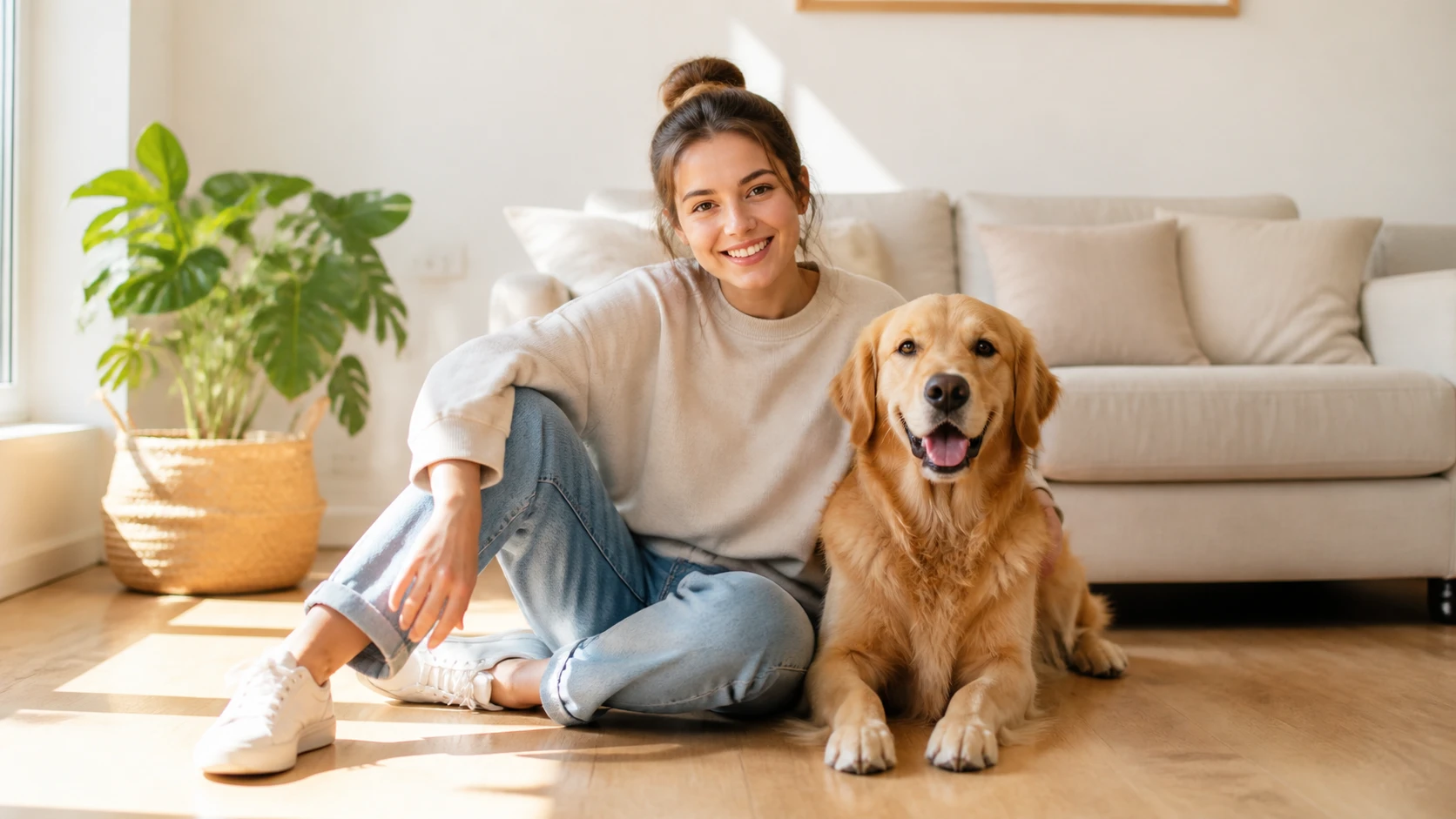
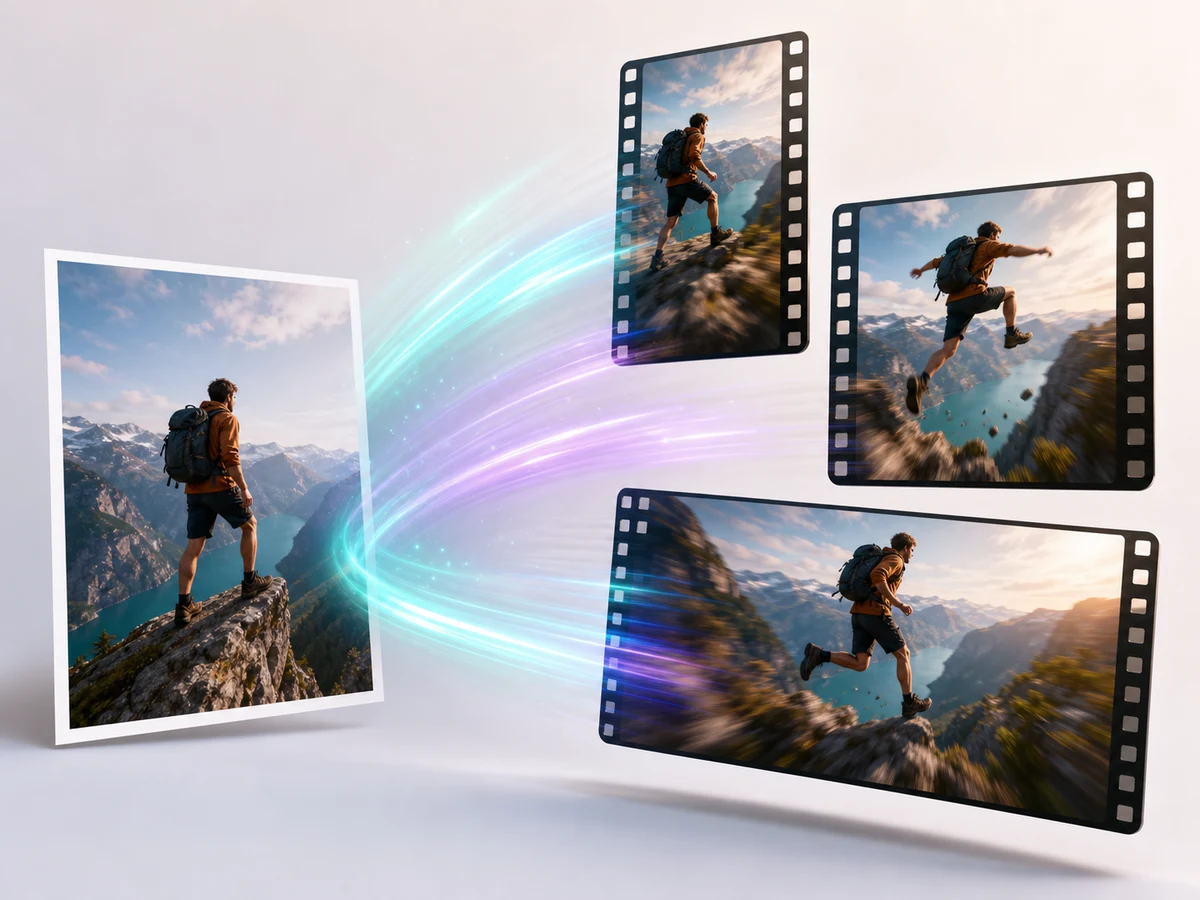
Animate a cover image, poster, lifestyle shot, or character design into a short hook for Reels, Shorts, TikTok posts, and stories. Use one immediate action, such as looking at the camera or taking a few steps, so the subject is clear from the opening frame.
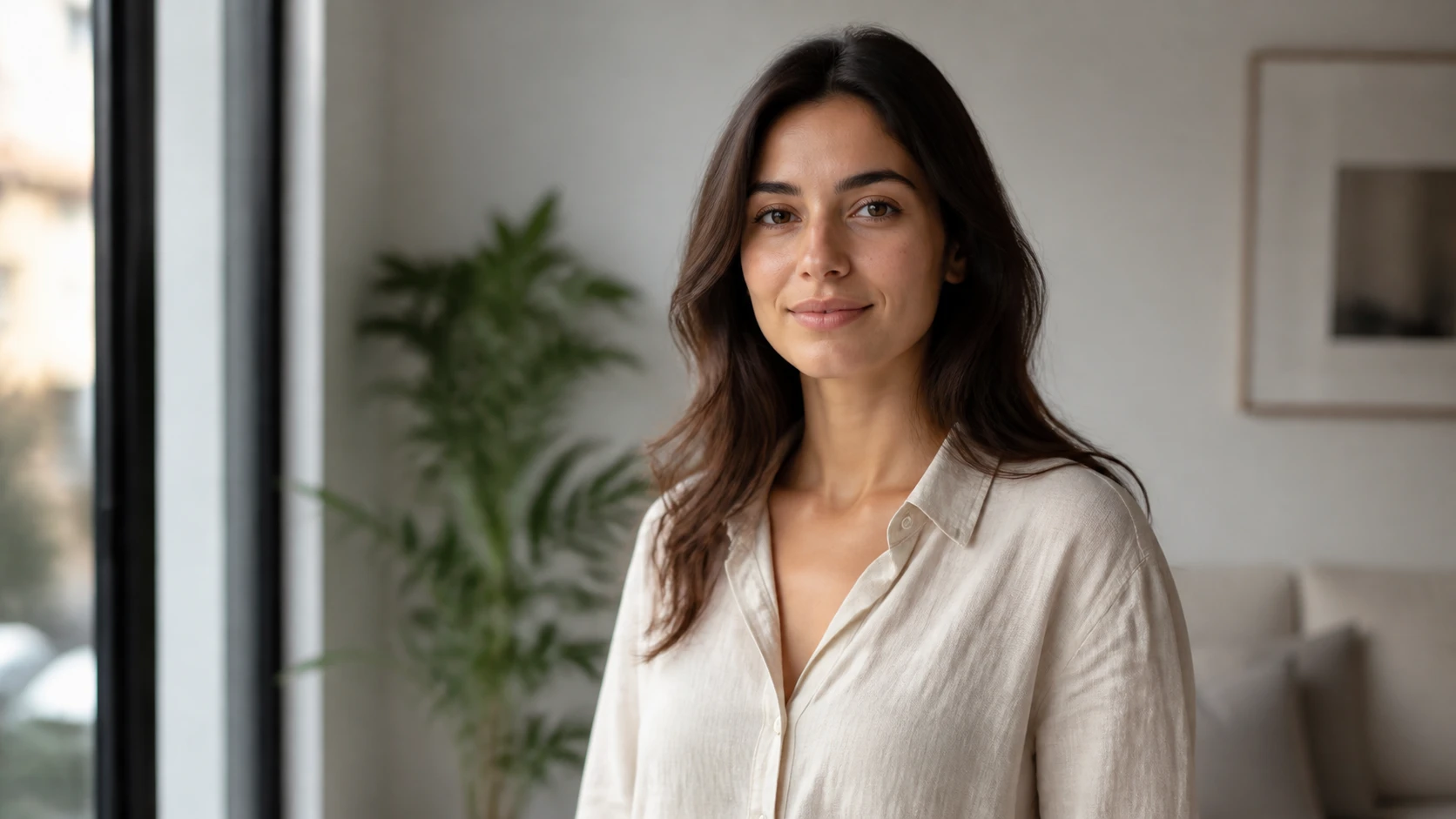
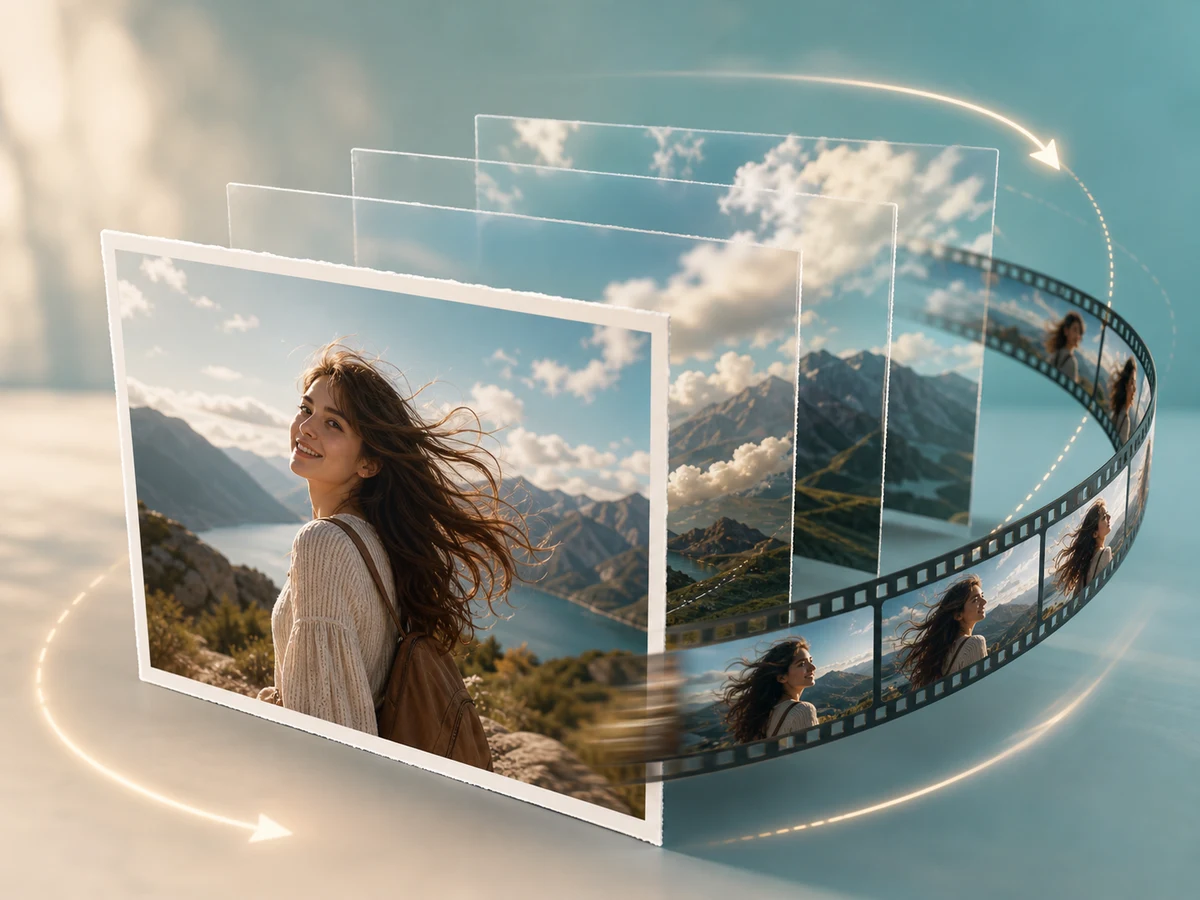
Start with a clear portrait and add restrained movement such as a natural blink, slight head turn, hair movement, or soft camera push. This works for profile introductions, creator posts, character reveals, and campaign mood clips without changing the person’s core appearance.
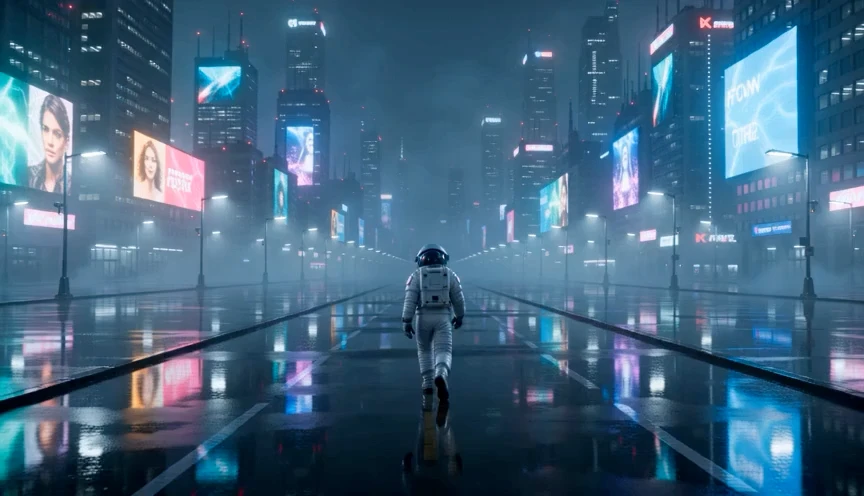
Turn AI-generated images, moodboards, and campaign concepts into a moving preview before full production. Use start and end frames when the concept needs a planned transition. Need a source visual from text? Create it with AI Photo Generator, then return here to add motion.
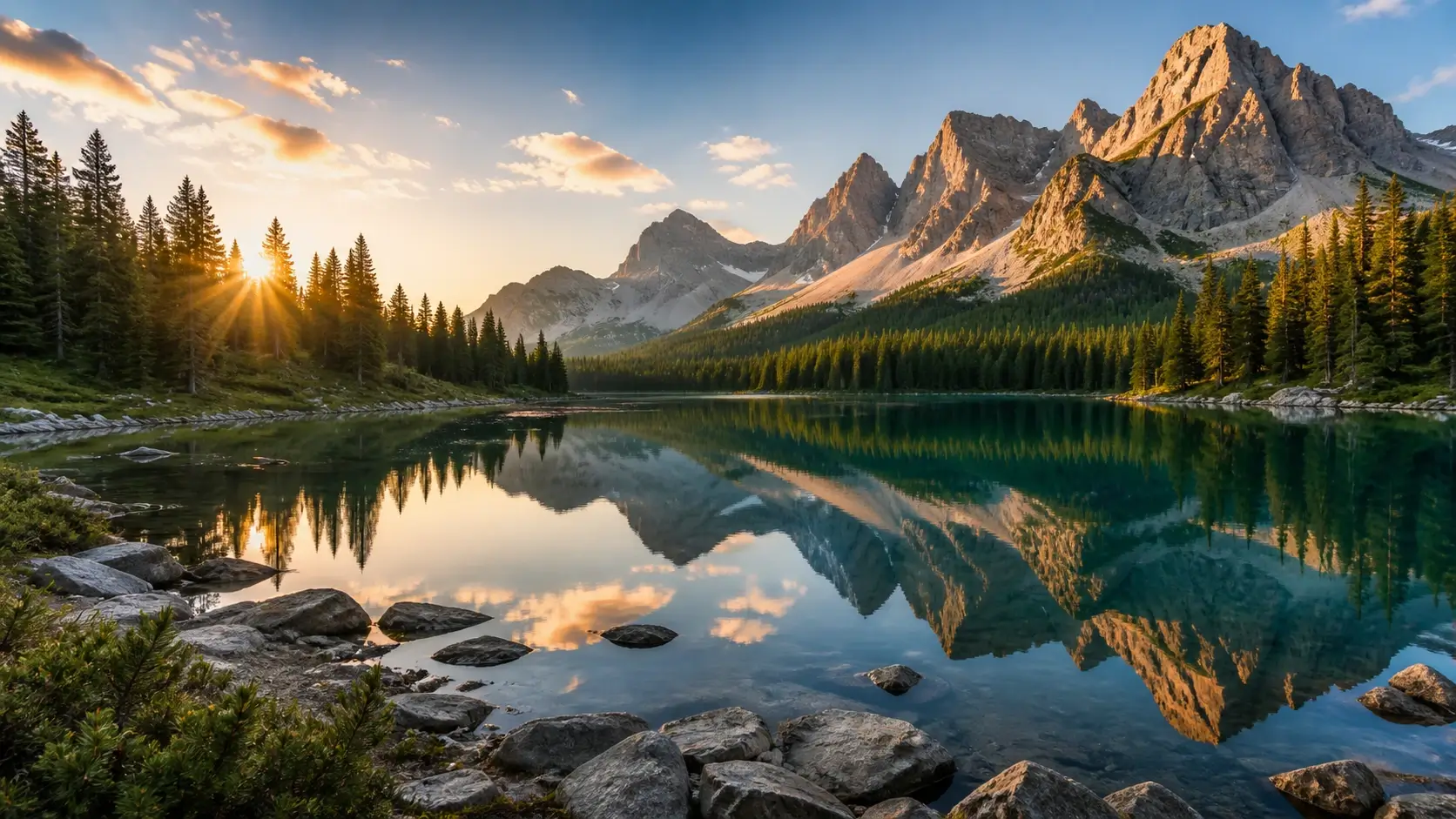
Animate a landscape with one or two environmental details, such as drifting clouds, rippling water, or moving leaves. Keep the composition stable and use the clip as a website hero, destination teaser, or background for a travel campaign.
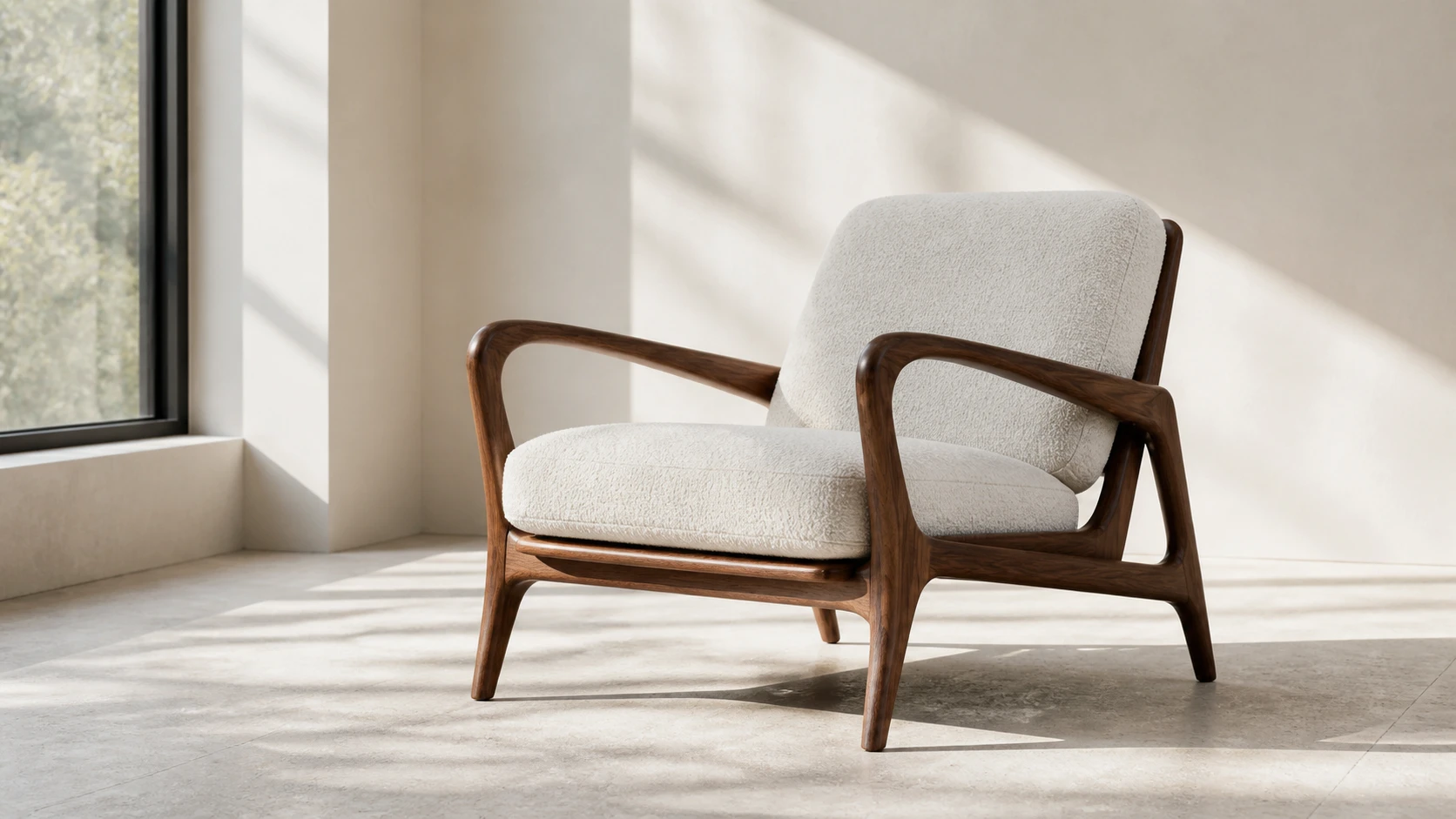
Build short motion assets from catalog photos, lookbook images, package shots, and approved brand visuals. Define the product angle, camera movement, and background motion before generating, then adapt the finished clip for a landing page, paid media, or campaign presentation.
The page starts in image to video mode, so your photo or artwork stays central to the workflow instead of being mixed with unrelated text-to-video options.
Guide pans, zooms, orbits, push-ins, atmosphere, lighting, and subject action with plain English prompts that are easier to revise than manual animation timelines.
Create product motion ads, social hooks, pitch visuals, ecommerce clips, landing-page media, and photo to video brand experiments from images your team already has.
Upload, prompt, generate, preview, and download in the browser. You do not need a video editor, plugin stack, or local rendering setup to create video from image assets.
Prepare clips for websites, ads, social posts, stories, presentations, and creative reviews with common output ratios such as widescreen, square, and vertical.
Try the Fast image to video mode without signing up. Credit requirements are shown before generation, so you can review the cost of each video task before submitting it.
Lena W.
Ecommerce Marketer
Turning a clean product photo into a motion ad concept is much faster than planning a shoot for every idea. The prompt workflow helps us test angles quickly.
Marcus T.
Social Content Lead
We use image to video for hooks, cover visuals, and quick campaign previews. Starting from an approved image keeps the creative direction consistent.
Aisha P.
Brand Designer
The best part is describing camera movement in plain language. I can turn a moodboard image into a short animated direction for reviews.
CONTACT US
How can we help you today?
Our Location
29 Mayflower Gardens, 31
Mayflower Place, Singapore 568894
How Can We Help?
Send us a Message
Please contact us directly by email.