CONTACT US
How can we help you today?
Our Location
29 Mayflower Gardens, 31
Mayflower Place, Singapore 568894
How Can We Help?
[email protected]Send us a Message




Imgupscaler.ai uses advanced AI to accurately detect objects, backgrounds, and regions, allowing you to change color of image with pixel-level precision. As a smart color changer and picture color editor, it replaces colors seamlessly—without color bleeding, rough edges, or quality loss. The AI carefully preserves original textures, lighting, and fine details, ensuring the image remains sharp and visually consistent after color changes.In addition, Imgupscaler.ai does not damage image quality during editing. Users can also enhance image resolution for free using Imgupscaler.ai’s built-in upscaling technology, making the final result clearer, more detailed, and suitable for both digital use and high-quality output. Whether you want to change the color of an image for design, marketing, or personal projects, the results always look clean, realistic, and professional.


Need to change background color of image for e-commerce, ID photos, or social media? Our AI color changer intelligently separates subjects from the background, allowing you to change colors of image backgrounds instantly. No manual masking required. This picture color editor ensures smooth transitions and natural lighting after color replacement.
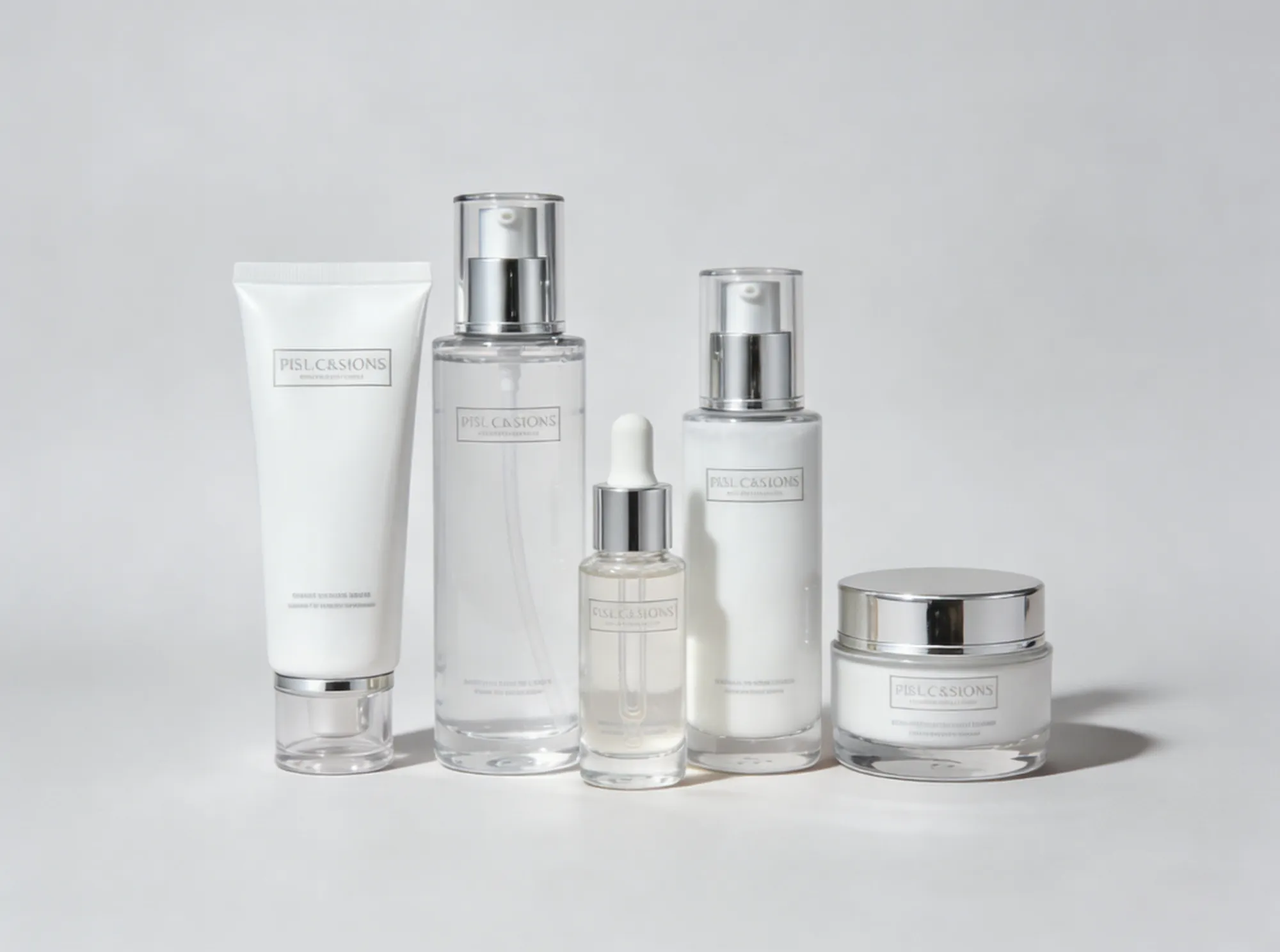
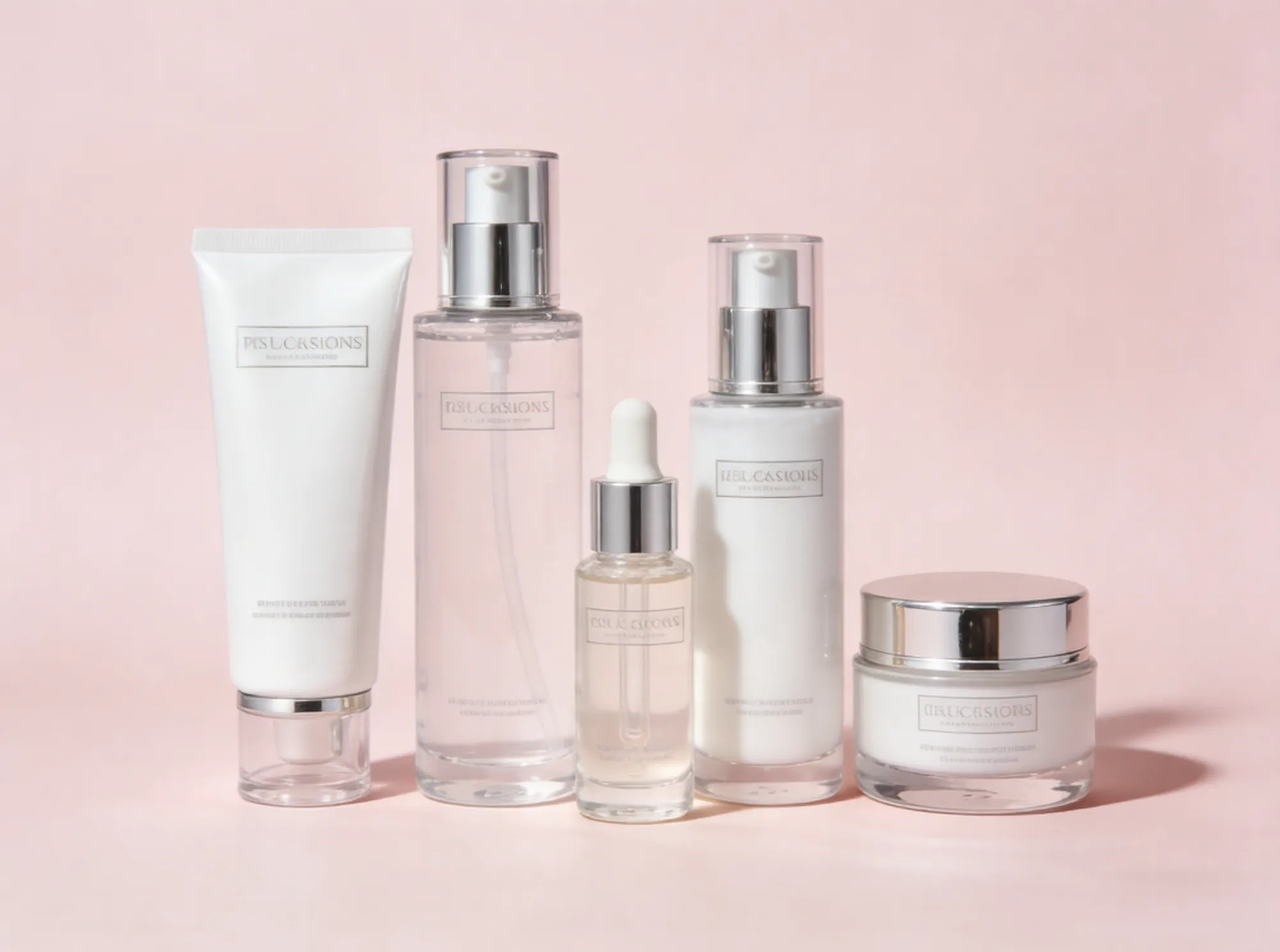
This AI-powered picture color editor lets you change the color of an image at the object level—clothes, products, cars, furniture, and more. Simply describe the color you want, and the AI will change color of image details naturally while preserving texture, shadows, and highlights.
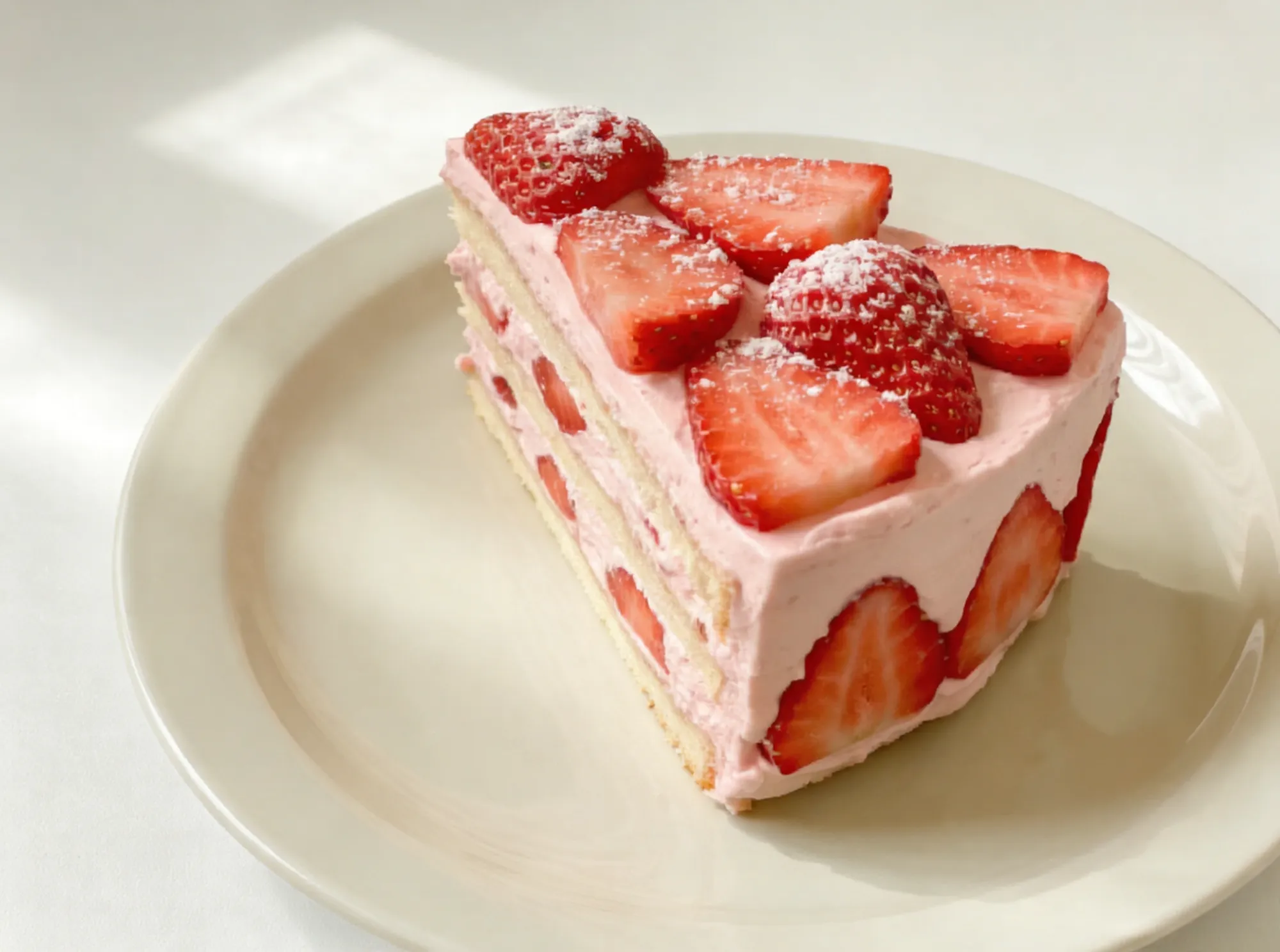
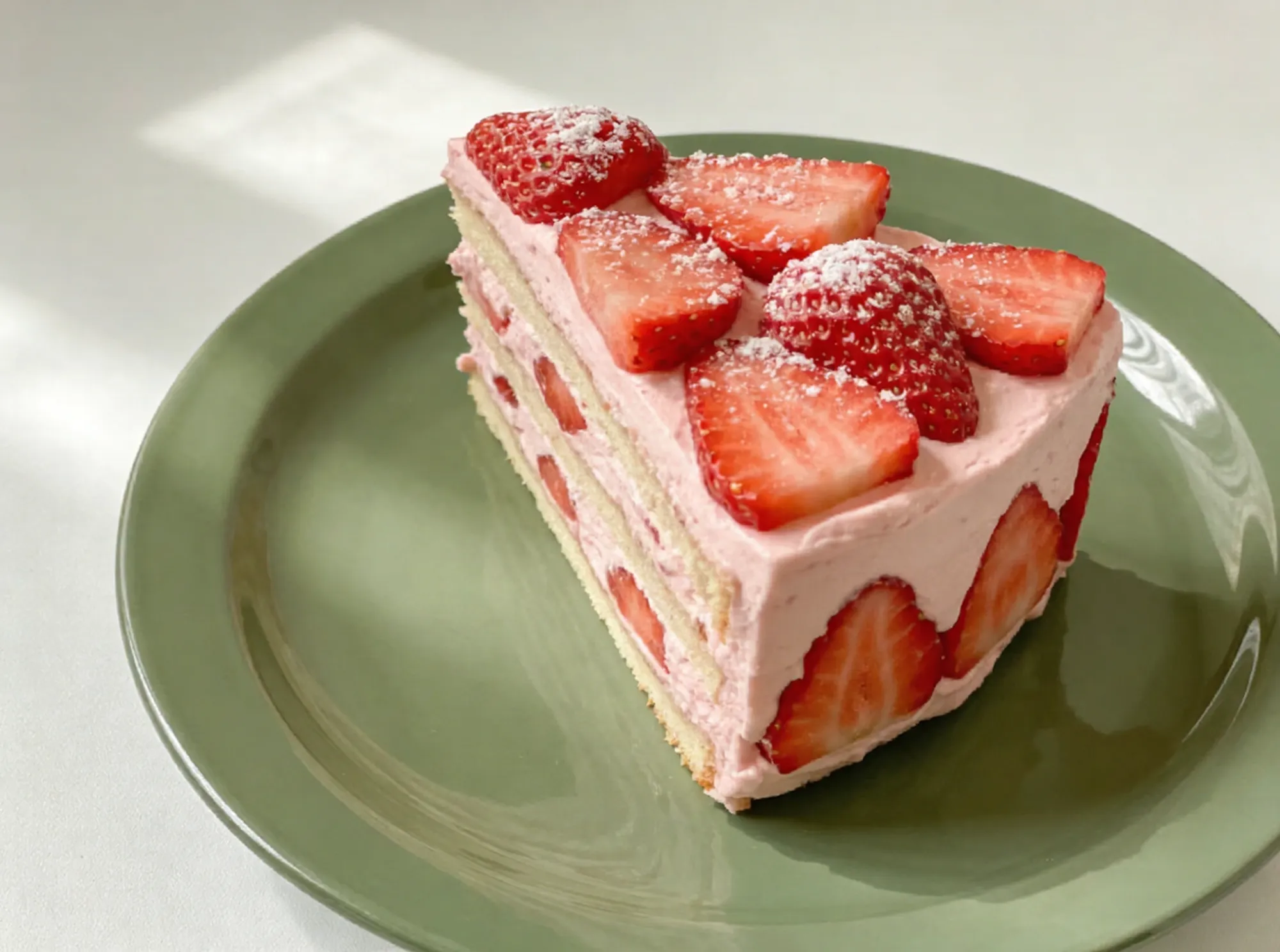
No design skills needed. Simply upload your image, enter a short instruction, and let the AI color changer do the rest. With Imgupscaler.ai, you can easily change color of image, test multiple color variations, or experiment with different visual styles in just seconds.Beyond color editing, Imgupscaler.ai can also repair old photos by restoring faded details, fixing scratches, and even adding natural color to black-and-white images—bringing old memories back to life with realistic tones. If you need more precise control over image details, you can further fine-tune specific areas using our AI Photo Editor, which is available to try for free. It’s the easiest and most flexible way to learn how to change the color of an image online while enhancing overall image quality at the same time.
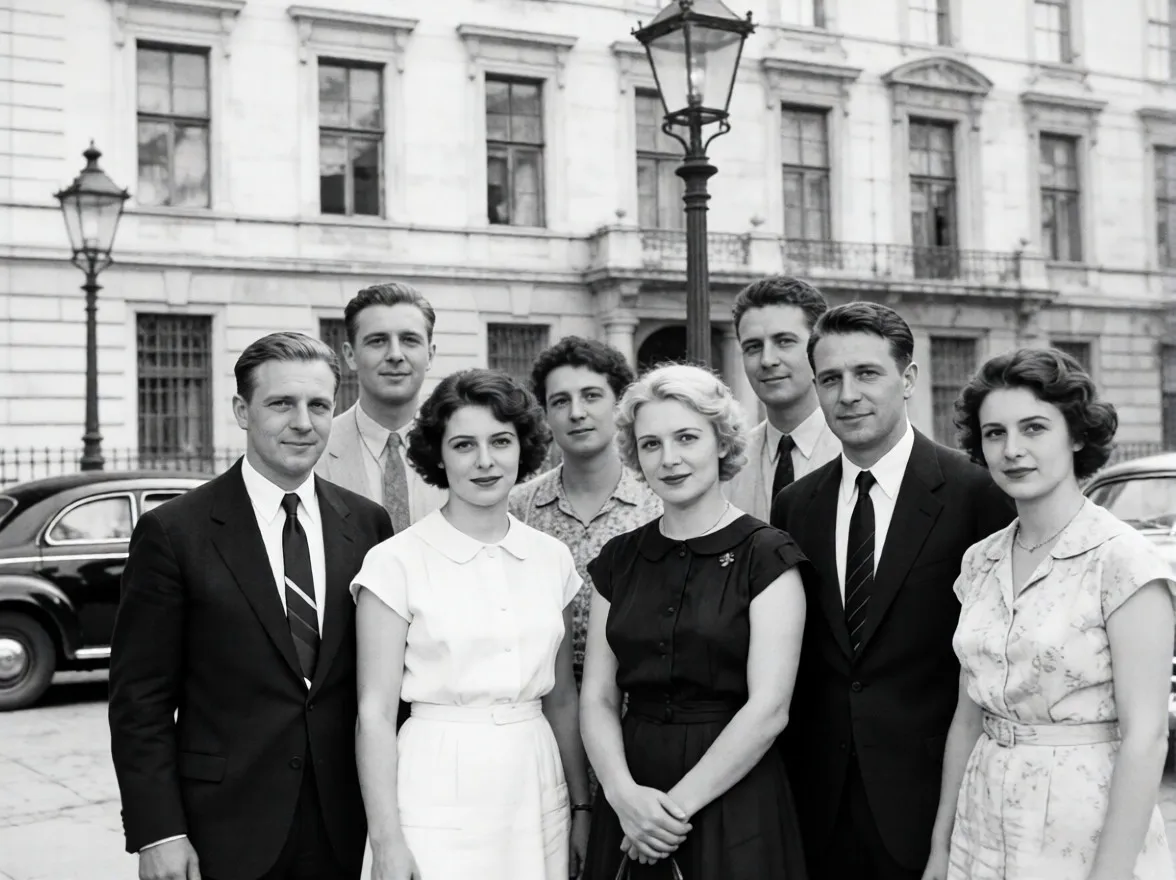
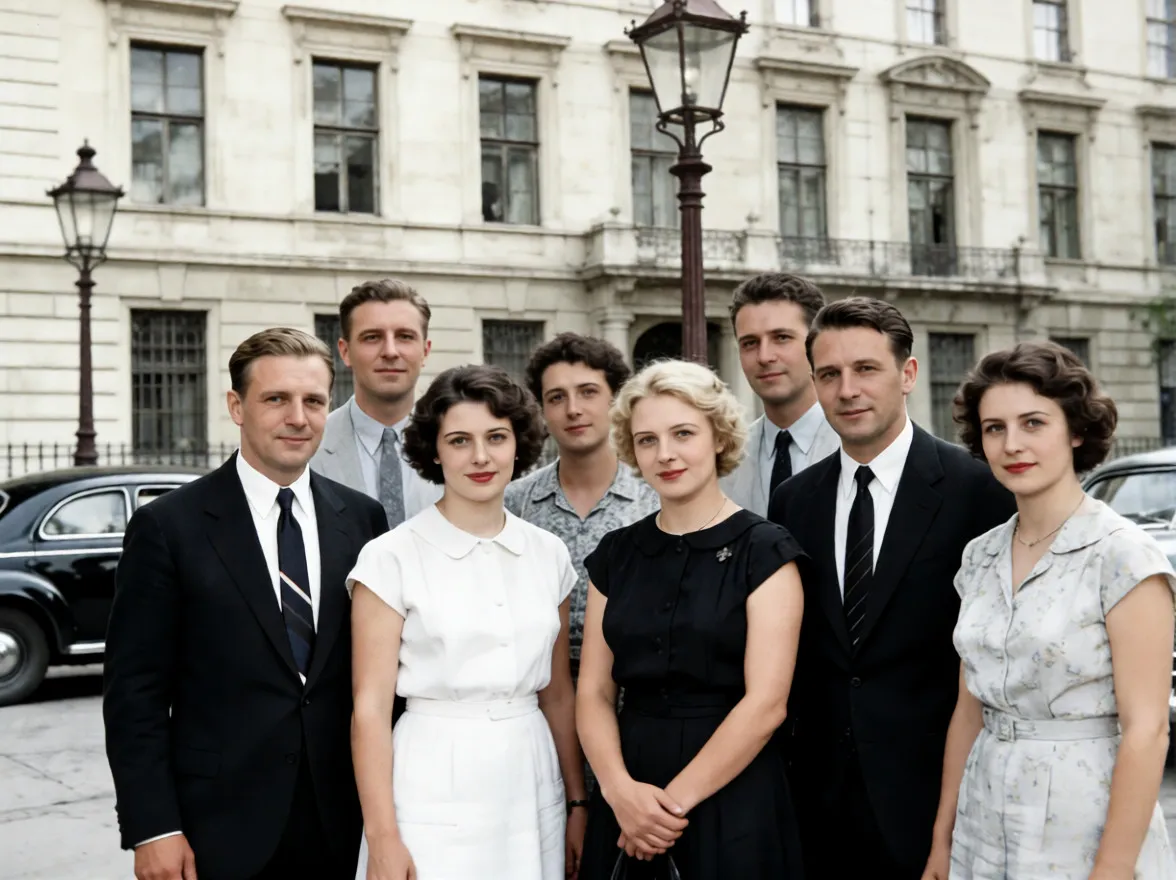
Change colors of image to showcase multiple product variations without reshooting photos.
Use a color changer to match brand colors and create eye-catching visuals.
Change background color of image to meet passport or platform requirements.
Quickly test color concepts using an AI picture color editor.
Learn how to change the color of an image easily with one-click AI editing.
Upload your image and use our AI color changer to change colors of image, backgrounds, and objects instantly.
Upload the image you want to edit.
Describe how you want to change color of image or background.
Download your image with updated colors instantly.
Change color of image online free with no signup.
Change colors of image without damaging textures or lighting.
Smart AI understands objects, backgrounds, and color boundaries.
Change background color of image or object colors easily.
Change the color of an image in seconds.
Use the color changer on desktop and mobile.
Emily R.
E-commerce Manager
This AI color changer makes it incredibly easy to change color of image for product photos. I can test multiple color variations without reshooting images, and the results always look clean and realistic.
Daniel K.
Graphic Designer
I use Imgupscaler.ai to change the color of an image when creating mockups for clients. The picture color editor preserves textures and lighting perfectly, which saves me a lot of manual editing time.
Sophia L.
Social Media Marketer
Changing brand colors used to take forever. With this AI color changer online, I can quickly change colors of image assets to match campaigns, and everything still looks professional.
Michael T.
Online Seller
The ability to change background color of image is a game changer for my listings. This tool lets me edit images fast without hurting image quality, and it’s free to try.
Olivia P.
Casual User
I didn’t know how to change the color of an image before, but Imgupscaler.ai makes it super simple. I just type what I want, and the AI color changer does the rest in seconds.
CONTACT US
How can we help you today?
Our Location
29 Mayflower Gardens, 31
Mayflower Place, Singapore 568894
How Can We Help?
[email protected]Send us a Message