CONTACT US
How can we help you today?
Our Location
29 Mayflower Gardens, 31
Mayflower Place, Singapore 568894
How Can We Help?
[email protected]Send us a Message


Click or drag to upload
Click to upload image
Our image text editor online intelligently detects text regions in images and allows you to edit image text without damaging the background. Unlike traditional photo editors, this AI-powered photo text editor understands fonts, textures, shadows, and perspective—so when you edit text in image, the result looks seamless and natural.
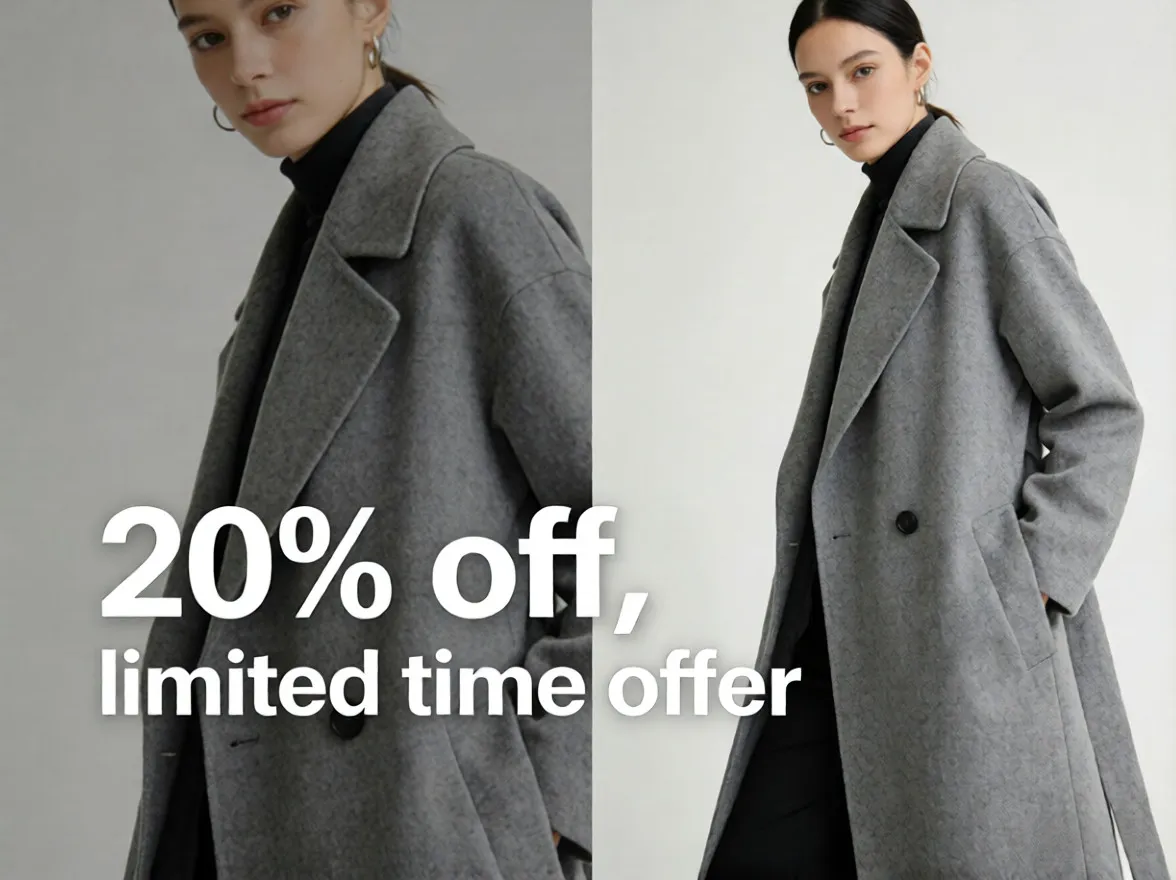
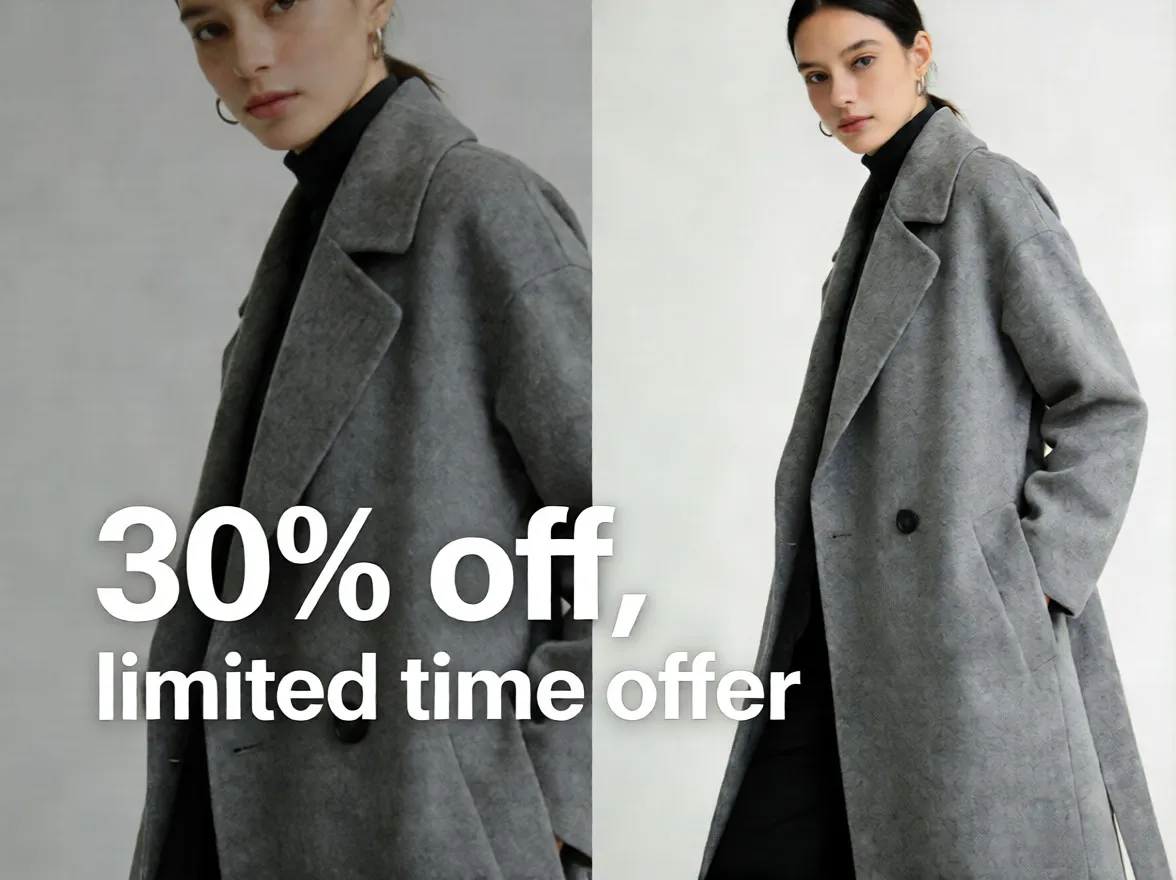
This free image text editor lets you change text in image without complex layers or design skills. Simply upload your image, select the text you want to replace, and let the AI reconstruct the background automatically. It’s the fastest way to edit text on image for banners, posters, ads, or screenshots.
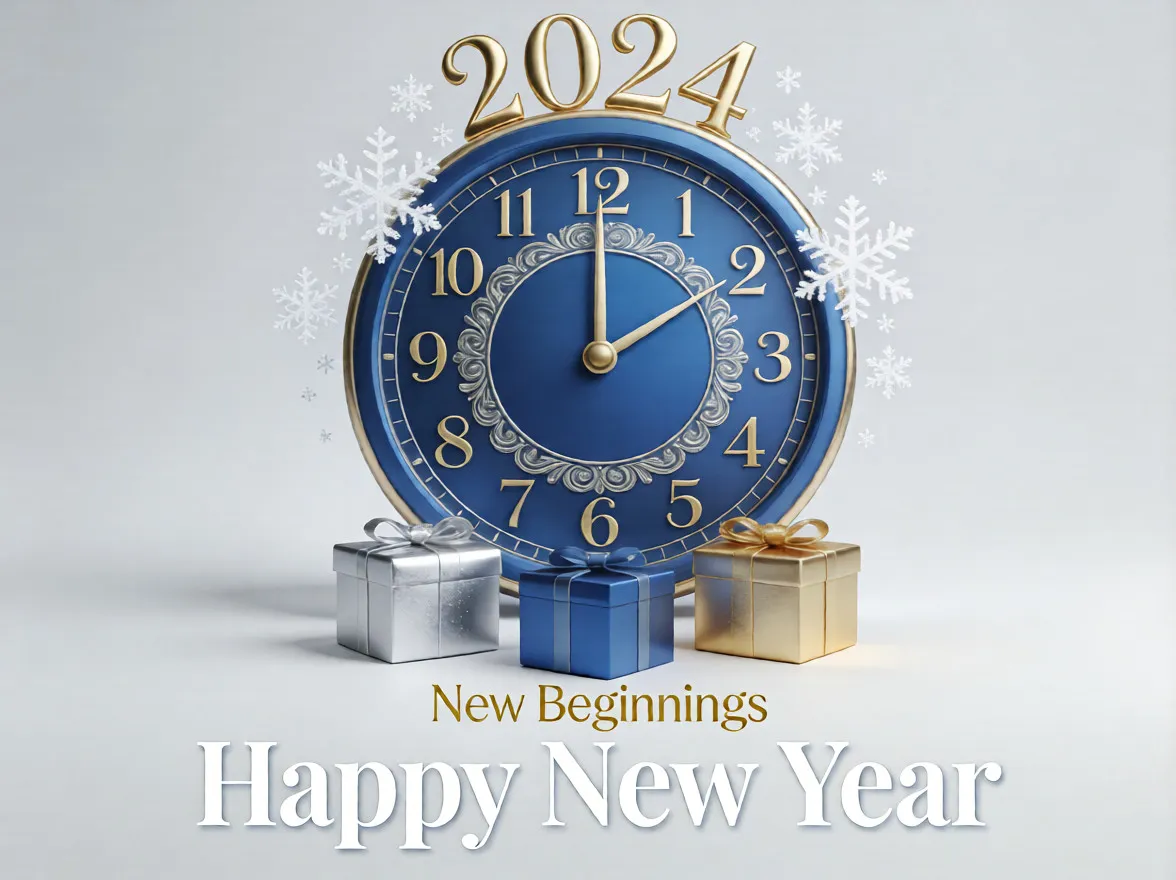
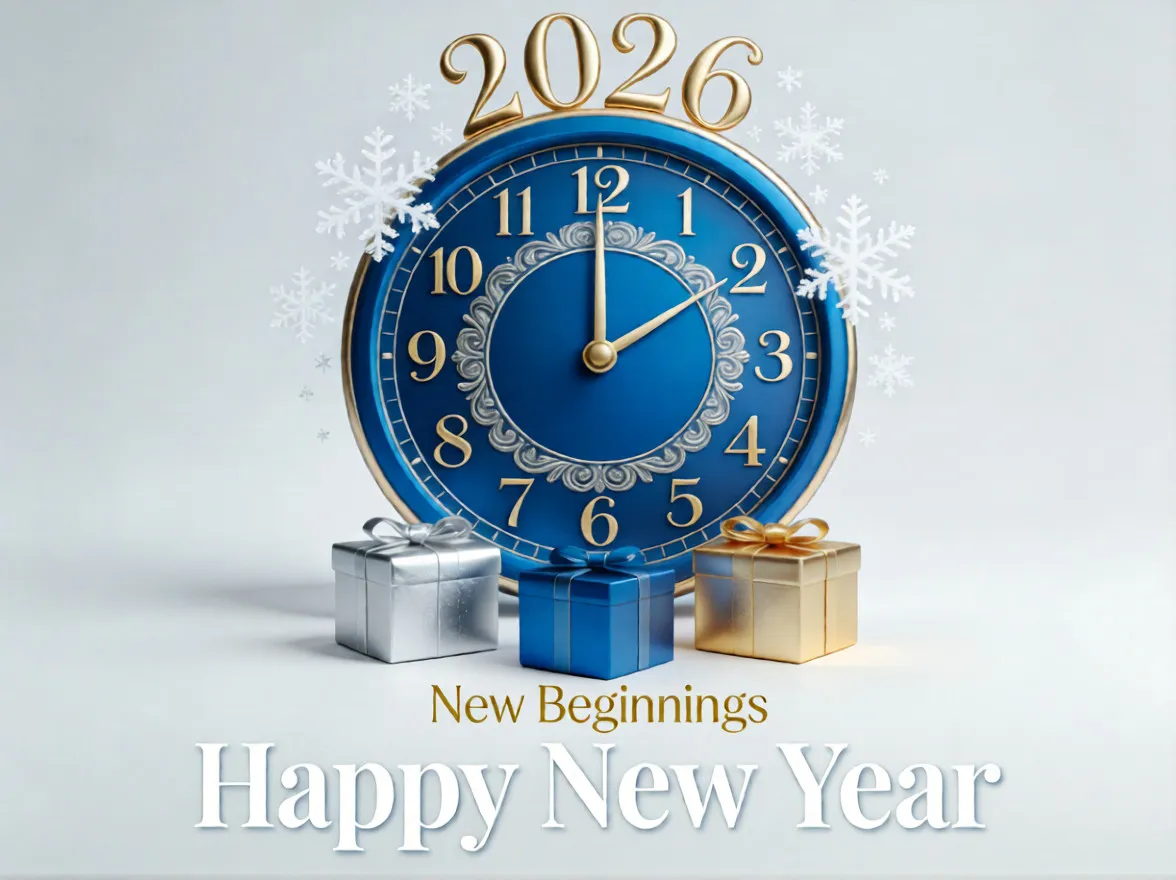
Need to edit text in photo or remove outdated words? Our AI photo text editor removes original text cleanly and allows you to insert new text that blends perfectly with the original design. When you edit text in picture files, the AI preserves the original image resolution and visual quality—no compression, no detail loss. Whether you want to edit text in photo images or clean up visual content, the AI ensures no blur, no artifacts, and no mismatched textures. If you’d like to make your image even clearer after editing text, you can also use Imgupscaler’s AI image upscaler for free to enhance resolution and sharpen details without affecting the edited text.

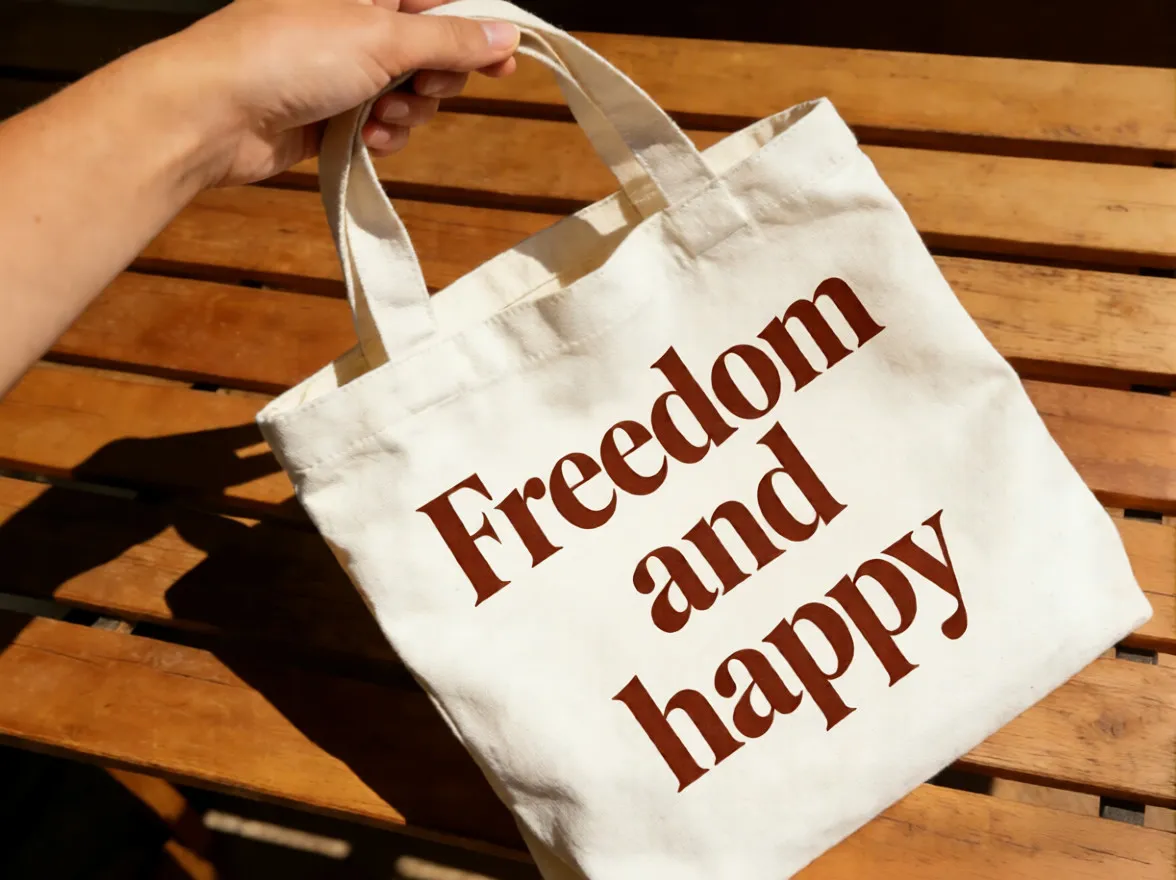
From social media posts to product images, this image text editor online works for all scenarios. You can edit text on image, adjust messaging, localize visuals, or correct spelling errors—all online, all free, with no account required.
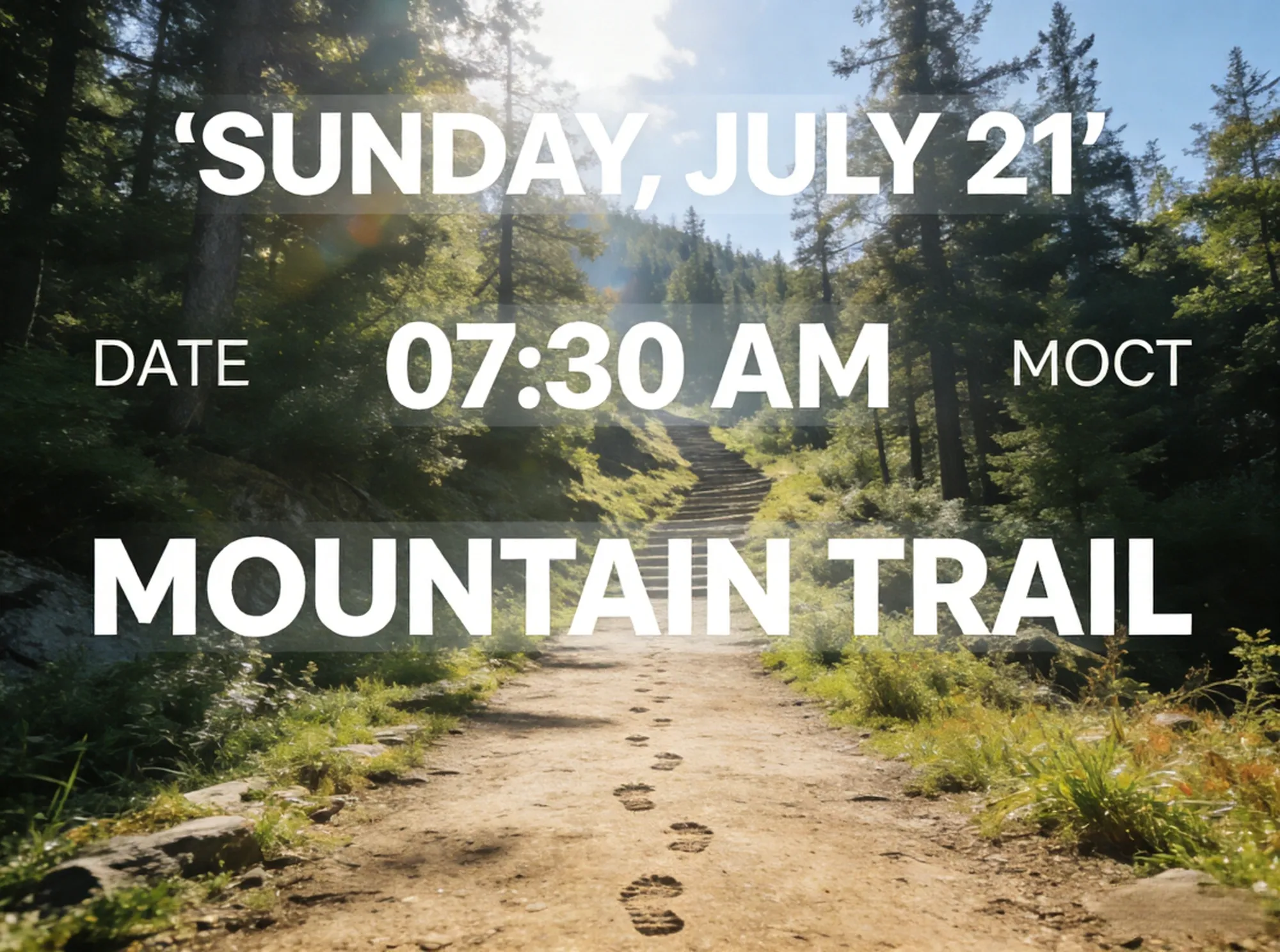
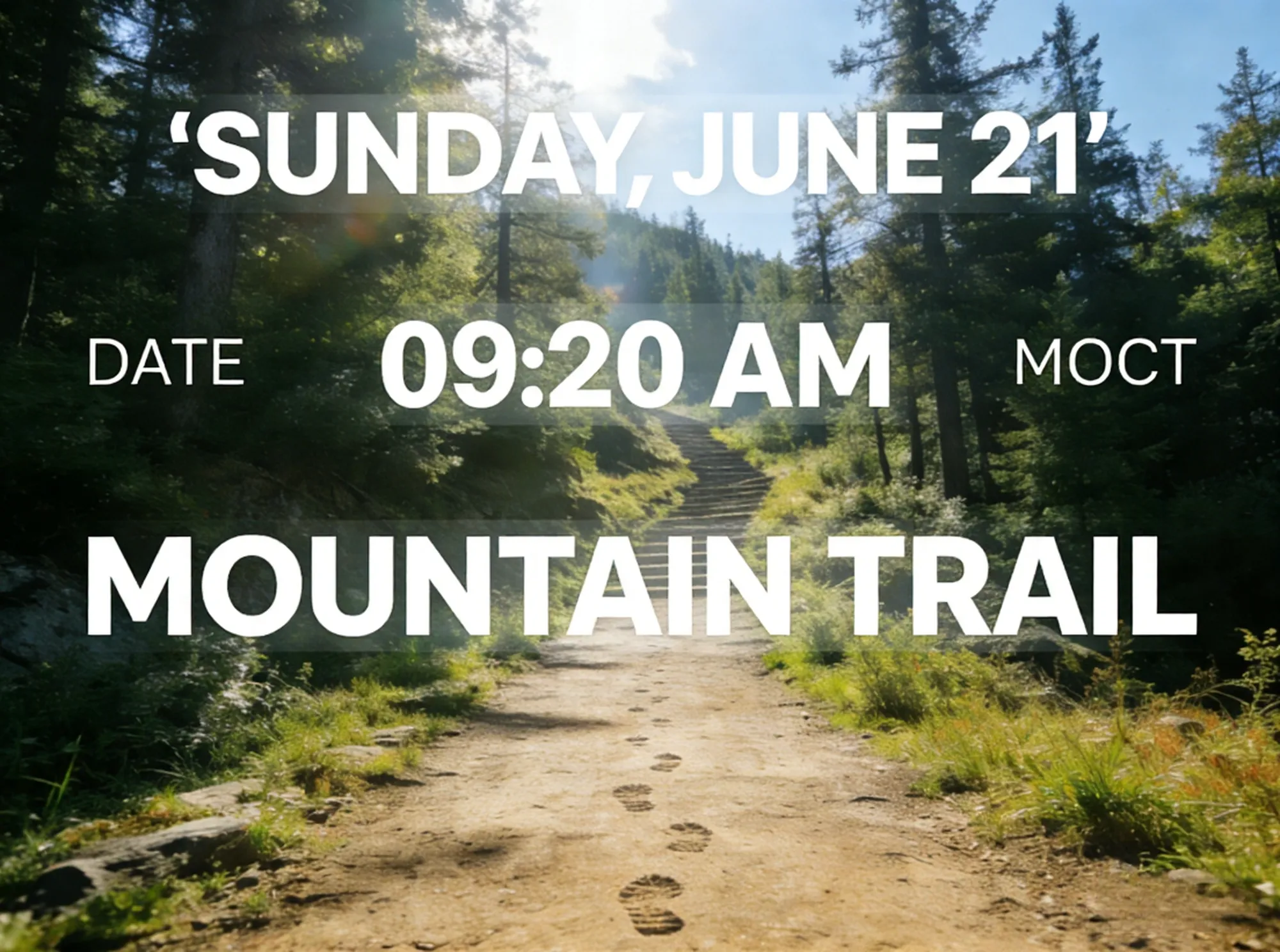
No design experience needed. Upload your image, type a short instruction, and let the AI edit image text instantly. You can also combine this tool with Imgupscaler’s AI photo editor to further refine visuals—all in one workflow.

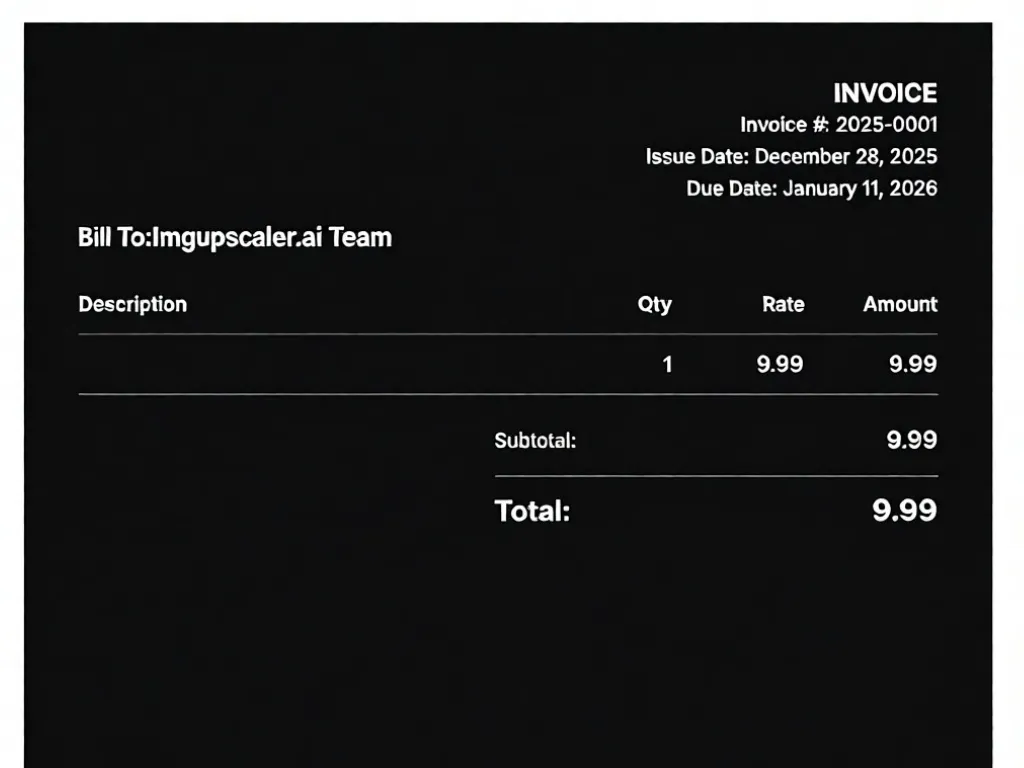
Update slogans, pricing, CTAs, or promotional copy directly on images using our image text editor online. Instead of redesigning banners from scratch, marketers can quickly edit text on image files, change messaging for A/B tests, or localize ad creatives. This free image text editor helps teams move faster while keeping visuals consistent and professional.
Social media creators often need to edit image text for thumbnails, Instagram posts, YouTube covers, or stories. With this photo text editor, you can easily edit text in image assets, fix typos, refresh captions, or change text in image designs to match new trends—without Photoshop or design skills.
Use the image text editor online to edit text in photo product images, such as prices, feature labels, discounts, or shipping notes. Sellers can change text in image visuals quickly when promotions update, ensuring product listings stay accurate and appealing across marketplaces while maintaining clean, natural backgrounds.
When creating guides, tutorials, or internal documentation, you may need to edit text in picture screenshots to update steps, blur sensitive information, or correct mistakes. This free image text editor allows you to edit text on image screenshots cleanly, making instructional visuals clearer and more professional.
Designers and casual users can use this photo text editor to edit image text on posters, flyers, menus, or event materials. Easily change text in image layouts—such as dates, locations, or names—without recreating the entire design, saving time while keeping the original style intact.
For everyday users, this image text editor online is perfect for editing text in images like memes, quotes, invitations, or personal photos. Whether you want to edit text in image for fun or fix small errors, the free image text editor makes text changes fast, simple, and natural.
Edit image text, change text in images, and update photo text instantly with AI—100% free.
Upload any image containing editable text.
Enter your instruction to edit image text or change text on image.
Download your edited image with text perfectly blended.
Imgupscaler.ai offers a truly free image text editor online with no signup, no downloads, and no hidden costs. You can edit image text, change text in image files, or update photo text directly in your browser, making it easy for anyone to get started instantly.
Unlike traditional tools that leave blur or artifacts, our AI photo text editor reconstructs the original background when you edit text in image. This ensures the edited text blends naturally with textures, colors, and lighting—so the final image looks clean and realistic.
You don’t need Photoshop or graphic design experience. This image text editor online works with simple instructions, allowing you to edit text on image, replace words, or remove unwanted text in just one click. The AI handles all technical details automatically.
Our free image text editor supports editing text in photo files, screenshots, posters, banners, and other image formats. Whether you need to edit text in picture assets or change text in image designs, the tool adapts to different layouts and use cases.
This image text editor online processes images in seconds. Upload your image, edit image text, and download the result instantly—no waiting, no complex workflows. Perfect for quick content updates, marketing edits, or everyday image text changes.
Edit text in image anytime, anywhere. Imgupscaler.ai works seamlessly on desktop, tablet, and mobile browsers, allowing you to use the same free image text editor across all devices without installing any software.
Emma L.
Digital Marketer
This image text editor online makes it incredibly easy to edit text on image ads. I can change headlines, prices, and CTAs in minutes without redesigning creatives. For a free image text editor, the results look surprisingly natural.
Jason P.
Content Creator
I use this photo text editor to edit text in image thumbnails for YouTube and social posts. Fixing typos or updating titles is fast, and the edited text blends perfectly with the original background.
Linda R.
E-commerce Seller
Updating product images used to be a pain. Now I can change text in image files for prices and features instantly. This image text editor online saves me a lot of time and keeps my listings accurate.
Alex M.
Graphic Design Student
As a beginner, I needed a simple way to edit text in picture files without Photoshop. This free image text editor is straightforward, and the AI handles everything automatically.
Sophia K.
Casual User
I tried several tools, but this image text editor online feels the most natural. I can edit text in photo images or remove unwanted words easily, and the final image still looks clean and realistic.
CONTACT US
How can we help you today?
Our Location
29 Mayflower Gardens, 31
Mayflower Place, Singapore 568894
How Can We Help?
[email protected]Send us a Message