CONTACT US
How can we help you today?
Our Location
29 Mayflower Gardens, 31
Mayflower Place, Singapore 568894
How Can We Help?
Send us a Message

Upload to enhance the image quality
Maximum 3 images allowed one time
By uploading an image or URL you agree to our Terms of Use and Privacy Policy.


Blurred photos can ruin great moments, but Imgupscaler.ai’s advanced AI technology is designed to fix blurry photos and make every detail shine again. Unlike basic sharpen filters, our system analyzes each pixel and intelligently reconstructs the missing details. That means when you unblur image online, you don’t just get a slightly clearer version—you get a photo that looks as though it was taken with professional equipment. With support for upscale image to 2K, 4K, 8K, and up to 16K resolution, you can turn your fuzzy images into high-definition masterpieces perfect for printing, sharing, or showcasing online.
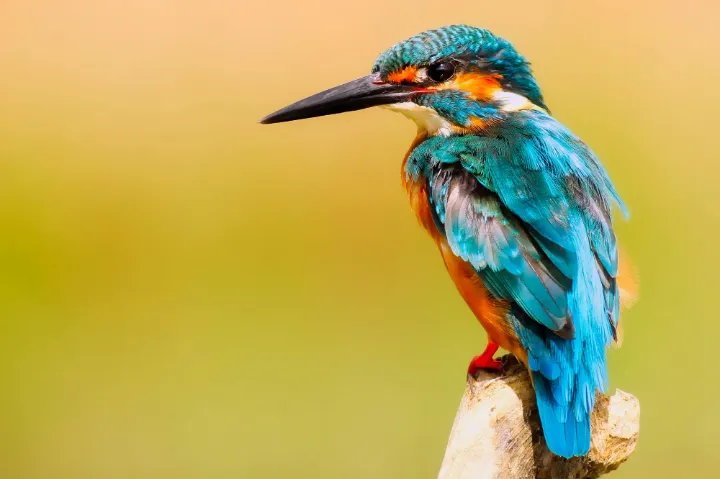
Blurriness can happen for many reasons—shaky hands, low light, motion blur, or old low-resolution scans. Imgupscaler.ai is a universal AI blur remover designed to handle all of these challenges with ease. It allows you to enhance photo for free, making images clearer whether you’re working with portraits, product shots, text documents, or treasured old family photos.Unlike basic sharpening tools, our AI goes further by intelligently enhancing colors, textures, and depth, bringing every detail back to life naturally. Whether you’re a digital creator who needs crisp visuals or an e-commerce seller aiming for flawless product images, Imgupscaler.ai adapts to every scenario—so you can enhance photo for free and achieve remarkable clarity in just one click.
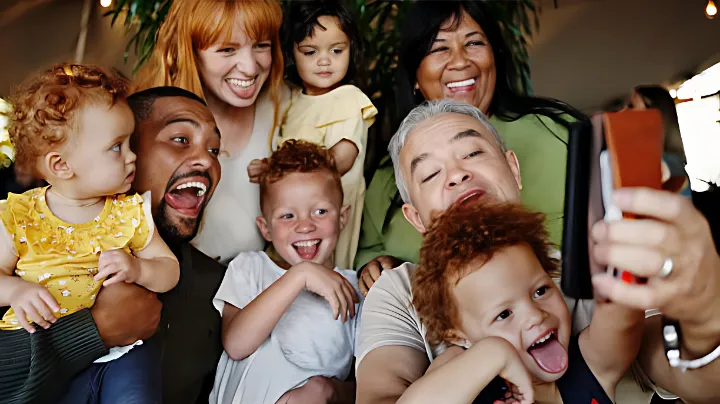
When it comes to personal photos, blurry faces are the most frustrating. Traditional sharpen filters often distort skin tones or create unnatural edges, but Imgupscaler.ai uses AI-powered face recognition technology to rebuild facial details with precision. Whether it’s a selfie, a group shot, or an old family portrait you want to restore old photo memories from, our tool fixes blurry faces while preserving natural skin texture, eye sharpness, and fine hair details. Instead of producing an artificial “over-sharpened” look, Imgupscaler.ai restores subtle details that make your photo look lifelike and professional. With resolutions up to 16K, you’ll be able to relive every expression with crystal clarity.


Sometimes the issue isn’t about photos at all—it’s about text. Blurry documents, lecture notes, or screenshots can be impossible to read. Imgupscaler.ai doubles as a text blur remover, sharpening characters and enhancing readability without introducing artifacts. Whether it’s scanned homework, business files, or an old printed document, our AI enhances contrast and edges to make text clearer. Students, professionals, and researchers can now retrieve valuable information from unclear images with ease, transforming unreadable content into perfectly legible resources.
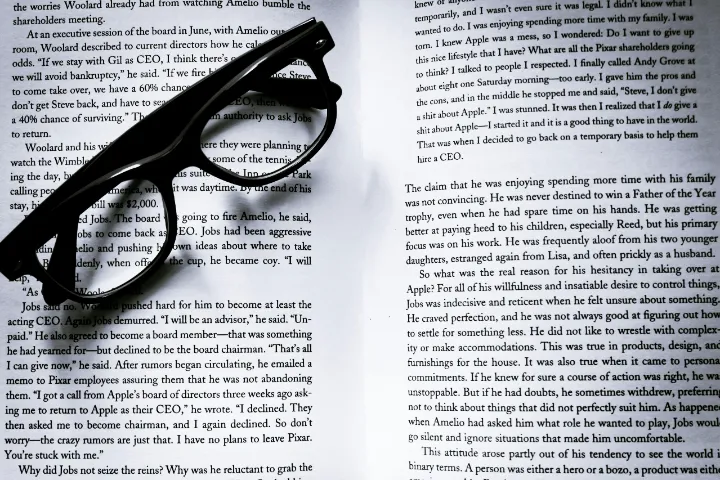
Time is valuable, and we designed Imgupscaler.ai to help you work smarter. Instead of fixing photos one by one, you can remove blur from multiple images at the same time. Upload up to 3 photos in one go, and let our AI blur remover enhance them simultaneously. This batch feature is perfect for photographers, online sellers, and content creators who deal with dozens of images daily. With just one click, you can unblur and sharpen image results consistently across all your photos—saving hours of manual editing while maintaining a clean, professional look in every image.
Not everyone is a Photoshop expert—and you don’t need to be. Imgupscaler.ai makes it easy for anyone to unblur image online free without installing software or paying for expensive subscriptions.Imgupscaler.ai goes beyond simple unblurring and works as a powerful AI photo editor, allowing you to further edit photo details with ease. Everything happens in your browser, so you can simply upload a photo, select your preferred clarity level, and download your restored high-resolution image. It’s that simple. Because it’s an online blur remover, you can access it anytime, anywhere—whether on desktop, tablet, or mobile. This convenience makes it perfect for students, professionals, creators, or casual users who just want to fix blurry photos online in seconds. Whether you’re a beginner or a pro, you’ll get professional-quality results instantly.


Sharpen portraits, landscapes, and event photos where motion blur or low lighting reduces quality.
Clear product images mean higher trust and more sales. A blurry listing photo can lose potential buyers instantly.
From Instagram posts to YouTube thumbnails, sharp visuals increase engagement and audience retention.
Enhance scanned homework, lecture slides, or blurry research documents to make text clearer and easier to study.
Restore old photo albums, blurry vacation shots, or precious family portraits where faces deserve to be sharp.
Use motion blur removal to bring clarity to fast-paced moments—sports games, concerts, or candid street photography.
Improve blurry presentation slides, business reports, or infographics for a more professional impact.
Fix blurry selfies, travel photos, or casual shots instantly without learning Photoshop.
Drag and drop your image directly onto Imgupscaler.ai.
Select 2K, 4K, 8K, or even 16K output.
Our system analyzes and restores missing details.
Save your photo instantly in high resolution.
Uses advanced neural networks for realistic restoration.
Future-proof clarity for professional use.
Save time by fixing up to 3 images at once.
Works on PC, Mac, tablets, and smartphones.
No sign-ups, no hidden costs, no watermarks.
Your photos are processed securely and never stored.
Sarah T.
Ohio
David R.
India
Amanda K.
Spain
Brian W.
Australia
Lily C.
Canada
CONTACT US
How can we help you today?
Our Location
29 Mayflower Gardens, 31
Mayflower Place, Singapore 568894
How Can We Help?
Send us a Message