


CONTACT US
How can we help you today?
Our Location
29 Mayflower Gardens, 31
Mayflower Place, Singapore 568894
How Can We Help?
Send us a Message
Please contact us directly by email.
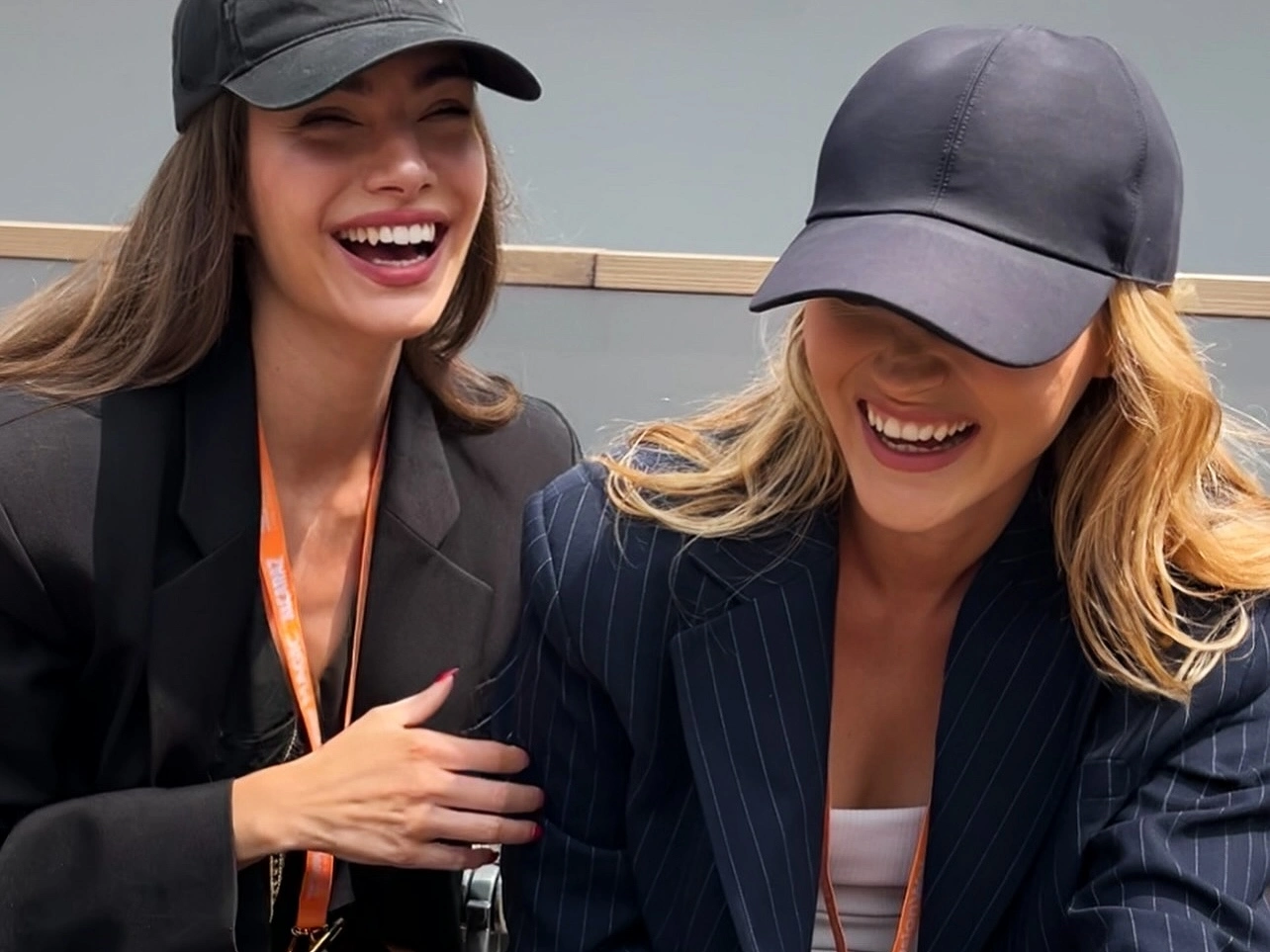
Drag & drop or click to browse
Output Format
Drag & drop or click to browse
2–20 images
Output Format
Output Format
Enlarge photos with an AI image upscaler that does more than stretch pixels. It analyzes edges, colors, textures, and fine details to help increase image resolution while keeping the result natural. Use it when you need to upscale image quality for websites, presentations, social media, printing, or personal projects without creating obvious blur or blocky artifacts.
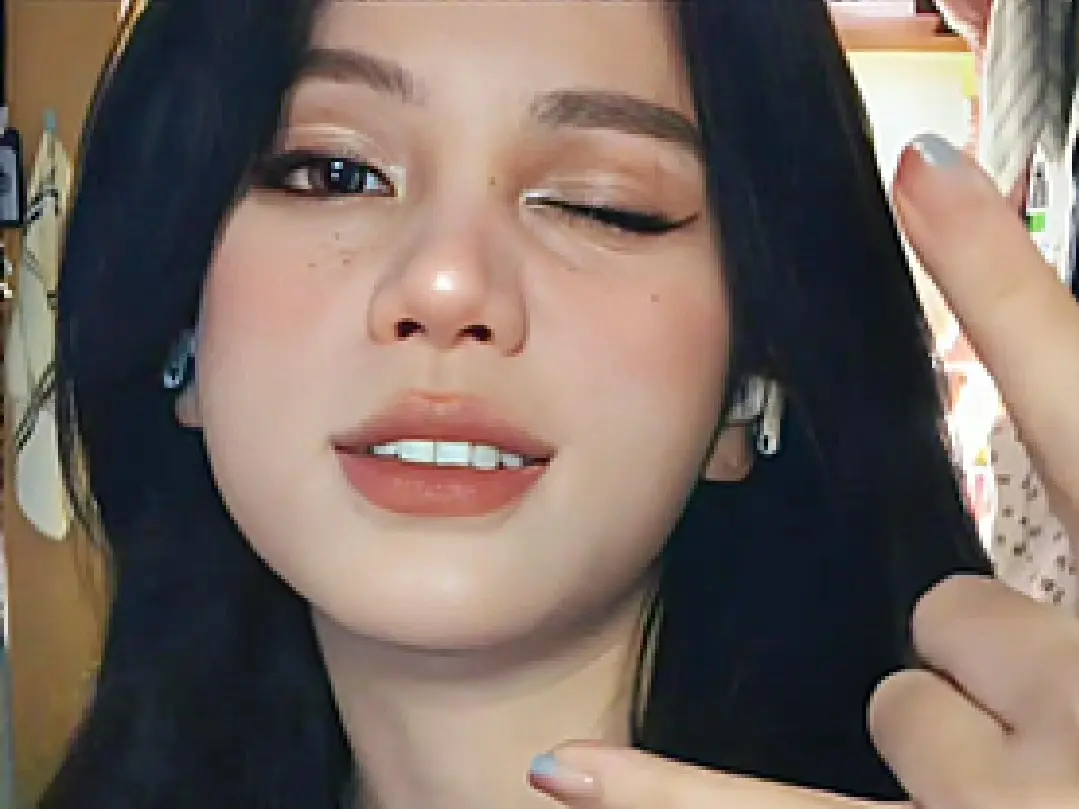
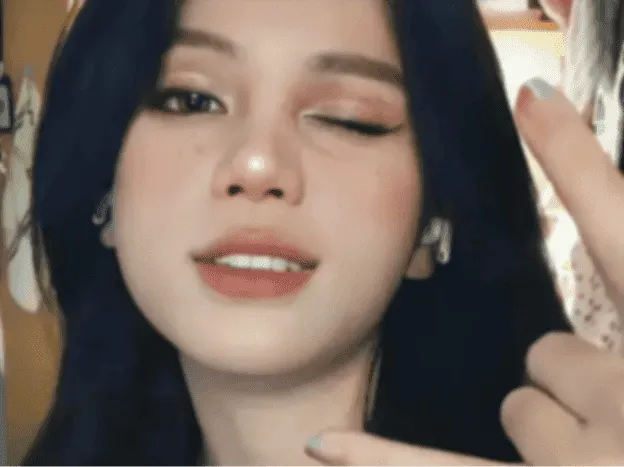
Turn small, compressed, or pixelated photos into clearer images. The AI image quality enhancer helps reduce blocky artifacts, sharpen fuzzy edges, and improve details in old downloads, mobile photos, screenshots, and low-resolution images. If your photo is mainly blurry rather than small, you can also try our sharpen image tool for focused blur repair.
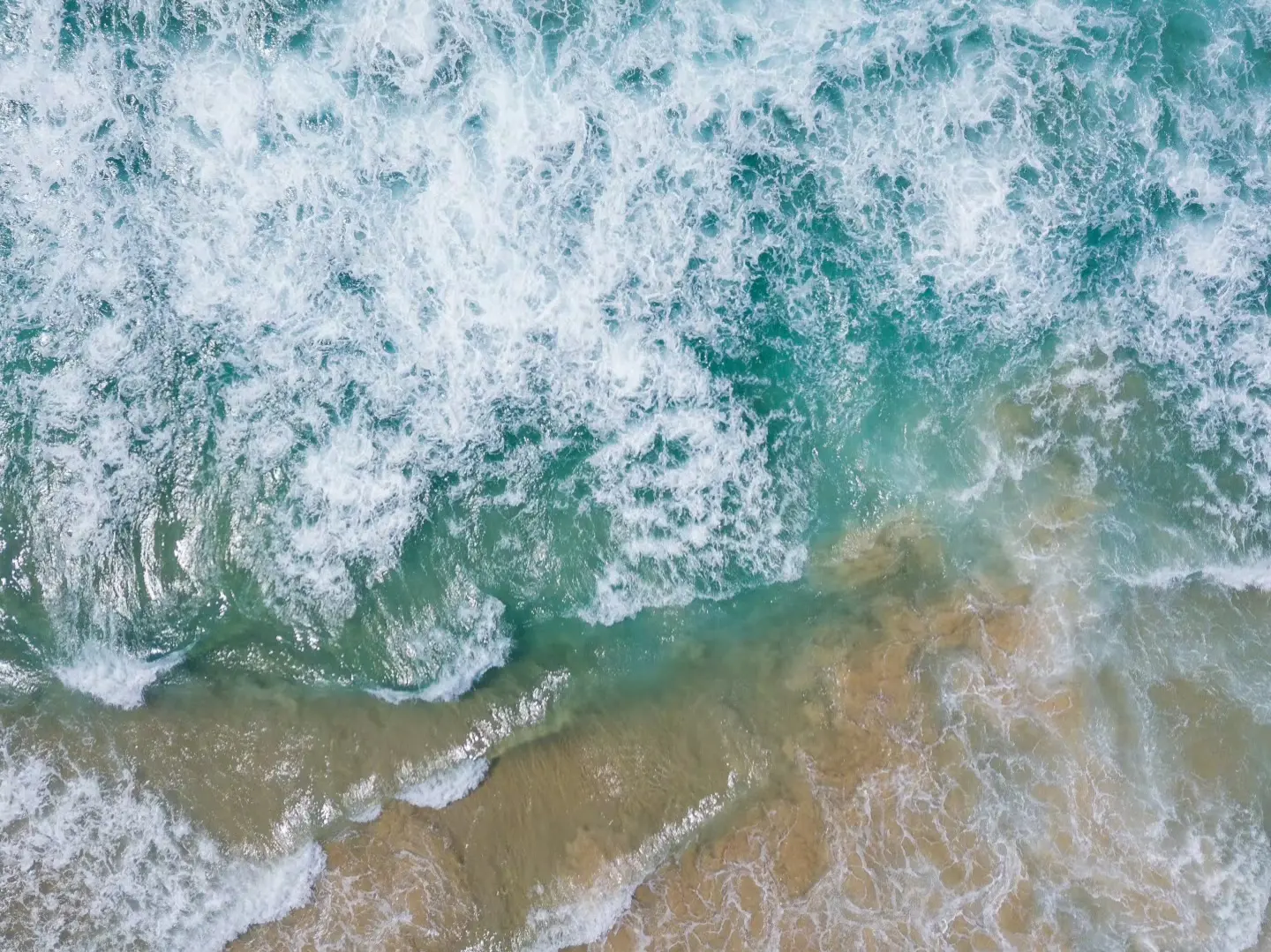
Need a larger version of a small logo, product photo, icon, screenshot, or graphic? This AI image enlarger helps increase image size while improving clarity, edge definition, and small visual details. It is useful for ecommerce sellers, designers, marketers, and anyone who needs cleaner visuals for online stores, ads, brand assets, product listings, or text-heavy images. If you need to enhance text in screenshots, labels, posters, or document photos, try our image text enhancer. For broader one-click photo improvement, you can also use our AI photo enhancer.
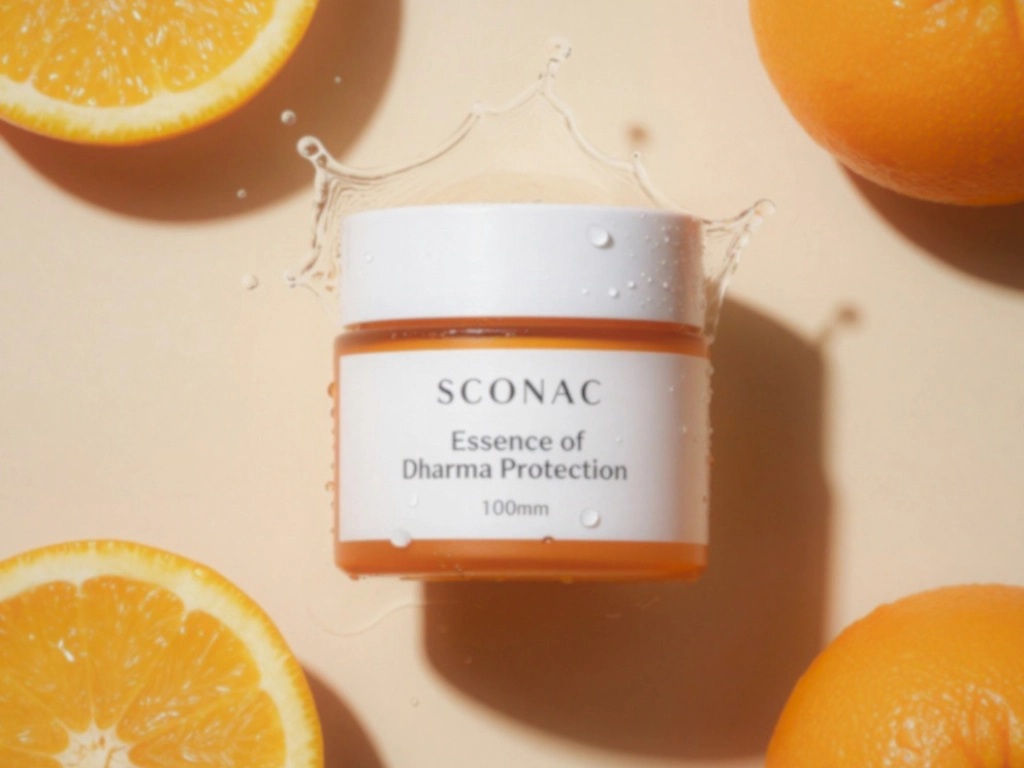
Improve portraits, selfies, profile photos, and family pictures with AI-powered detail enhancement. The upscaler helps make faces clearer, recover soft edges, and improve visible details such as hair, eyes, and skin texture without making the result look overly processed. For deeper face-focused clarity, pair this workflow with the AI sharpen image tool.
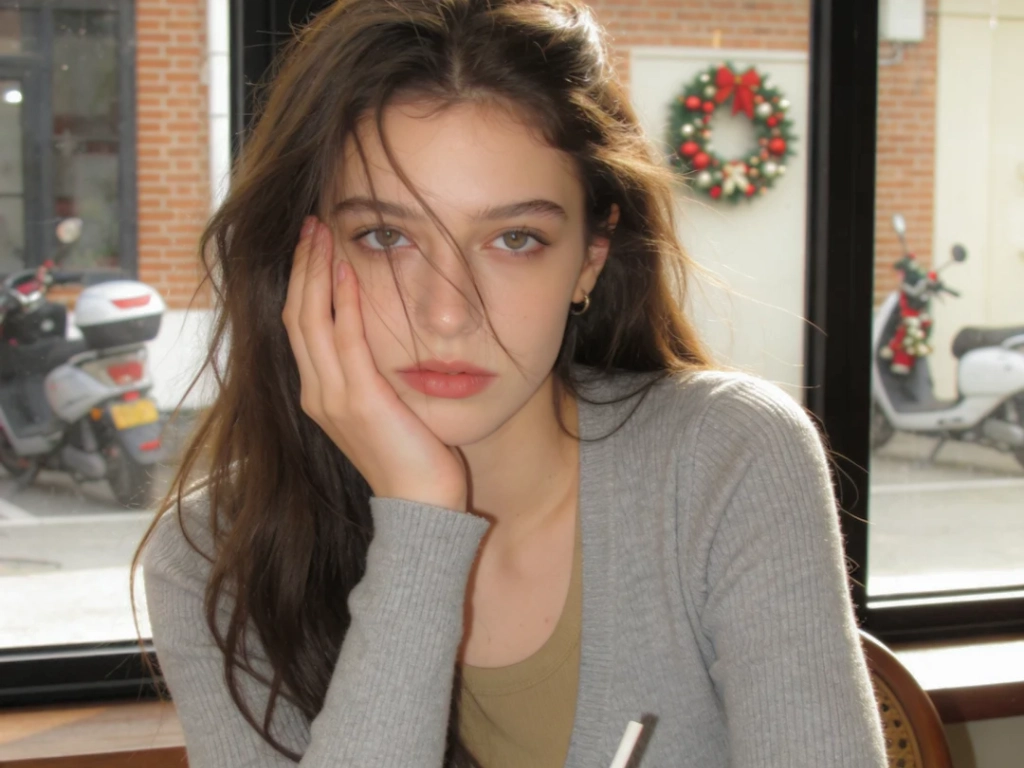
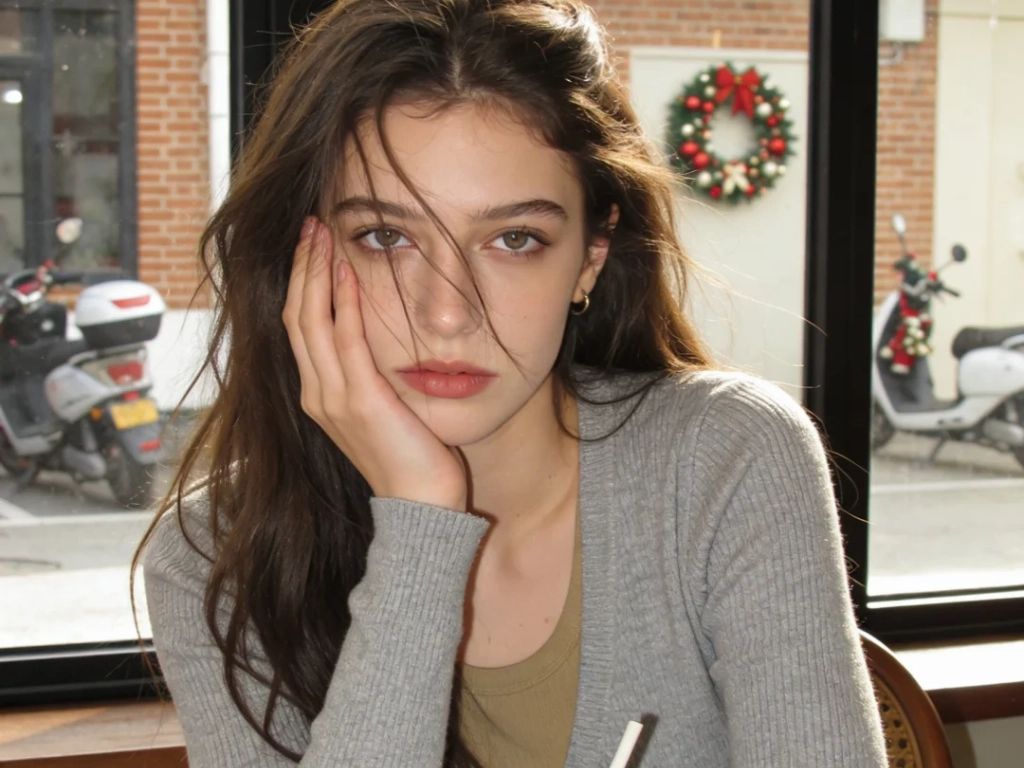
AI-generated images, anime art, wallpapers, and digital illustrations often look great but may be too small for publishing, printing, or large screens. Use the AI art upscaler to increase resolution, sharpen details, and prepare generated visuals for websites, posters, wallpapers, or social media. If you create visuals with our image to image AI generator or photo to anime tool, upscale the final result here for cleaner output.
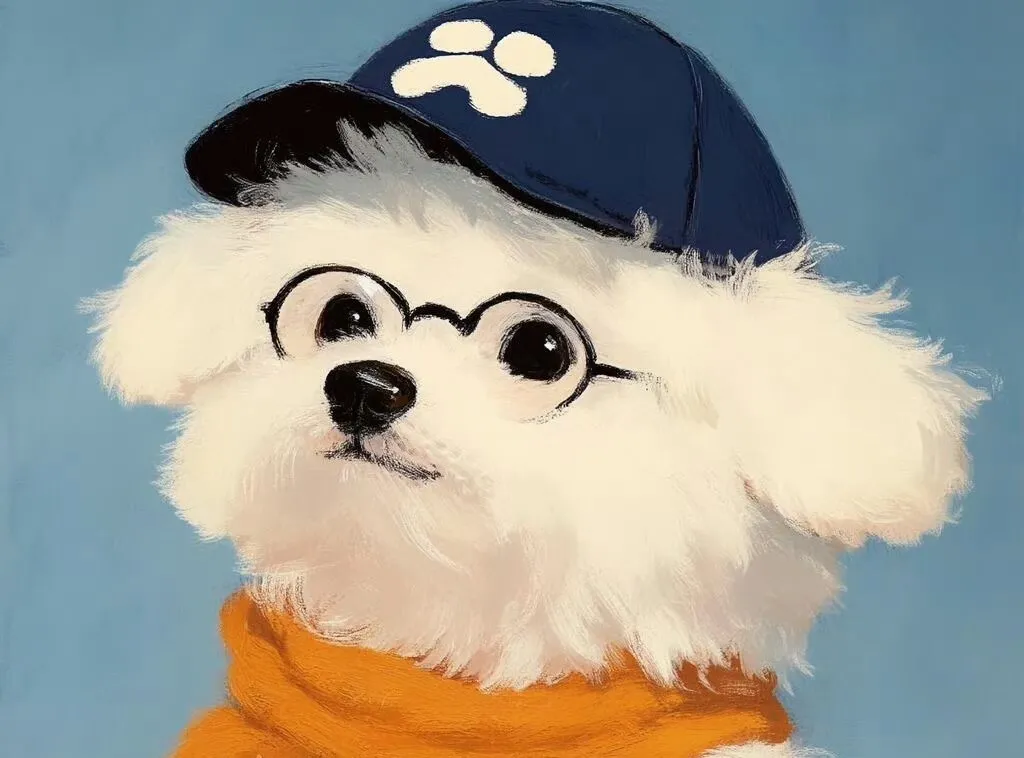
Prepare images for posters, banners, gallery prints, presentations, and large displays by increasing image resolution up to 16K. The AI image upscaler helps improve clarity and detail for large-format output, so photos and graphics remain cleaner when viewed at bigger sizes. For old printed photos, you may get better restoration results first with our old photo restoration tool.
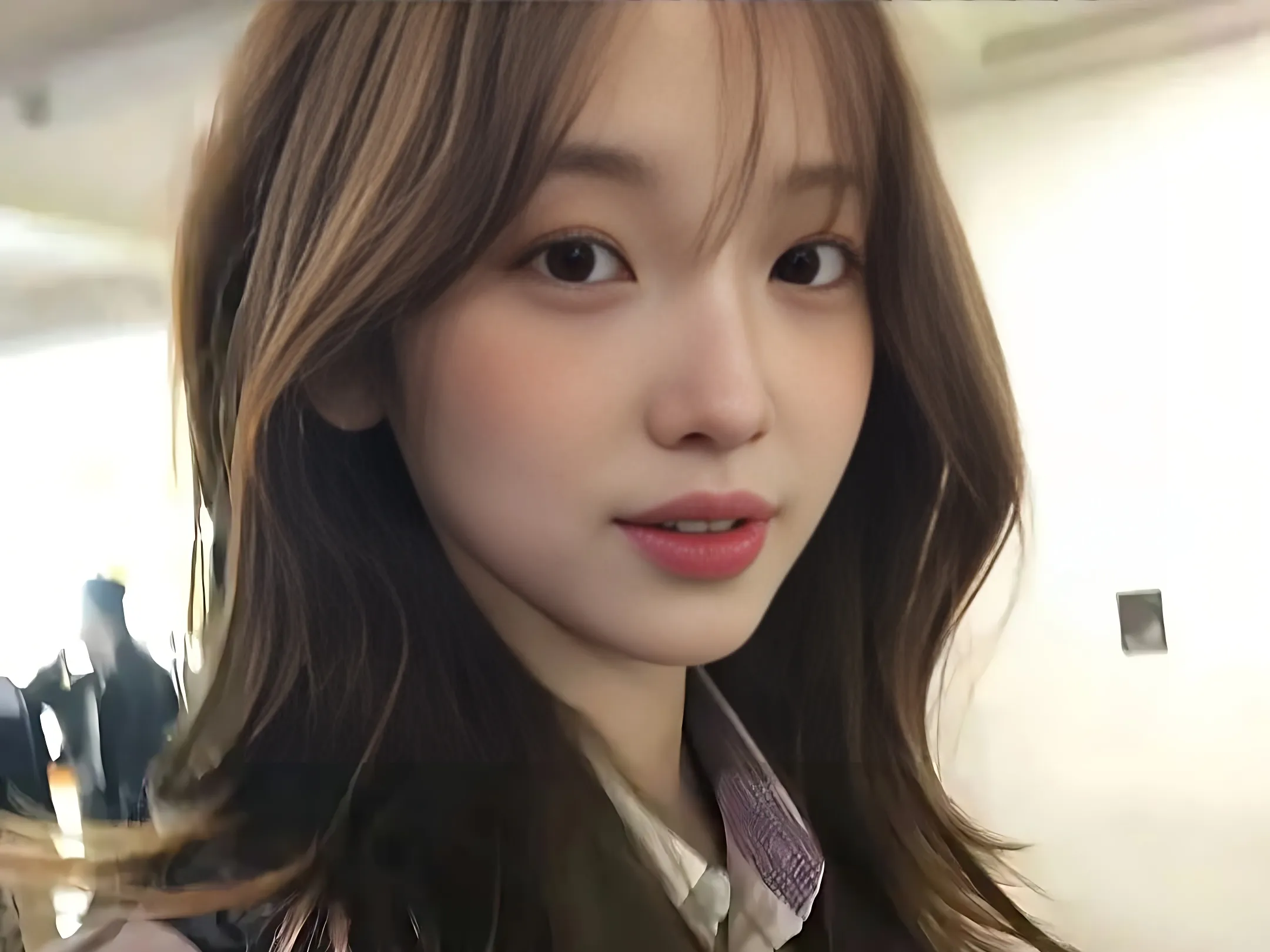
Increase image resolution for posters, flyers, banners, framed prints, and presentation boards. Upscaling helps make small photos more suitable for larger print sizes.
Improve product image clarity for Amazon, Shopify, Etsy, product catalogs, and ad creatives. Clearer images help customers inspect details before buying.
Turn small AI-generated artwork, anime images, wallpapers, and digital illustrations into higher-resolution visuals for sharing, printing, or display.
Make photos sharper and cleaner before posting on Instagram, Facebook, TikTok, Pinterest, or LinkedIn. For general social photo improvement, try the photo enhancer.
Improve small, grainy, or faded family photos by increasing resolution and enhancing visible details. For scratches, fading, and deeper repair, use old photo restoration.
Make small text in screenshots, scanned documents, labels, or interface images easier to read. For text-heavy images, use the dedicated image text enhancer.
Do not let low-resolution images limit your work. Increase image resolution, fix pixelated photos, and create clearer high-quality visuals with a free online AI image upscaler.
Choose a JPG, PNG, WebP, or HEIC image from your device. For best results, upload the clearest original file you have instead of a heavily compressed screenshot or social media download.
Select the output size or enhancement level you need, such as a standard enlargement, HD quality, 4K, 8K, or 16K, depending on how you plan to use the final image.
The AI image upscaler improves edges, textures, clarity, and resolution while helping reduce blur, noise, and pixelation. It works for photos, graphics, AI art, product images, portraits, and screenshots.
Check the before-and-after result, then download your clearer high-resolution image for printing, ecommerce, social media, presentations, websites, or design work.
Open the tool, upload your image, and start improving resolution online. You can test the AI image upscaler without installing software or creating an account.
Increase image resolution for larger screens, posters, banners, prints, and detailed digital use. Choose higher output when your project needs more pixels and cleaner details.
Improve portrait clarity, recover soft details, and make faces, hair, textures, and edges look cleaner while keeping the image natural.
Your images are processed securely. Uploaded files are handled according to our privacy policy, so you can upscale personal, product, and creative images with more confidence.
The AI image upscaler is designed to improve clarity while preserving original colors, lighting, and texture whenever possible.
Upscale images directly in your browser on Windows, Mac, iPhone, Android, tablets, or Chromebooks. No desktop software is required.
CONTACT US
How can we help you today?
Our Location
29 Mayflower Gardens, 31
Mayflower Place, Singapore 568894
How Can We Help?
Send us a Message
Please contact us directly by email.