CONTACT US
How can we help you today?
Our Location
29 Mayflower Gardens, 31
Mayflower Place, Singapore 568894
How Can We Help?
Send us a Message
Please contact us directly by email.
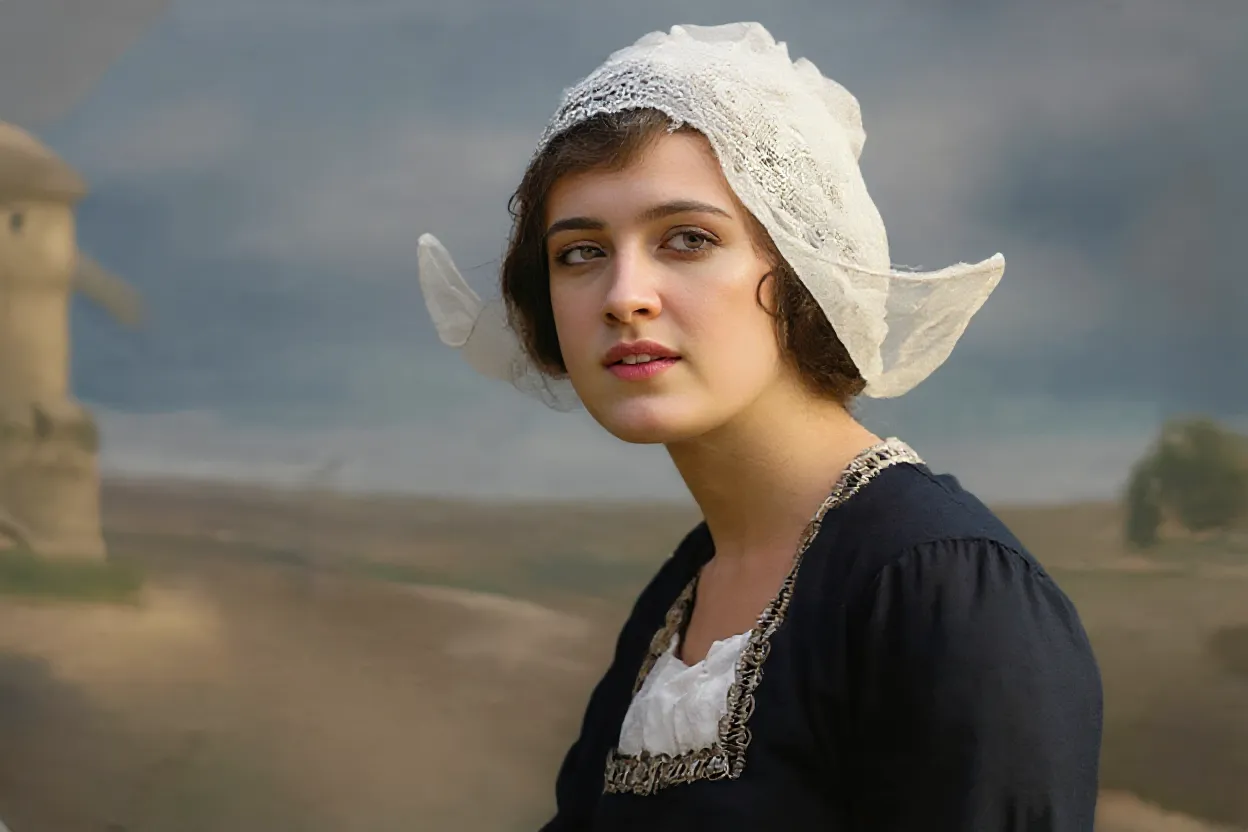
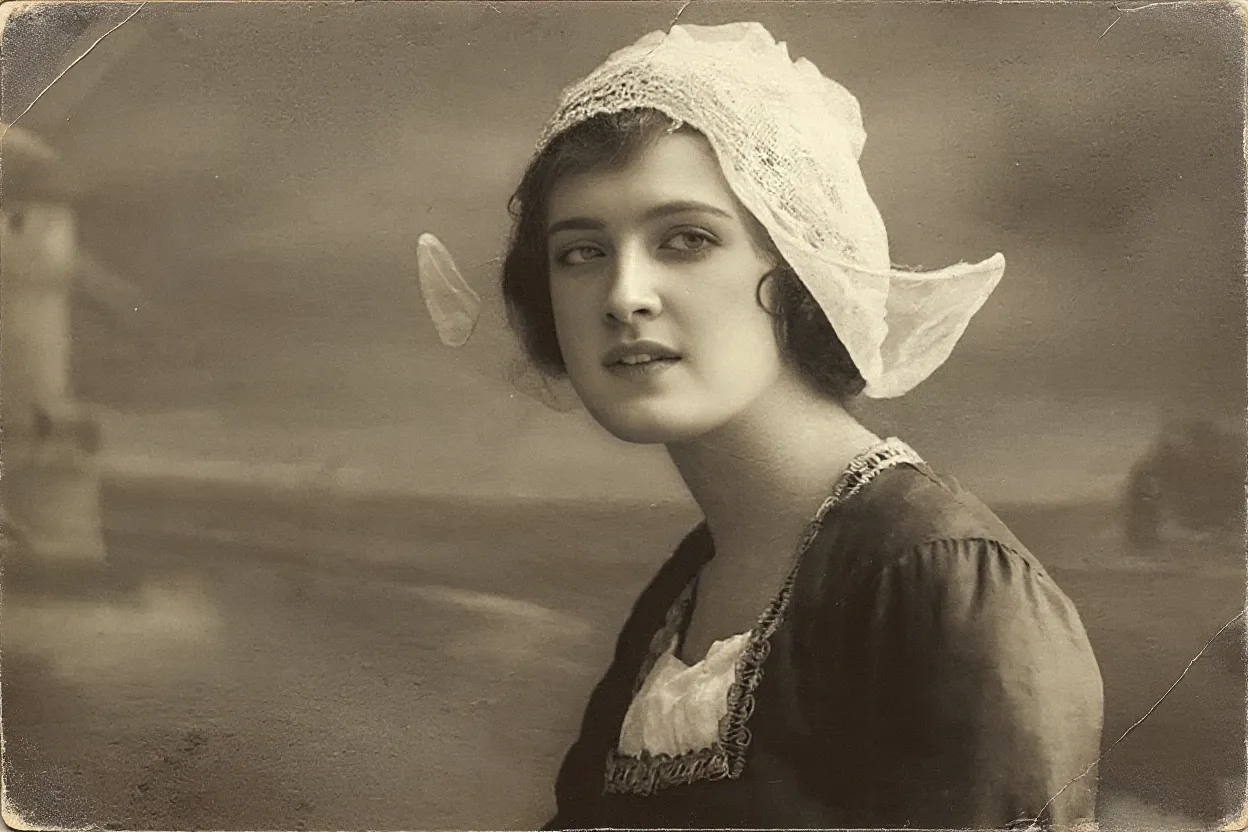
Upload to restore the old photos
Maximum 3 images allowed one time
Click or press Ctrl+V to upload an image. Uploading means you agree to our Terms of Use and Privacy Policy.


Time can make old photos look pale, yellowed, washed out, or low in contrast. Imgupscaler.ai helps restore faded photos by improving clarity, contrast, and visible detail while keeping the original mood of the picture. It is useful for family portraits, wedding photos, travel pictures, and vintage prints saved from old albums.
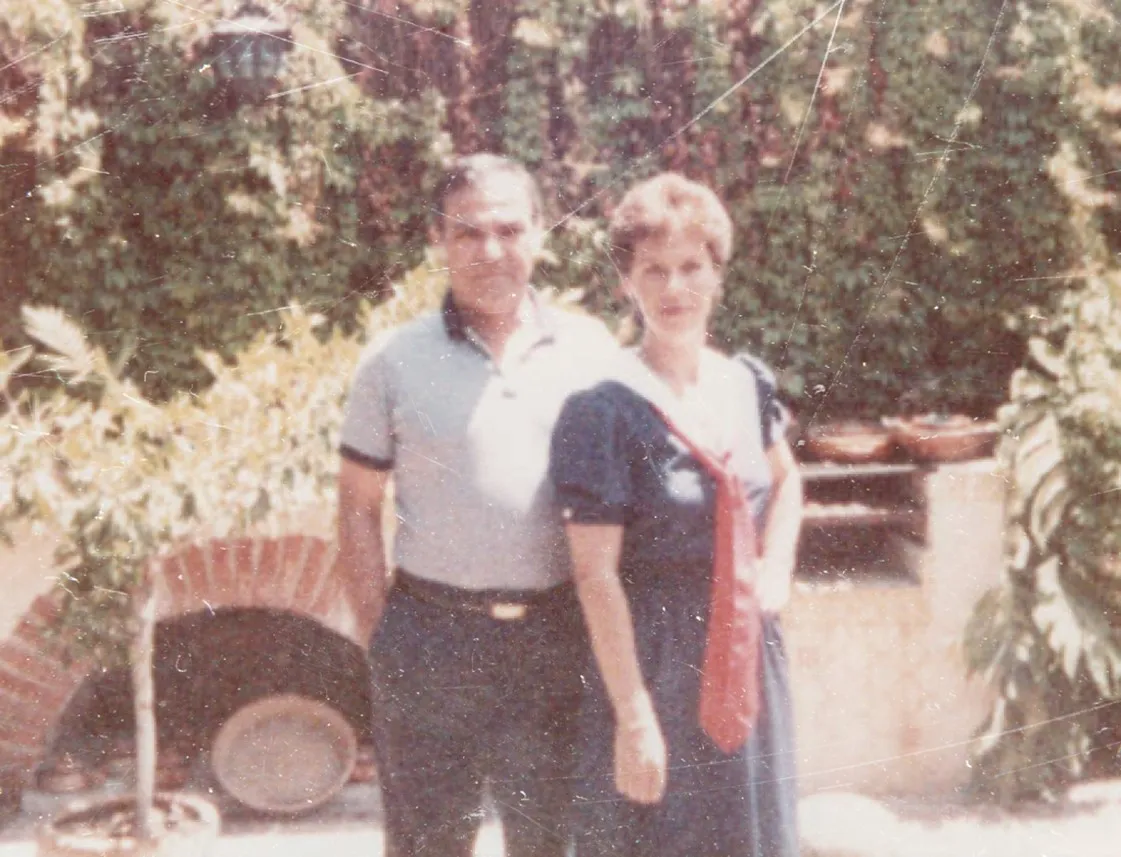
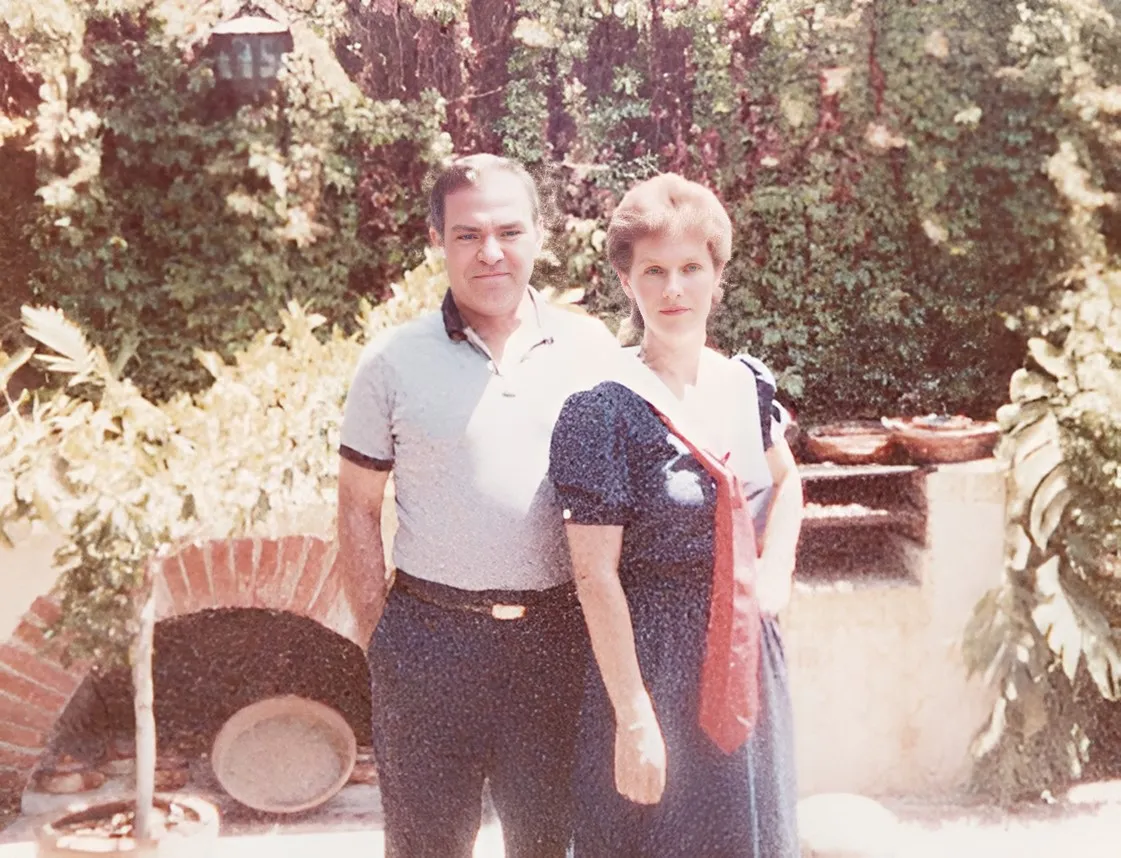
Old printed photos often carry scratches, cracks, stains, dust marks, fold lines, or small damaged areas. This AI photo restoration tool helps repair old photos by cleaning visible damage and rebuilding a more complete image. Results depend on the original file, but many common aging marks can be improved.
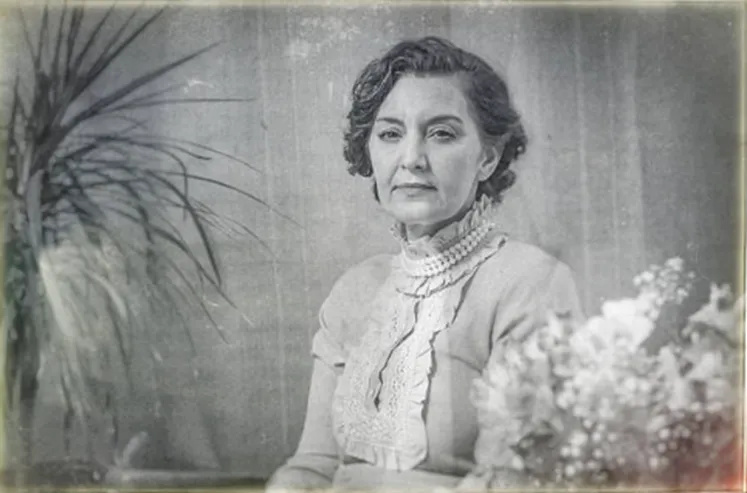
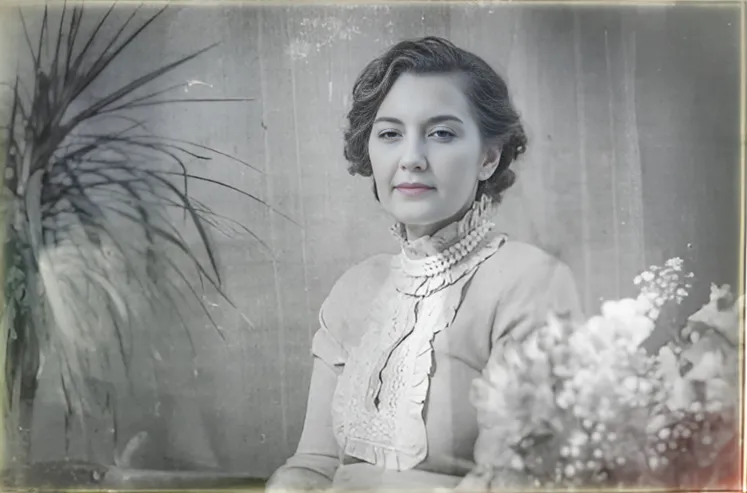
Faces are often the most important part of an old photo. Imgupscaler.ai helps make facial details easier to recognize in family portraits, ancestry pictures, school photos, wedding images, and old group shots. If a photo is heavily blurred by motion or focus issues, you can also try our Unblur Image tool.
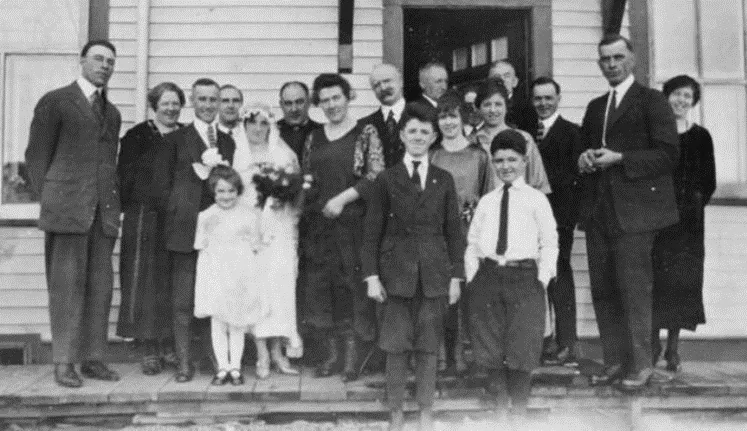
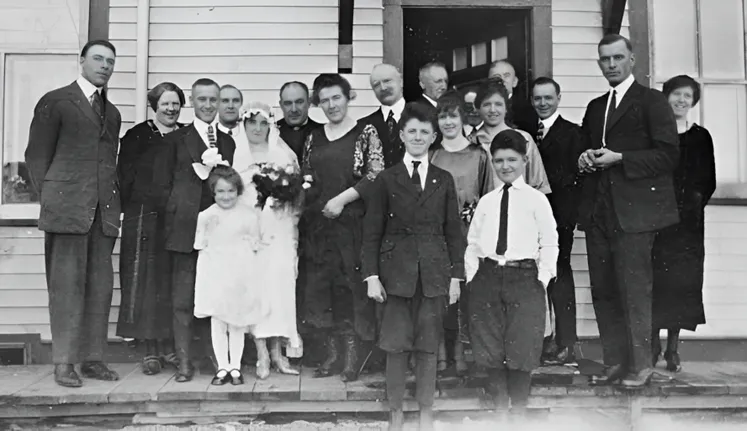
Old black-and-white photos can be restored as cleaner grayscale images, or you can add natural color when the memory calls for it. For dedicated colorization, use our Colorize Photo tool to add realistic tones to portraits, clothing, backgrounds, and vintage scenes.
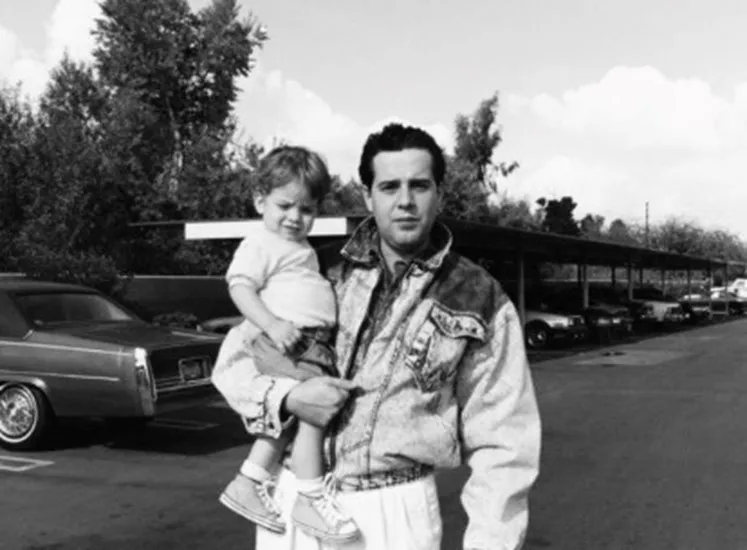
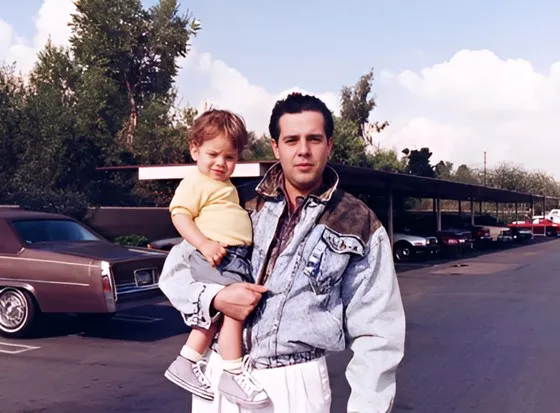
Scanned photos may look noisy, soft, or uneven because of low scan quality, dust, or compression. Imgupscaler.ai helps enhance old scanned photos while avoiding an overly smooth or artificial look. If the image mainly needs better lighting, color, and general quality, try our AI Photo Enhancer.
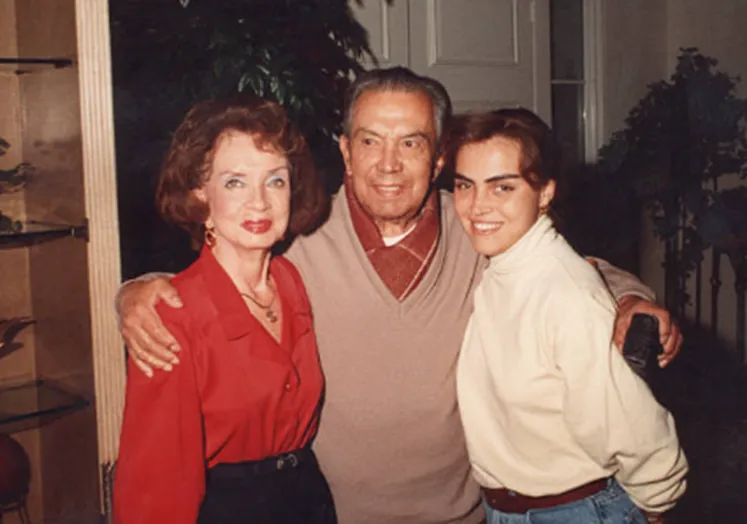
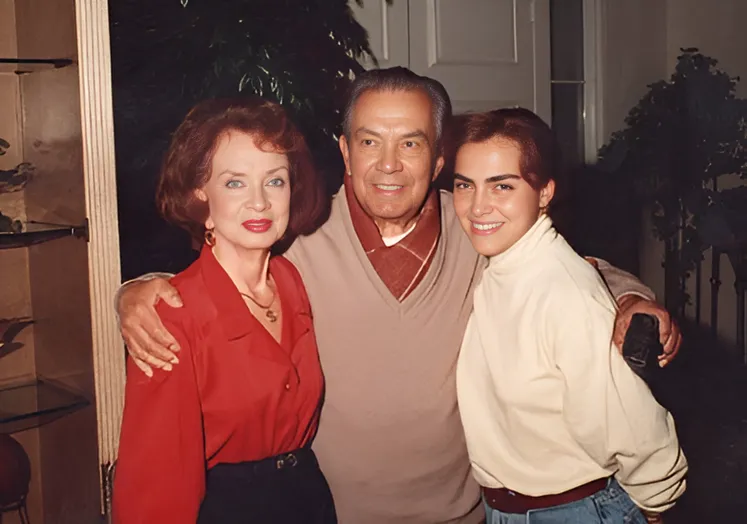
After restoring an old photo, you may want to print it, add it to a family album, frame it, or save it in a digital archive. Imgupscaler.ai helps create a cleaner restored version for sharing and preservation. If you need a larger output size, use our AI Image Upscaler to increase resolution.
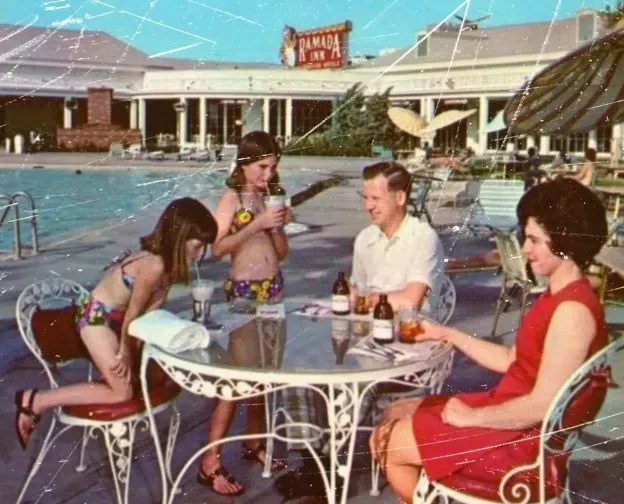
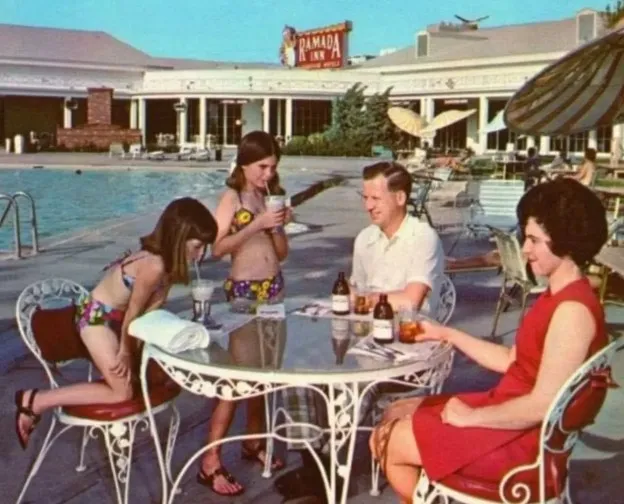
Repair old family portraits, wedding photos, childhood pictures, military photos, and ancestry images so faces and important details are easier to see and preserve.
Restore old photos before adding them to photo books, birthday gifts, memorial displays, framed prints, family slideshows, or anniversary albums.
Improve old scanned photos for school projects, local history collections, archive work, museum references, research materials, or documentary visuals.
Make vintage photos cleaner before posting them on family websites, genealogy pages, social media, community groups, or personal memory collections.
Restore faded and damaged photos before printing them for albums, posters, framed keepsakes, memorial boards, or home displays.
Turn fragile, aging, or damaged prints into cleaner digital copies before the original photo loses more detail over time.
Upload an old photo and create a cleaner restored version for family albums, printing, sharing, or long-term digital preservation.
Choose a faded, scratched, blurry, damaged, scanned, or black-and-white photo from your device. For best results, upload the highest-quality scan or original digital copy you have.
Imgupscaler.ai analyzes the photo and improves visible details, contrast, clarity, and damaged areas. It helps clean up aging marks while keeping the original memory recognizable.
Compare the before and after images. Check faces, clothing, backgrounds, scratches, stains, and overall photo quality to make sure the restored version feels natural.
Download the restored photo for albums, gifts, archives, or sharing. If needed, use Colorize Photo for black-and-white images, Sharpen Image for extra detail, or Image Upscaler for larger output.
Some old photos are the only copy you have of a person, place, or moment. Imgupscaler.ai helps make those fragile memories clearer and easier to preserve before more detail fades over time.
A restored photo should still feel like the same photo. The goal is to improve clarity, repair visible damage, and recover detail without making faces, clothing, or backgrounds look artificially redrawn.
Fading, scratches, dust, stains, cracks, low contrast, and soft details often appear together in old prints. Imgupscaler.ai helps improve these common problems in one simple online workflow.
Family photos matter because of the people in them. AI restoration can help make faces, eyes, clothing, backgrounds, and small details easier to see, especially in scanned or faded pictures.
Use the restored image in a family album, memorial display, genealogy project, framed print, digital archive, or social post. A cleaner photo is easier to share and more meaningful to keep.
Use Old Photo Restoration for aging and damage. Use Colorize Photo for black-and-white colorization, Unblur Image for motion blur, and Sharpen Image for crisper edges.
Emily R.
Family Archivist
I restored a faded wedding photo of my grandparents. The faces became much clearer, but the photo still felt like the original memory.
Rajiv P.
Genealogy Researcher
I used it on several scanned family photos from old albums. It cleaned up fading and scratches enough for my ancestry project.
Marta S.
Designer
I needed to prepare vintage photos for a printed family book. The restored images looked cleaner without losing their old-photo character.
Lucas T.
Content Creator
The tool helped me restore old historical images for a video project. It saved time and made the photos easier to use.
CONTACT US
How can we help you today?
Our Location
29 Mayflower Gardens, 31
Mayflower Place, Singapore 568894
How Can We Help?
Send us a Message
Please contact us directly by email.