CONTACT US
How can we help you today?
Our Location
29 Mayflower Gardens, 31
Mayflower Place, Singapore 568894
How Can We Help?
Send us a Message
Please contact us directly by email.
I-edit ang video gamit ang AI sa pamamagitan ng pag-describe sa result na gusto mo sa plain text. Mag-request ng bagong visual style, smoother motion, ibang atmosphere, o cleaner shot, pagkatapos ay bumuo ng revised clip mula sa uploaded footage.
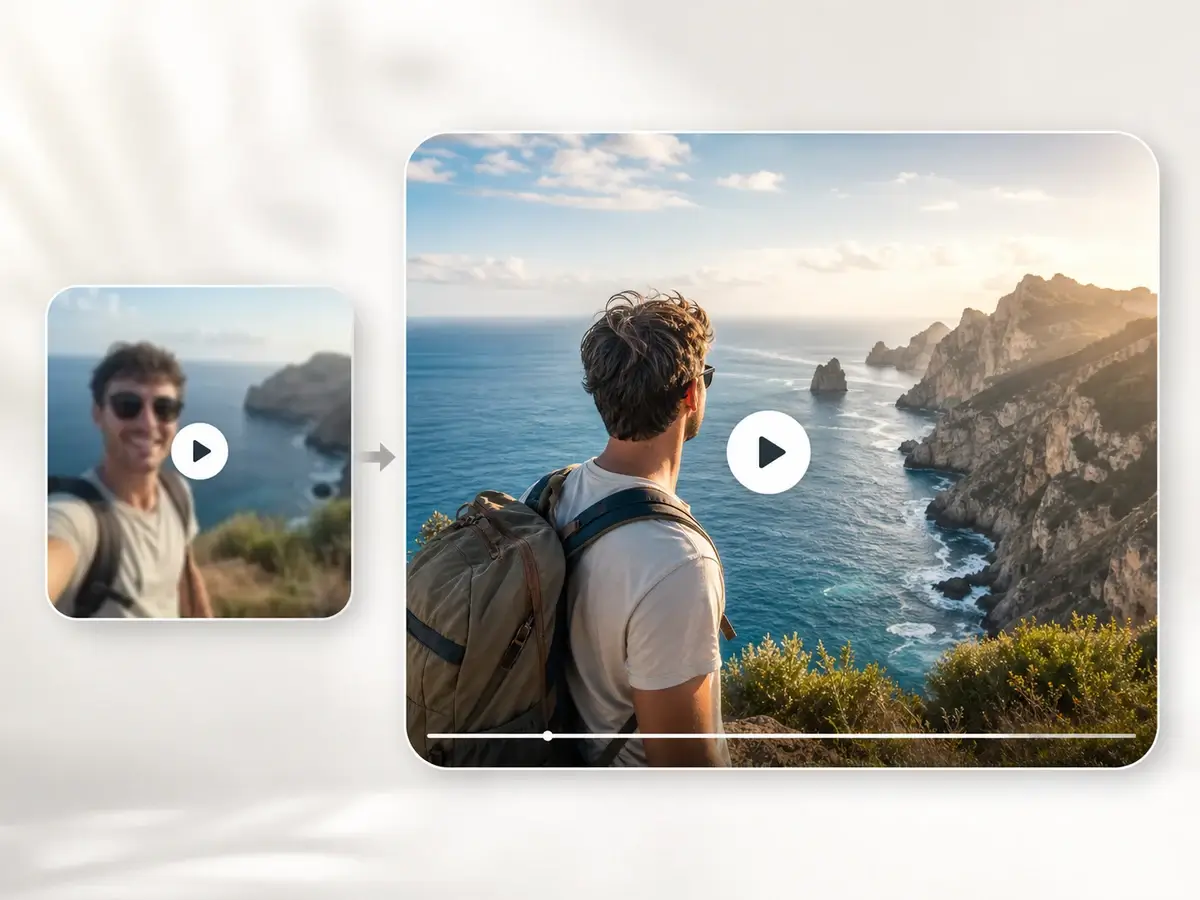
Magsimula mula sa real clip imbes na blank prompt. Ang video sa video AI workflow ay panatilihin ang source footage bilang base habang pinapayagan kang i-transform ang color, setting, mood, camera feel, at visual direction.
I-polish ang product clips, creator footage, social hooks, campaign drafts, at concept videos. Para sa from-scratch creation, gamitin ang AI video generator; para sa still-image motion, gamitin ang larawan sa video.
Subukan ang AI video editor online free na may malinaw na credit information bago mag-generate. Upload, prompt, preview, at download sa browser kapag kailangan ng mabilis na creative edits para sa reviews, experiments, o lightweight production.
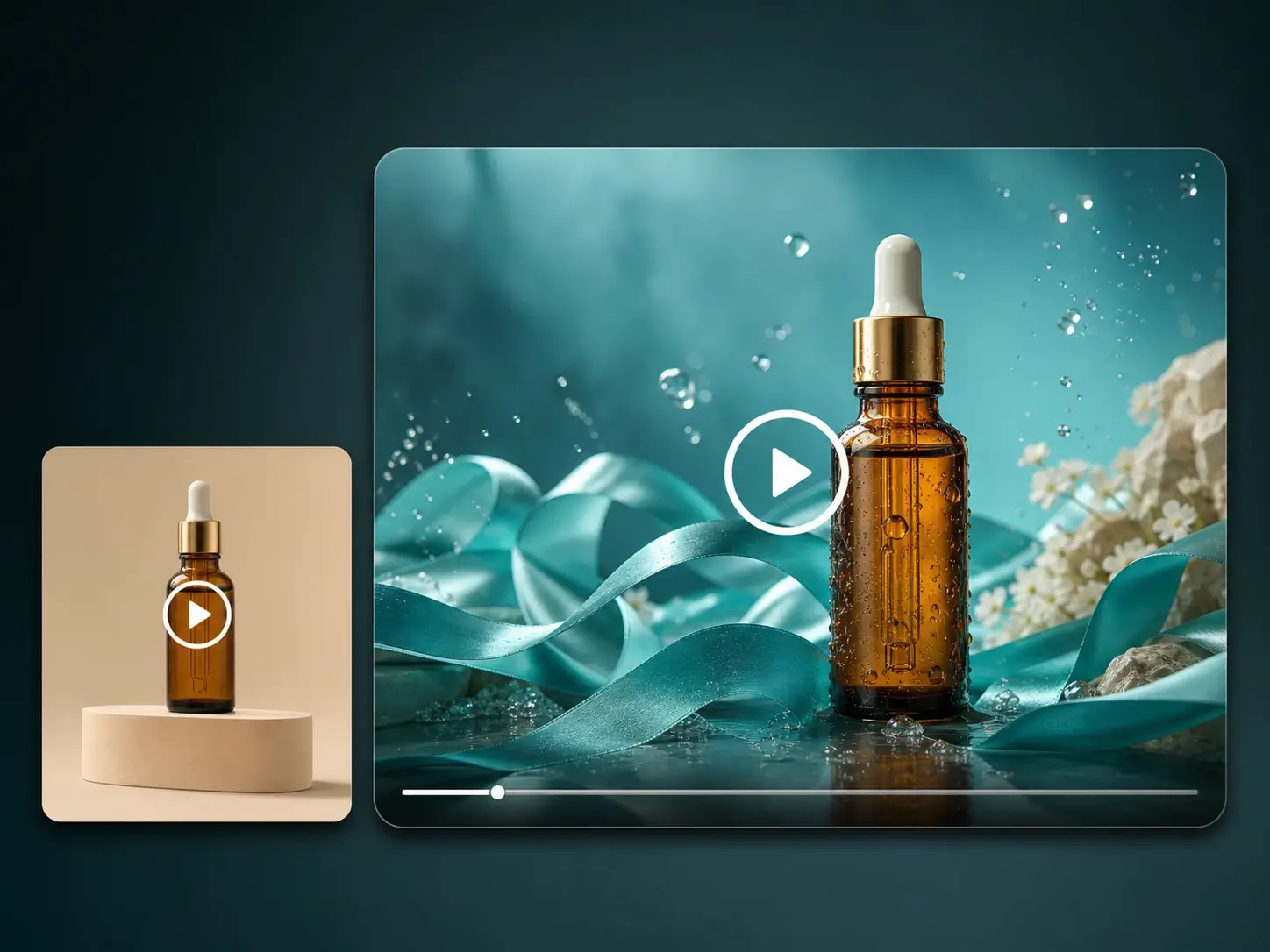
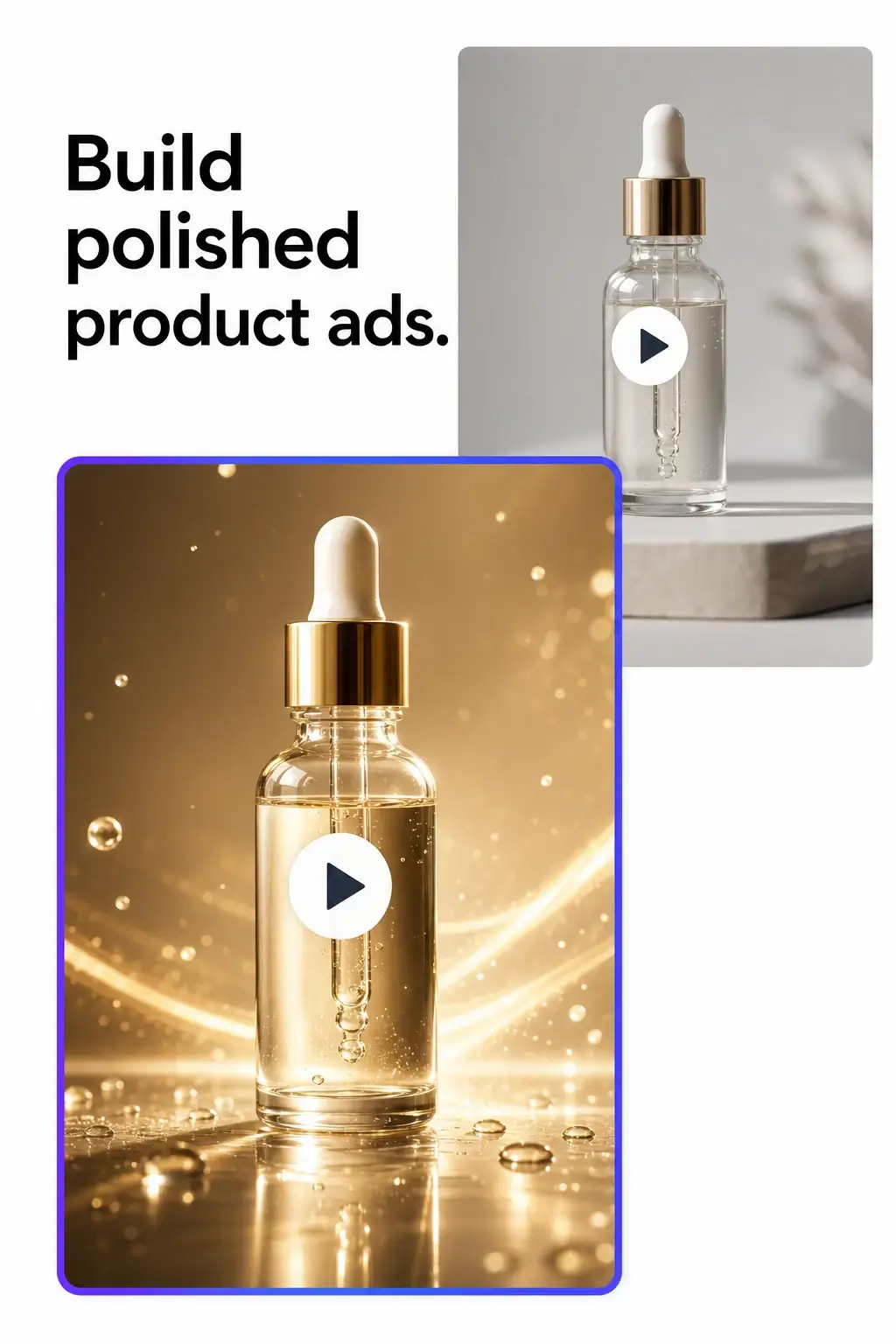
I-change ang lighting, scene mood, background feel, at motion style para subukan ang product video directions bago mag-commission ng bagong shoot.
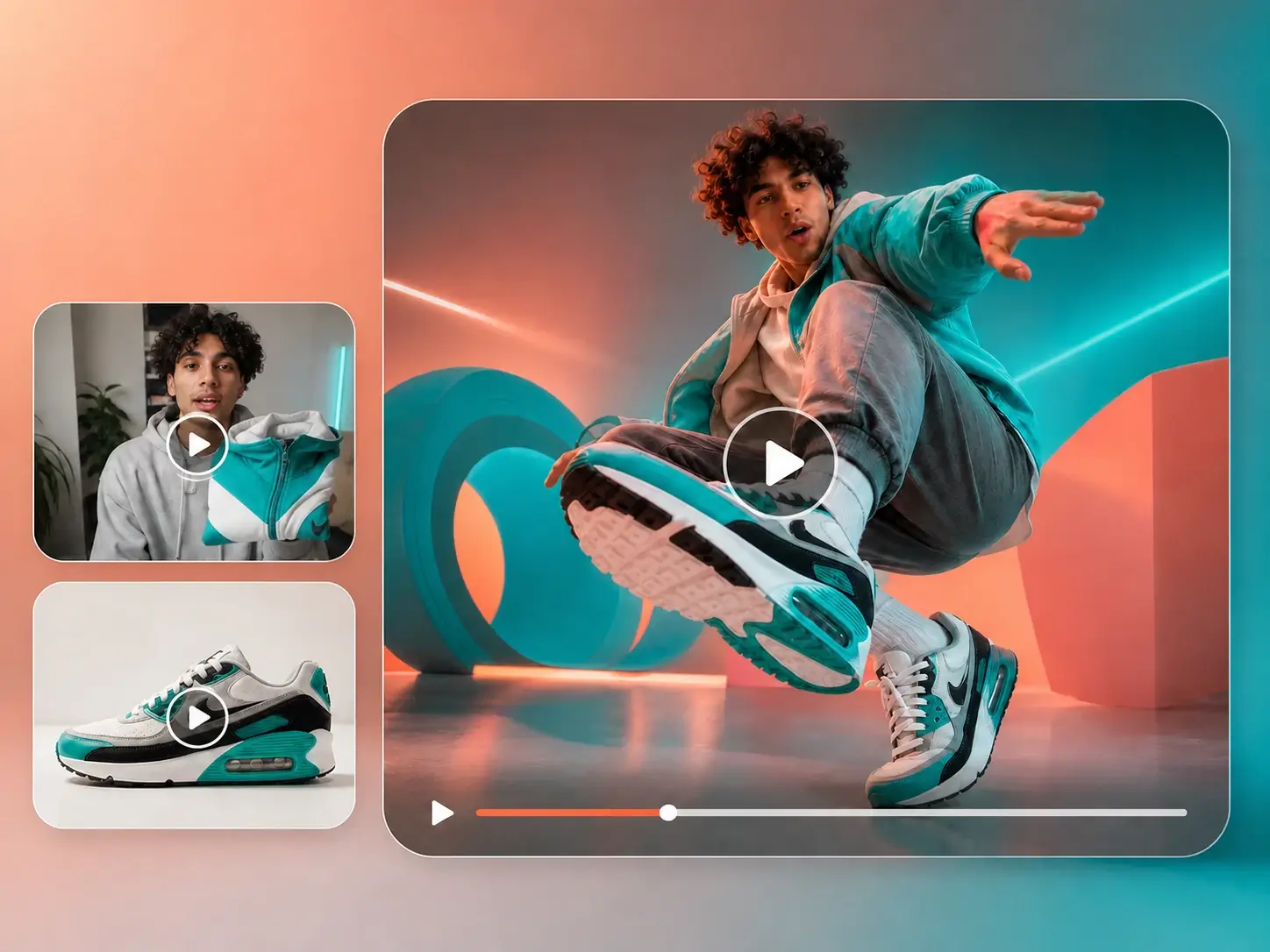
I-refine ang short clips para sa TikTok, Reels, Shorts, at story posts gamit ang AI video editing na tumutulong sa content na maging sharper at mas campaign-ready.
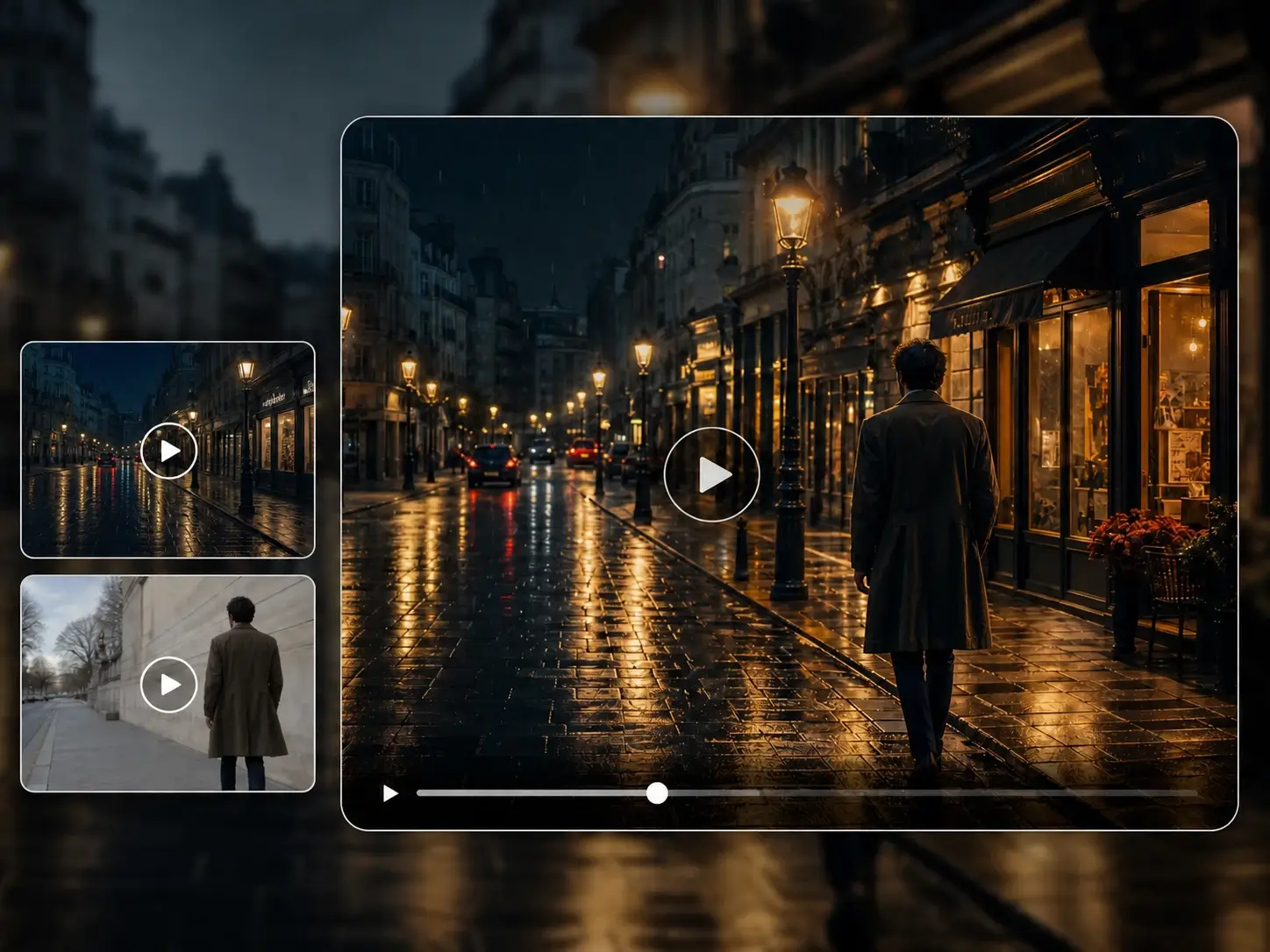
I-turn ang ordinary footage sa cinematic, editorial, cozy, futuristic, dramatic, o branded looks sa pamamagitan ng pag-describe ng bagong style sa text prompt.
Gamitin ang AI edit video prompts para mag-explore ng iba't ibang versions ng same clip para sa pitches, storyboards, client approvals, at internal reviews.
Hayaan ang AI na adjust ang scene details, refine ang visual direction, o reshape ang clip habang panatilihin ang original video bilang starting point.
Magsimula mula sa rough footage patungo sa mas malakas na visual direction nang mas mabilis, lalo na kapag ang team ay kailangan ng mas maraming options bago pumili ng final edit.
Gamitin ang ImgUpscaler AI video editor para i-edit ang videos gamit ang text prompts. Restyle ang footage, reshape ang scenes, adjust ang motion, at bumuo ng bagong video-to-video AI drafts para sa ads, social posts, concepts, at creative reviews.
Idagdag ang source video na gusto mong i-edit. Ang maikli, malinaw na clips na may visible subjects ay karaniwan nagbibigay ng mas useful visual context sa AI video editor.
I-describe ang bagong style, scene, motion, lighting, mood, o detail changes. Maging specific kung ano ang dapat magbago at kung ano ang dapat manatili consistent.
Pumili ng generation route, length, resolution, at aspect ratio na akma sa edited result na kailangan para sa social, ads, websites, o review.
Simulan ang AI video editing task, sundan ang progress, i-preview ang edited clip, at i-download ang result kapag ready ang video.
Ang page ay nagsisimula sa video editing mode, kaya ang uploaded footage ay nananatili central sa workflow at ang model ay nag-edit mula sa real source video.
Gamitin ang natural language para ipaliwanag ang edit na gusto mo, mula sa style changes hanggang atmosphere, motion, lighting, at scene direction.
Bumuo ng alternate looks at directions nang mabilis bago mag-commit sa production, reshoots, manual editing, o full campaign rollout.
Upload, prompt, generate, preview, at download sa isang browser workflow. Walang complex editing software setup na kailangan para sa quick AI video editing.
Ang marketers, founders, designers, at creators ay maaari mag-test ng visual directions, mag-share ng drafts, at mag-compare ng prompt-based edits sa creative review.
Ang required credits ay ipinapakita bago mag-generate, kaya maaari mong maunawaan ang cost ng bawat free AI video editor trial o paid editing task.
Nora M.
Creative Producer
Ang prompt-based editing ay tumutulong sa amin na mag-explore ng style directions bago kami mag-pass ng footage sa production team. Nagiging mas mabilis ang creative review.
Ethan R.
Ecommerce Marketer
Maaari akong mag-upload ng product clip at mag-test ng mas premium mood na walang pag-arrange ng ibang shoot. Mabuti ito para sa early ad concepts.
Priya D.
Social Content Lead
Ang AI video editor ay maganda para sa pag-turn ng rough short clips sa cleaner directions para sa Reels, Shorts, at campaign experiments.
CONTACT US
How can we help you today?
Our Location
29 Mayflower Gardens, 31
Mayflower Place, Singapore 568894
How Can We Help?
Send us a Message
Please contact us directly by email.